CNCF Projects
Kubernetes v1.36: Staleness Mitigation and Observability for Controllers
Staleness in Kubernetes controllers is a problem that affects many controllers, and is something may affect controller behavior in subtle ways. It is usually not until it is too late, when a controller in production has already taken incorrect action, that staleness is found to be an issue due to some underlying assumption made by the controller author. Some issues caused by staleness include controllers taking incorrect actions, controllers not taking action when they should, and controllers taking too long to take action. I am excited to announce that Kubernetes v1.36 includes new features that help mitigate staleness in controllers and provide better observability into controller behavior.
What is staleness?
Staleness in controllers comes from an outdated view of the world inside of the controller cache. In order to provide a fast user experience, controllers typically maintain a local cache of the state of the cluster. This cache is populated by watching the Kubernetes API server for changes to objects that the controller cares about. When the controller needs to take action, it will first check its cache to see if it has the latest information. If it does not, it will then update its cache by watching the API server for changes to objects that the controller cares about. This process is known as reconciliation.
However, there are some cases where the controller's cache may be outdated. For example, if the controller is restarted, it will need to rebuild its cache by watching the API server for changes to objects that the controller cares about. During this time, the controller's cache will be outdated, and it will not be able to take action. Additionally, if the API server is down, the controller's cache will not be updated, and it will not be able to take action. These are just a few examples of cases where the controller's cache may be outdated.
Improvements in 1.36
Kubernetes v1.36 includes improvements in both client-go as well as implementations of highly contended controllers in kube-controller-manager, using those client-go improvements.
client-go improvements
In client-go, the project added atomic FIFO processing (feature gate
name AtomicFIFO), which is on top of the existing FIFO queue implementation. The new approach allows for
the queue to atomically handle operations that are recieved in batches, such as the initial set of objects from a
list operation that an informer uses to populate its cache. This ensures that the queue is always in a consistent state,
even when events come out of order. Prior to this, events were added to the queue
in the order that they were received, which could lead to an inconsistent state in the cache that does not accurately reflect
the state of the cluster.
With this change, you can now ensure that the queue is always in a consistent state, even when events come out of order. To take
advantage of this, clients using client-go can now introspect into the cache to determine the latest resource version that the
controller cache has seen. This is done with the newly added function LastStoreSyncResourceVersion() implemented on the Store
interface here. This function is the basis for the staleness mitigation
features in kube-controller-manager.
kube-controller-manager improvements
In kube-controller-manager, the v1.36 release has added the ability for 4 different controllers to use this new capability. The controllers are:
- DaemonSet controller
- StatefulSet controller
- ReplicaSet controller
- Job controller
These controllers all act on pods, which in most cases are under the highest amount of contention in a cluster. The changes are
on by default for these controllers, and can be disabled by setting the feature gates StaleControllerConsistency<API type>
to false for the specific controller you wish to disable it for. For example, to disable the feature for the DaemonSet controller,
you would set the feature gate StaleControllerConsistencyDaemonSet to false.
When the relevant feature gate is enabled, the controller will first check the latest resource version of the cache before taking action. If the latest resource version of the cache is lower than what the controller has written to the API server for the object it is trying to reconcile, the controller will not take action. This is because the controller's cache is outdated, and it does not have the latest information about the state of the cluster.
Use for informer authors
Informer authors using client-go can also immediately take advantage of these improvements. See an example of how to use this feature
in the ReplicaSet informer. This PR shows how to use the new feature to check
if the informer's cache is stale before taking action. The client-go library provides a ConsistencyStore data structure that queries the store
and compares the latest resource version of the cache with the written resource version of the object.
The ReplicaSet controller tracks both the ReplicaSet's resource version and the resource version of the pods that the ReplicaSet manages. For a specific ReplicaSet, it tracks the latest written resource version of the pods that the ReplicaSet owns as well as any writes to the ReplicaSet itself. If the latest resource version of the cache is lower than what the controller has written to the API server for the object it is trying to reconcile, the controller will not take action. This is because the controller's cache is outdated, and it does not have the latest information about the state of the cluster.
An informer author can use the ConsistencyStore to track the latest resource version of the objects that the informer cares about.
It provides 3 main functions:
type ConsistencyStore interface {
 // WroteAt records that the given object was written at the given resource version.
 WroteAt(owningObj runtime.Object, uid types.UID, groupResource schema.GroupResource, resourceVersion string)

 // EnsureReady returns true if the cache is up to date for the given object.
 // It is used prior to reconciliation to decide whether to reconcile or not.
 EnsureReady(namespacedName types.NamespacedName) bool

 // Clear removes the given object from the consistency store.
 // It is used when an object is deleted.
 Clear(namespacedName types.NamespacedName, uid types.UID)
}
WroteAt: This function is called by the controller when it writes to the API server for an object. It is used to record the latest resource version of the object that the controller has written to the API server. TheowningObjis the object that the controller is reconciling, and theuidis the UID of that object. The resource version and GroupResource are the resource version and GroupResource of the object that the controller has written to the API server. The object is not explicitly tracked, since the controller only cares about waiting to catch up to the latest resource version of the written object.EnsureReady: This function is called by the controller to ensure that the cache is up to date for the object. It is used prior to reconciliation to decide whether to reconcile or not. It returns true if the cache is up to date for the object, and false otherwise. It will use the information provided byWroteAtto determine if the cache is up to date.Clear: This function is called by the controller when an object is deleted. It is used to remove the object from the consistency store. This is mostly used for cleanup when an object is deleted to prevent the consistency store from growing indefinitely.
The UID is used to distinguish between different objects that have the same name, such as when an object is deleted and then recreated. It is not needed for EnsureReady because the consistency store is only concerned with catching up to the latest resource version of the object, not the specific object. It is primarily used to ensure that the controller doesn't delete the entry for an object when it is recreated with a new UID.
With these 3 functions, an informer author can implement staleness mitigation in their controller.
Observability
In addition to the staleness mitigation features, the Kubernetes project has also added related instrumentation to kube-controller-manager in 1.36. These metrics are also enabled by default, and are controlled using the same set of feature gates.
Metrics
The following alpha metrics have been added to kube-controller-manager in 1.36:
stale_sync_skips_total: The number of times the controller has skipped a sync due to stale cache. This metric is exposed
for each controller that uses the staleness mitigation feature with the subsystem of the controller.
This metric is exposed by the kube-controller-manager metrics endpoint, and can be used to monitor the health of the controller.
Along with this metric, client-go also emits metrics that expose the latest resource version of every shared informer with the subsystem of the informer. This allows you to see the latest resource version of each informer, and use that to determine if the controller's cache is stale, especially great for comparing against the resource version of the API server.
This metric is named store_resource_version and has the Group, Version, and Resource as labels.
What's next?
Kubernetes SIG API Machinery is excited to continue working on this feature and hope to bring it to more controllers in the future. We are also interested in hearing your feedback on this feature. Please let us know what you think in the comments below or by opening an issue on the Kubernetes GitHub repository.
We are also working with controller-runtime to enable this set of semantics for all controllers built with controller-runtime. This will allow any controller built with controller-runtime to gain the benefits of read your own writes, without having to implement the logic themselves.
Kubernetes v1.36: Mutable Pod Resources for Suspended Jobs (beta)
Kubernetes v1.36 promotes the ability to modify container resource requests and limits in the pod template of a suspended Job to beta. First introduced as alpha in v1.35, this feature allows queue controllers and cluster administrators to adjust CPU, memory, GPU, and extended resource specifications on a Job while it is suspended, before it starts or resumes running.
Why mutable pod resources for suspended Jobs?
Batch and machine learning workloads often have resource requirements that are not precisely known at Job creation time. The optimal resource allocation depends on current cluster capacity, queue priorities, and the availability of specialized hardware like GPUs.
Before this feature, resource requirements in a Job's pod template were immutable once set. If a queue controller like Kueue determined that a suspended Job should run with different resources, the only option was to delete and recreate the Job, losing any associated metadata, status, or history. This feature also provides a way to let a specific Job instance for a CronJob progress slowly with reduced resources, rather than outright failing to run if the cluster is heavily loaded.
Consider a machine learning training Job initially requesting 4 GPUs:
apiVersion: batch/v1
kind: Job
metadata:
 name: training-job-example-abcd123
 labels:
 app.kubernetes.io/name: trainer
spec:
 suspend: true
 template:
 metadata:
 annotations:
 kubernetes.io/description: "ML training, ID abcd123"
 spec:
 containers:
 - name: trainer
 image: example-registry.example.com/training:2026-04-23T150405.678
 resources:
 requests:
 cpu: "8"
 memory: "32Gi"
 example-hardware-vendor.com/gpu: "4"
 limits:
 cpu: "8"
 memory: "32Gi"
 example-hardware-vendor.com/gpu: "4"
 restartPolicy: Never
A queue controller managing cluster resources might determine that only 2 GPUs are available. With this feature, the controller can update the Job's resource requests before resuming it:
apiVersion: batch/v1
kind: Job
metadata:
 name: training-job-example-abcd123
 labels:
 app.kubernetes.io/name: trainer
spec:
 suspend: true
 template:
 metadata:
 annotations:
 kubernetes.io/description: "ML training, ID abcd123"
 spec:
 containers:
 - name: trainer
 image: example-registry.example.com/training:2026-04-23T150405.678
 resources:
 requests:
 cpu: "4"
 memory: "16Gi"
 example-hardware-vendor.com/gpu: "2"
 limits:
 cpu: "4"
 memory: "16Gi"
 example-hardware-vendor.com/gpu: "2"
 restartPolicy: Never
Once the resources are updated, the controller resumes the Job by setting
spec.suspend to false, and the new Pods are created with the adjusted
resource specifications.
How it works
The Kubernetes API server relaxes the immutability constraint on pod template resource fields specifically for suspended Jobs. No new API types have been introduced; the existing Job and pod template structures accommodate the change through relaxed validation.
The mutable fields are:
spec.template.spec.containers[*].resources.requestsspec.template.spec.containers[*].resources.limitsspec.template.spec.initContainers[*].resources.requestsspec.template.spec.initContainers[*].resources.limits
Resource updates are permitted when the following conditions are met:
- The Job has
spec.suspendset totrue. - For a Job that was previously running and then suspended, all active
Pods must have terminated (
status.activeequals 0) before resource mutations are accepted.
Standard resource validation still applies. For example, resource limits must be greater than or equal to requests, and extended resources must be specified as whole numbers where required.
What's new in beta
With the promotion to beta in Kubernetes v1.36, the
MutablePodResourcesForSuspendedJobs feature gate is enabled by default.
This means clusters running v1.36 can use this feature without any additional
configuration on the API server.
Try it out
If your cluster is running Kubernetes v1.36 or later, this feature is available
by default. For v1.35 clusters, enable the MutablePodResourcesForSuspendedJobs
feature gate on
the kube-apiserver.
You can test it by creating a suspended Job, updating its container resources
using kubectl edit or a controller, and then resuming the Job:
# Create a suspended Job
kubectl apply -f my-job.yaml --server-side

# Edit the resource requests
kubectl edit job training-job-example-abcd123

# Resume the Job
kubectl patch job training-job-example-abcd123 -p '{"spec":{"suspend":false}}'
Considerations
Running Jobs that are suspended
If you suspend a Job that was already running, you must wait for all of that Job's active
Pods to terminate before modifying resources. The API server rejects resource
mutations while status.active is greater than zero. This prevents inconsistency
between running Pods and the updated pod template.
Pod replacement policy
When using this feature with Jobs that may have failed Pods, consider setting
podReplacementPolicy: Failed. This ensures that replacement Pods are only
created after the previous Pods have fully terminated, preventing resource
contention from overlapping Pods.
ResourceClaims
Dynamic Resource Allocation (DRA) resourceClaimTemplates remain immutable.
If your workload uses DRA, you must recreate the claim templates separately
to match any resource changes.
Getting involved
This feature was developed by SIG Apps This feature was developed by SIG Apps with input from WG Batch. Both groups welcome feedback as the feature progresses toward stable.
You can reach out through:
Kubernetes v1.36: Fine-Grained Kubelet API Authorization Graduates to GA
On behalf of Kubernetes SIG Auth and SIG Node, we are pleased to announce the
graduation of fine-grained kubelet API authorization to General Availability
(GA) in Kubernetes v1.36!
The KubeletFineGrainedAuthz feature gate was introduced as an opt-in alpha
feature in Kubernetes v1.32, then graduated to beta (enabled by default) in
v1.33. Now, the feature is generally available and the feature gate is locked
to enabled. This feature enables more precise, least-privilege access control
over the kubelet's HTTPS API, replacing the need to grant the overly broad
nodes/proxy permission for common monitoring and observability use cases.
Motivation: the nodes/proxy problem
The kubelet exposes an HTTPS endpoint with several APIs that give access to data
of varying sensitivity, including pod listings, node metrics, container logs,
and, critically, the ability to execute commands inside running containers.
Prior to this feature, kubelet authorization used a coarse-grained model. When
webhook authorization was enabled, almost all kubelet API paths were mapped to a
single nodes/proxy subresource. This meant that any workload needing to read
metrics or health status from the kubelet required nodes/proxy permission,
the same permission that also grants the ability to execute arbitrary commands
in any container running on the node.
What's wrong with that?
Granting nodes/proxy to monitoring agents, log collectors, or health-checking
tools violates the principle of least privilege. If any of those workloads were
compromised, an attacker would gain the ability to run commands in every
container on the node. The nodes/proxy permission is effectively a node-level
superuser capability, and granting it broadly dramatically increases the blast
radius of a security incident.
This problem has been well understood in the community for years (see kubernetes/kubernetes#83465), and was the driving motivation behind this enhancement KEP-2862.
The nodes/proxy GET WebSocket RCE risk
The situation is more severe than it might appear at first glance. Security
researchers demonstrated in early 2026
that nodes/proxy GET alone, which is the minimal read-only permission routinely
granted to monitoring tools, can be abused to execute commands in any pod on
reachable nodes.
The root cause is a mismatch between how WebSocket connections work and how the
kubelet maps HTTP methods to RBAC verbs. The
WebSocket protocol (RFC 6455)
requires an HTTP GET request for the initial connection handshake. The kubelet
maps this GET to the RBAC get verb and authorizes the request without
performing a secondary check to confirm that CREATE permission is also present
for the write operation that follows. Using a WebSocket client like websocat,
an attacker can reach the kubelet's /exec endpoint directly on port 10250 and
execute arbitrary commands:
websocat --insecure \
 --header "Authorization: Bearer $TOKEN" \
 --protocol v4.channel.k8s.io \
 "wss://$NODE_IP:10250/exec/default/nginx/nginx?output=1&error=1&command=id"

uid=0(root) gid=0(root) groups=0(root)
Fine-grained kubelet authorization: how it works
With KubeletFineGrainedAuthz, the kubelet now performs an additional, more
specific authorization check before falling back to the nodes/proxy
subresource. Several commonly used kubelet API paths are mapped to their own
dedicated subresources:
kubelet API
Resource
Subresource
/stats/*
nodes
stats
/metrics/*
nodes
metrics
/logs/*
nodes
log
/pods
nodes
pods, proxy
/runningPods/
nodes
pods, proxy
/healthz
nodes
healthz, proxy
/configz
nodes
configz, proxy
/spec/*
nodes
spec
/checkpoint/*
nodes
checkpoint
all others
nodes
proxy
For the endpoints that now have fine-grained subresources (/pods,
/runningPods/, /healthz, /configz), the kubelet first sends a
SubjectAccessReview for the specific subresource. If that check succeeds, the
request is authorized. If it fails, the kubelet retries with the coarse-grained
nodes/proxy subresource for backward compatibility.
This dual-check approach ensures a smooth migration path. Existing workloads
with nodes/proxy permissions continue to work, while new deployments can adopt
least-privilege access from day one.
What this means in practice
Consider a Prometheus node exporter or a monitoring DaemonSet that needs to
scrape /metrics from the kubelet. Previously, you would need an RBAC
ClusterRole like this:
# Old approach: overly broad
apiVersion: rbac.authorization.k8s.io/v1
kind: ClusterRole
metadata:
 name: monitoring-agent
rules:
- apiGroups: [""]
 resources: ["nodes/proxy"]
 verbs: ["get"]
This grants the monitoring agent far more access than it needs. With fine-grained authorization, you can now scope the permissions precisely:
# New approach: least privilege
apiVersion: rbac.authorization.k8s.io/v1
kind: ClusterRole
metadata:
 name: monitoring-agent
rules:
- apiGroups: [""]
 resources: ["nodes/metrics", "nodes/stats"]
 verbs: ["get"]
The monitoring agent can now read metrics and stats from the kubelet without
ever being able to execute commands in containers.
Updated system:kubelet-api-admin ClusterRole
When RBAC authorization is enabled, the built-in system:kubelet-api-admin
ClusterRole is automatically updated to include permissions for all the new
fine-grained subresources. This ensures that cluster administrators who already
use this role, including the API server's kubelet client, continue to have
full access without any manual configuration changes.
The role now includes permissions for:
nodes/proxynodes/statsnodes/metricsnodes/lognodes/specnodes/checkpointnodes/configznodes/healthznodes/pods
Upgrade considerations
Because the kubelet performs a dual authorization check (fine-grained first,
then falling back to nodes/proxy), upgrading to v1.36 should be seamless for
most clusters:
- Existing workloads with
nodes/proxypermissions continue to work without changes. The fallback tonodes/proxyensures backward compatibility. - The API server always has
nodes/proxypermissions viasystem:kubelet-api-admin, sokube-apiserver-to-kubeletcommunication is unaffected regardless of feature gate state. - Mixed-version clusters are handled gracefully. If a
kubeletsupports fine-grained authorization but the API server does not (or vice versa),nodes/proxypermissions serve as the fallback.
Verifying the feature is enabled
You can confirm that the feature is active on a given node by checking the
kubelet metrics endpoint. Since the metrics endpoint on port 10250 requires
authorization, you'll first need to create appropriate RBAC bindings for the pod
or ServiceAccount making the request.
Step 1: Create a ServiceAccount and ClusterRole
apiVersion: v1
kind: ServiceAccount
metadata:
 name: kubelet-metrics-checker
 namespace: default
---
apiVersion: rbac.authorization.k8s.io/v1
kind: ClusterRole
metadata:
 name: kubelet-metrics-reader
rules:
- apiGroups: [""]
 resources: ["nodes/metrics"]
 verbs: ["get"]
Step 2: Bind the ClusterRole to the ServiceAccount
apiVersion: rbac.authorization.k8s.io/v1
kind: ClusterRoleBinding
metadata:
 name: kubelet-metrics-checker
subjects:
- kind: ServiceAccount
 name: kubelet-metrics-checker
 namespace: default
roleRef:
 kind: ClusterRole
 name: kubelet-metrics-reader
 apiGroup: rbac.authorization.k8s.io
Apply both manifests:
kubectl apply -f serviceaccount.yaml
kubectl apply -f clusterrole.yaml
kubectl apply -f clusterrolebinding.yaml
Step 3: Run a pod with the ServiceAccount and check the feature flag
kubectl run kubelet-check \
 --image=curlimages/curl \
 --serviceaccount=kubelet-metrics-checker \
 --restart=Never \
 --rm -it \
 -- sh
Then from within the pod, retrieve the node IP and query the metrics endpoint:
# Get the token
TOKEN=$(cat /var/run/secrets/kubernetes.io/serviceaccount/token)

# Query the kubelet metrics and filter for the feature gate
curl -sk \
 --header "Authorization: Bearer $TOKEN" \
 https://$NODE_IP:10250/metrics \
 | grep kubernetes_feature_enabled \
 | grep KubeletFineGrainedAuthz
If the feature is enabled, you should see output like:
kubernetes_feature_enabled{name="KubeletFineGrainedAuthz",stage="GA"} 1
Note: Replace
$NODE_IPwith the IP address of the node you want to check. You can retrieve node IPs withkubectl get nodes -o wide.
The journey from alpha to GA
Release Stage Details v1.32 Alpha Feature gateKubeletFineGrainedAuthz introduced, disabled by default
v1.33
Beta
Enabled by default; fine-grained checks for /pods, /runningPods/, /healthz, /configz
v1.36
GA
Feature gate locked to enabled; fine-grained kubelet authorization is always active
What's next?
With fine-grained kubelet authorization now GA, the Kubernetes community can
begin recommending and eventually enforcing the use of specific subresources
instead of nodes/proxy for monitoring and observability workloads. The urgency
of this migration is underscored by
research showing that nodes/proxy GET can be abused for unlogged remote code execution via the WebSocket protocol. This risk is present in the default RBAC
configurations of dozens of widely deployed Helm charts. Over time, we expect:
- Ecosystem adoption: Monitoring tools like Prometheus, Datadog agents, and
other
DaemonSetscan update their default RBAC configurations to usenodes/metrics,nodes/stats, andnodes/podsinstead ofnodes/proxy. This directly eliminates the WebSocket RCE attack surface for those workloads. - Policy enforcement: Admission controllers and policy engines can flag or
reject RBAC bindings that grant
nodes/proxywhen fine-grained alternatives exist, helping organizations adopt least-privilege access at scale. - Deprecation path: As adoption grows,
nodes/proxymay eventually be deprecated for monitoring use cases, further reducing the attack surface of Kubernetes clusters.
Getting involved
This enhancement was driven by SIG Auth and SIG Node. If you are interested in contributing to the security and authorization features of Kubernetes, please join us:
- SIG Auth
- SIG Node
- Slack:
#sig-authand#sig-node - KEP-2862: Fine-Grained Kubelet API Authorization
We look forward to hearing your feedback and experiences with this feature!
Kubernetes v1.36: Fine-Grained Kubelet API Authorization Graduates to GA
On behalf of Kubernetes SIG Auth and SIG Node, we are pleased to announce the
graduation of fine-grained kubelet API authorization to General Availability
(GA) in Kubernetes v1.36!
The KubeletFineGrainedAuthz feature gate was introduced as an opt-in alpha
feature in Kubernetes v1.32, then graduated to beta (enabled by default) in
v1.33. Now, the feature is generally available and the feature gate is locked
to enabled. This feature enables more precise, least-privilege access control
over the kubelet's HTTPS API, replacing the need to grant the overly broad
nodes/proxy permission for common monitoring and observability use cases.
Motivation: the nodes/proxy problem
The kubelet exposes an HTTPS endpoint with several APIs that give access to data
of varying sensitivity, including pod listings, node metrics, container logs,
and, critically, the ability to execute commands inside running containers.
Prior to this feature, kubelet authorization used a coarse-grained model. When
webhook authorization was enabled, almost all kubelet API paths were mapped to a
single nodes/proxy subresource. This meant that any workload needing to read
metrics or health status from the kubelet required nodes/proxy permission,
the same permission that also grants the ability to execute arbitrary commands
in any container running on the node.
What's wrong with that?
Granting nodes/proxy to monitoring agents, log collectors, or health-checking
tools violates the principle of least privilege. If any of those workloads were
compromised, an attacker would gain the ability to run commands in every
container on the node. The nodes/proxy permission is effectively a node-level
superuser capability, and granting it broadly dramatically increases the blast
radius of a security incident.
This problem has been well understood in the community for years (see kubernetes/kubernetes#83465), and was the driving motivation behind this enhancement KEP-2862.
The nodes/proxy GET WebSocket RCE risk
The situation is more severe than it might appear at first glance. Security
researchers demonstrated in early 2026
that nodes/proxy GET alone, which is the minimal read-only permission routinely
granted to monitoring tools, can be abused to execute commands in any pod on
reachable nodes.
The root cause is a mismatch between how WebSocket connections work and how the
kubelet maps HTTP methods to RBAC verbs. The
WebSocket protocol (RFC 6455)
requires an HTTP GET request for the initial connection handshake. The kubelet
maps this GET to the RBAC get verb and authorizes the request without
performing a secondary check to confirm that CREATE permission is also present
for the write operation that follows. Using a WebSocket client like websocat,
an attacker can reach the kubelet's /exec endpoint directly on port 10250 and
execute arbitrary commands:
websocat --insecure \
 --header "Authorization: Bearer $TOKEN" \
 --protocol v4.channel.k8s.io \
 "wss://$NODE_IP:10250/exec/default/nginx/nginx?output=1&error=1&command=id"

uid=0(root) gid=0(root) groups=0(root)
Fine-grained kubelet authorization: how it works
With KubeletFineGrainedAuthz, the kubelet now performs an additional, more
specific authorization check before falling back to the nodes/proxy
subresource. Several commonly used kubelet API paths are mapped to their own
dedicated subresources:
kubelet API
Resource
Subresource
/stats/*
nodes
stats
/metrics/*
nodes
metrics
/logs/*
nodes
log
/pods
nodes
pods, proxy
/runningPods/
nodes
pods, proxy
/healthz
nodes
healthz, proxy
/configz
nodes
configz, proxy
/spec/*
nodes
spec
/checkpoint/*
nodes
checkpoint
all others
nodes
proxy
For the endpoints that now have fine-grained subresources (/pods,
/runningPods/, /healthz, /configz), the kubelet first sends a
SubjectAccessReview for the specific subresource. If that check succeeds, the
request is authorized. If it fails, the kubelet retries with the coarse-grained
nodes/proxy subresource for backward compatibility.
This dual-check approach ensures a smooth migration path. Existing workloads
with nodes/proxy permissions continue to work, while new deployments can adopt
least-privilege access from day one.
What this means in practice
Consider a Prometheus node exporter or a monitoring DaemonSet that needs to
scrape /metrics from the kubelet. Previously, you would need an RBAC
ClusterRole like this:
# Old approach: overly broad
apiVersion: rbac.authorization.k8s.io/v1
kind: ClusterRole
metadata:
 name: monitoring-agent
rules:
- apiGroups: [""]
 resources: ["nodes/proxy"]
 verbs: ["get"]
This grants the monitoring agent far more access than it needs. With fine-grained authorization, you can now scope the permissions precisely:
# New approach: least privilege
apiVersion: rbac.authorization.k8s.io/v1
kind: ClusterRole
metadata:
 name: monitoring-agent
rules:
- apiGroups: [""]
 resources: ["nodes/metrics", "nodes/stats"]
 verbs: ["get"]
The monitoring agent can now read metrics and stats from the kubelet without
ever being able to execute commands in containers.
Updated system:kubelet-api-admin ClusterRole
When RBAC authorization is enabled, the built-in system:kubelet-api-admin
ClusterRole is automatically updated to include permissions for all the new
fine-grained subresources. This ensures that cluster administrators who already
use this role, including the API server's kubelet client, continue to have
full access without any manual configuration changes.
The role now includes permissions for:
nodes/proxynodes/statsnodes/metricsnodes/lognodes/specnodes/checkpointnodes/configznodes/healthznodes/pods
Upgrade considerations
Because the kubelet performs a dual authorization check (fine-grained first,
then falling back to nodes/proxy), upgrading to v1.36 should be seamless for
most clusters:
- Existing workloads with
nodes/proxypermissions continue to work without changes. The fallback tonodes/proxyensures backward compatibility. - The API server always has
nodes/proxypermissions viasystem:kubelet-api-admin, sokube-apiserver-to-kubeletcommunication is unaffected regardless of feature gate state. - Mixed-version clusters are handled gracefully. If a
kubeletsupports fine-grained authorization but the API server does not (or vice versa),nodes/proxypermissions serve as the fallback.
Verifying the feature is enabled
You can confirm that the feature is active on a given node by checking the
kubelet metrics endpoint. Since the metrics endpoint on port 10250 requires
authorization, you'll first need to create appropriate RBAC bindings for the pod
or ServiceAccount making the request.
Step 1: Create a ServiceAccount and ClusterRole
apiVersion: v1
kind: ServiceAccount
metadata:
 name: kubelet-metrics-checker
 namespace: default
---
apiVersion: rbac.authorization.k8s.io/v1
kind: ClusterRole
metadata:
 name: kubelet-metrics-reader
rules:
- apiGroups: [""]
 resources: ["nodes/metrics"]
 verbs: ["get"]
Step 2: Bind the ClusterRole to the ServiceAccount
apiVersion: rbac.authorization.k8s.io/v1
kind: ClusterRoleBinding
metadata:
 name: kubelet-metrics-checker
subjects:
- kind: ServiceAccount
 name: kubelet-metrics-checker
 namespace: default
roleRef:
 kind: ClusterRole
 name: kubelet-metrics-reader
 apiGroup: rbac.authorization.k8s.io
Apply both manifests:
kubectl apply -f serviceaccount.yaml
kubectl apply -f clusterrole.yaml
kubectl apply -f clusterrolebinding.yaml
Step 3: Run a pod with the ServiceAccount and check the feature flag
kubectl run kubelet-check \
 --image=curlimages/curl \
 --serviceaccount=kubelet-metrics-checker \
 --restart=Never \
 --rm -it \
 -- sh
Then from within the pod, retrieve the node IP and query the metrics endpoint:
# Get the token
TOKEN=$(cat /var/run/secrets/kubernetes.io/serviceaccount/token)

# Query the kubelet metrics and filter for the feature gate
curl -sk \
 --header "Authorization: Bearer $TOKEN" \
 https://$NODE_IP:10250/metrics \
 | grep kubernetes_feature_enabled \
 | grep KubeletFineGrainedAuthz
If the feature is enabled, you should see output like:
kubernetes_feature_enabled{name="KubeletFineGrainedAuthz",stage="GA"} 1
Note: Replace
$NODE_IPwith the IP address of the node you want to check. You can retrieve node IPs withkubectl get nodes -o wide.
The journey from alpha to GA
Release Stage Details v1.32 Alpha Feature gateKubeletFineGrainedAuthz introduced, disabled by default
v1.33
Beta
Enabled by default; fine-grained checks for /pods, /runningPods/, /healthz, /configz
v1.36
GA
Feature gate locked to enabled; fine-grained kubelet authorization is always active
What's next?
With fine-grained kubelet authorization now GA, the Kubernetes community can
begin recommending and eventually enforcing the use of specific subresources
instead of nodes/proxy for monitoring and observability workloads. The urgency
of this migration is underscored by
research showing that nodes/proxy GET can be abused for unlogged remote code execution via the WebSocket protocol. This risk is present in the default RBAC
configurations of dozens of widely deployed Helm charts. Over time, we expect:
- Ecosystem adoption: Monitoring tools like Prometheus, Datadog agents, and
other
DaemonSetscan update their default RBAC configurations to usenodes/metrics,nodes/stats, andnodes/podsinstead ofnodes/proxy. This directly eliminates the WebSocket RCE attack surface for those workloads. - Policy enforcement: Admission controllers and policy engines can flag or
reject RBAC bindings that grant
nodes/proxywhen fine-grained alternatives exist, helping organizations adopt least-privilege access at scale. - Deprecation path: As adoption grows,
nodes/proxymay eventually be deprecated for monitoring use cases, further reducing the attack surface of Kubernetes clusters.
Getting involved
This enhancement was driven by SIG Auth and SIG Node. If you are interested in contributing to the security and authorization features of Kubernetes, please join us:
- SIG Auth
- SIG Node
- Slack:
#sig-authand#sig-node - KEP-2862: Fine-Grained Kubelet API Authorization
We look forward to hearing your feedback and experiences with this feature!
Kubernetes v1.36: User Namespaces in Kubernetes are finally GA
After several years of development, User Namespaces support in Kubernetes reached General Availability (GA) with the v1.36 release. This is a Linux-only feature.
For those of us working on low level container runtimes and rootless technologies, this has been a long awaited milestone. We finally reached the point where "rootless" security isolation can be used for Kubernetes workloads.
This feature also enables a critical pattern: running workloads with
privileges and still being confined in the user namespace. When
hostUsers: false is set, capabilities like CAP_NET_ADMIN become
namespaced, meaning they grant administrative power over container
local resources without affecting the host. This effectively enables
new use cases that were not possible before without running a fully
privileged container.
The Problem with UID 0
A process running as root inside a container is also seen from the kernel as root on the host. If an attacker manages to break out of the container, whether through a kernel vulnerability or a misconfigured mount, they are root on the host.
While there are many security measures in place for running containers, these measures don't change the underlying identity of the process, it still has some "parts" of root.
The engine: ID-mapped mounts
The road to GA wasn't just about the Kubernetes API; it was about
making the kernel work for us. In the early stages, one of the
biggest blockers was volume ownership. If you mapped a container to a
high UID range, the Kubelet had to recursively chown every file in
the attached volume so the container could read/write them. For large
volumes, this was such an expensive operation that destroyed startup
performance.
The key enabler was ID-mapped mounts (introduced in Linux 5.12 and refined in later versions). Instead of rewriting file ownership on disk, the kernel remaps it at mount time.
When a volume is mounted into a Pod with User Namespaces enabled, the
kernel performs a transparent translation of the UIDs (user ids) and
GIDs (group ids). To the container, the files appear owned by
UID 0. On disk, file ownership is unchanged — no chown is needed.
This is an O(1) operation, instant and efficient.
Using it in Kubernetes v1.36
Using user namespaces is straightforward: all you need to do is set
hostUsers: false in your Pod spec. No changes to your container
images, no complex configuration. The interface remains the same one
introduced during the Alpha phase. In the spec for a Pod (or PodTemplate), you explicitly
opt-out of the host user namespace:
apiVersion: v1
kind: Pod
metadata:
 name: isolated-workload
spec:
 hostUsers: false
 containers:
 - name: app
 image: fedora:42
 securityContext:
 runAsUser: 0
For more details on how user namespaces work in practice and demos of CVEs rated HIGH mitigated, see the previous blog posts: User Namespaces alpha, User Namespaces stateful pods in alpha, User Namespaces beta, and User Namespaces enabled by default.
Getting involved
If you're interested in user namespaces or want to contribute, here are some useful links:
Acknowledgments
This feature has been years in the making: the first KEP was opened 10 years ago by other contributors, and we have been actively working on it for the last 6 years. We'd like to thank everyone who contributed across SIG Node, the container runtimes, and the Linux kernel. Special thanks to the reviewers and early adopters who helped shape the design through multiple alpha and beta cycles.
SELinux Volume Label Changes goes GA (and likely implications in v1.37)
If you run Kubernetes on Linux with SELinux in enforcing mode, plan ahead: a future release (anticipated to be v1.37) is
expected to turn the SELinuxMount feature gate on by default. This makes volume setup faster
for most workloads, but it can break applications that still depend on the older recursive relabeling
model in subtle ways (for example, sharing one volume between privileged and unprivileged Pods on the same node).
Kubernetes v1.36 is the right release to audit your cluster and fix or opt out of this change.
If your nodes do not use SELinux, nothing changes for you: the kubelet skips the whole SELinux logic when SELinux is unavailable or disabled in the Linux kernel. You can skip this article completely.
This blog builds on the earlier work described in the
Kubernetes 1.27: Efficient SELinux Relabeling (Beta)
post, where the SELinuxMountReadWriteOncePod feature gate was described. The problem to be addressed remains
the same, however, this blog extends that same approach to all volumes.
The problem
Linux systems with Security Enhanced Linux (SELinux) enabled use labels attached to objects
(for example, files and network sockets) to make access control decisions.
Historically, the container runtime applies SELinux labels to a Pod and all its volumes. Kubernetes only passes the SELinux label from a Pod's securityContext fields
to the container runtime.
The container runtime then recursively changes the SELinux label on all files that are visible to the Pod's containers. This can be time-consuming if there are many files on the volume, especially when the volume is on a remote filesystem.
Caution:
If a container usessubPath of a volume, only that subPath of the whole
volume is relabeled. This allows two Pods that have two different SELinux labels
to use the same volume, as long as they use different subpaths of it.
If a Pod does not have any SELinux label assigned in the Kubernetes API, the container runtime assigns a unique random label, so a process that potentially escapes the container boundary cannot access data of any other container on the host. The container runtime still recursively relabels all Pod volumes with this random SELinux label.
What Kubernetes is improving
Where the stack supports it, the kubelet can mount the volume with -o context=<label> so the kernel
applies the correct label for all inodes on that mount without a recursive inode traversal. That path is
gated by feature flags and requires, among other things, that the Pod expose enough of an SELinux
label (for example spec.securityContext.seLinuxOptions.level) and that the volume driver opts in (for CSI,
CSIDriver field spec.seLinuxMount: true).
The project rolled this out in phases:
- ReadWriteOncePod volumes were handled under the
SELinuxMountReadWriteOncePodfeature gate, on by default since v1.28 and GA in v1.36. - Broader coverage was handled under the
SELinuxMountflag, paired with thespec.securityContext.seLinuxChangePolicyfield on Pods.
If a Pod and its volume meet all of the following conditions, Kubernetes will mount the volume directly with the right SELinux label. Such a mount will happen in a constant time and the container runtime will not need to recursively relabel any files on it. For such a mount to happen:
-
The operating system must support SELinux. Without SELinux support detected, the kubelet and the container runtime do not do anything with regard to SELinux.
-
The feature gate
SELinuxMountReadWriteOncePodmust be enabled. If you're running Kubernetes v1.36, the feature is enabled unconditionally. -
The Pod must use a PersistentVolumeClaim with applicable
accessModes:- Either the volume has
accessModes: ["ReadWriteOncePod"] - or the volume can use any other access mode(s), provided that the feature gates
SELinuxChangePolicyandSELinuxMountare both enabled and the Pod hasspec.securityContext.seLinuxChangePolicyset to nil (default) or asMountOption.
The feature gate
SELinuxMountis Beta and disabled by default in Kubernetes 1.36. All other SELinux-related feature gates are now General Availability (GA).With any of these feature gates disabled, SELinux labels will always be applied by the container runtime via recursively traversing through the volume (or its subPaths).
- Either the volume has
-
The Pod must have at least
seLinuxOptions.levelassigned in its security context or all containers in that Pod must have it set in their container-level security contexts. Kubernetes will read the defaultuser,roleandtypefrom the operating system defaults (typicallysystem_u,system_randcontainer_t).Without Kubernetes knowing at least the SELinux
level, the container runtime will assign a random level after the volumes are mounted. The container runtime will still relabel the volumes recursively in that case. -
The volume plugin or the CSI driver responsible for the volume supports mounting with SELinux mount options.
These in-tree volume plugins support mounting with SELinux mount options:
fcandiscsi.CSI drivers that support mounting with SELinux mount options must declare this capability in their CSIDriver instance by setting the
seLinuxMountfield.Volumes managed by other volume plugins or CSI drivers that do not set
seLinuxMount: truewill be recursively relabeled by the container runtime.
The breaking change
The SELinuxMount feature gate changes what volumes can be shared among multiple Pods in a subtle way.
Both of these cases work with recursive relabeling:
- Two Pods with different SELinux labels share the same volume, but each of them uses a different
subPathto the volume. - A privileged Pod and an unprivileged Pod share the same volume.
The above scenarios will not work with modern, target behavior for Kubernetes mounting when SELinux is active. Instead, one of these Pods will be stuck in ContainerCreating until the other Pod is terminated.
The first case is very niche and hasn't been seen in practice.
Although the second case is still quite rare, this setup has been observed in applications.
Kubernetes v1.36 offers metrics and events to identify these Pods and allows cluster administrators to opt out of the
mount option through the Pod field spec.securityContext.seLinuxChangePolicy.
seLinuxChangePolicy
The new Pod field spec.securityContext.seLinuxChangePolicy specifies how the SELinux label is applied to all Pod volumes.
In Kubernetes v1.36, this field is part of the stable Pod API.
There are three choices available:
- field not set (default)
- In Kubernetes v1.36, the behavior depends on whether the
SELinuxMountfeature gate is enabled. By default that feature gate is not enabled, and the SELinux label is applied recursively. If you enable that feature gate in your cluster, and all other conditions are met, labelling will be applied using the mount option. Recursive- the SELinux label is applied recursively. This opts out from using the mount option.
MountOption- the SELinux label is applied using the mount option, if all other conditions are met.
This choice is available only when the
SELinuxMountfeature gate is enabled.
SELinux warning controller (optional)
Kubernetes v1.36 provides a new controller within the control plane, selinux-warning-controller.
This controller runs within the kube-controller-manager controller.
To use it, you pass --controllers=*,selinux-warning-controller on the kube-controller-manager command line;
you also must not have explicitly overridden the SELinuxChangePolicy feature gate to be disabled.
The controller watches all Pods in the cluster and emits an Event when it finds two Pods that share the same
volume in a way that is not compatible with the SELinuxMount feature gate.
All such conflicting Pods will receive an event, such as:
SELinuxLabel "system_u:system_r:container_t:s0:c98,c99" conflicts with pod my-other-pod that uses the same volume as this pod with SELinuxLabel "system_u:system_r:container_t:s0:c0,c1". If both pods land on the same node, only one of them may access the volume.
The actual Pod name may be censored when the conflicting Pods run in different namespaces to prevent leaking information across namespace boundaries.
The controller reports such an event even when these Pods don't run on the same node, to make sure all Pods work regardless of the Kubernetes scheduler decision. They could run on the same node next time.
In addition, the controller emits the metric selinux_warning_controller_selinux_volume_conflict that lists all current conflicts among Pods.
The metric has labels that identify the conflicting Pods and their SELinux labels, such as:
selinux_warning_controller_selinux_volume_conflict{pod1_name="my-other-pod",pod1_namespace="default",pod1_value="system_u:object_r:container_file_t:s0:c0,c1",pod2_name="my-pod",pod2_namespace="default",pod2_value="system_u:object_r:container_file_t:s0:c0,c2",property="SELinuxLabel"} 1
There is a security consequence from enabling this opt-in controller: it may reveal namespace names, which are always present in the metric. The Kubernetes project assumes only cluster administrators can access kube-controller-manager metrics.
Suggested upgrade path
To ensure a smooth upgrade path from v1.36 to a release with SELinuxMount enabled (anticipated to be v1.37), we suggest you follow these steps:
- Enable selinux-warning-controller in the kube-controller-manager.
- Check the
selinux_warning_controller_selinux_volume_conflictmetric. It shows all potential conflicts between Pods. For each conflicting Pod (Deployment, StatefulSet, etc.), either apply the opt-out (set Pod'sspec.securityContext.seLinuxChangePolicy: Recursive) or re-architect the application to remove such a conflict. For example, do your Pods really need to run as privileged? - Check the
volume_manager_selinux_volume_context_mismatch_warnings_totalmetric. This metric is emitted by the kubelet when it actually starts a Pod that runs whenSELinuxMountis disabled, but such a Pod won't start whenSELinuxMountis enabled. This metric lists the number of Pods that will experience a true conflict. Unfortunately, this metric does not expose the exact Pod name as a label. The full Pod name is available only in theselinux_warning_controller_selinux_volume_conflictmetric. - Once both metrics have been accounted for, upgrade to a Kubernetes version that has
SELinuxMountenabled.
Consider using a MutatingAdmissionPolicy, a mutating webhook, or a policy engine like Kyverno or Gatekeeper to apply the opt-out to all Pods in a namespace or across the entire cluster.
When SELinuxMount is enabled, the kubelet will emit the metric volume_manager_selinux_volume_context_mismatch_errors_total with the number of
Pods that could not start because their SELinux label conflicts with an existing Pod that uses the same volume.
The exact Pod names should still be available in the selinux_warning_controller_selinux_volume_conflict metric,
if the selinux-warning-controller is enabled.
Further reading
- KEP: Speed up SELinux volume relabeling using mounts
- SELinux Volume Relabeling Feature Gates
- Story 3: cluster upgrade
- Configure a security context for a Pod — Efficient SELinux volume relabeling and selinux-warning-controller
Acknowledgements
If you run into issues, have feedback, or want to contribute, find us
on the Kubernetes Slack in #sig-node and #sig-storage or join a
SIG Node or SIG Storage meetings.
SELinux Volume Label Changes goes GA (and likely implications in v1.37)
If you run Kubernetes on Linux with SELinux in enforcing mode, plan ahead: a future release (anticipated to be v1.37) is
expected to turn the SELinuxMount feature gate on by default. This makes volume setup faster
for most workloads, but it can break applications that still depend on the older recursive relabeling
model in subtle ways (for example, sharing one volume between privileged and unprivileged Pods on the same node).
Kubernetes v1.36 is the right release to audit your cluster and fix or opt out of this change.
If your nodes do not use SELinux, nothing changes for you: the kubelet skips the whole SELinux logic when SELinux is unavailable or disabled in the Linux kernel. You can skip this article completely.
This blog builds on the earlier work described in the
Kubernetes 1.27: Efficient SELinux Relabeling (Beta)
post, where the SELinuxMountReadWriteOncePod feature gate was described. The problem to be addressed remains
the same, however, this blog extends that same approach to all volumes.
The problem
Linux systems with Security Enhanced Linux (SELinux) enabled use labels attached to objects
(for example, files and network sockets) to make access control decisions.
Historically, the container runtime applies SELinux labels to a Pod and all its volumes. Kubernetes only passes the SELinux label from a Pod's securityContext fields
to the container runtime.
The container runtime then recursively changes the SELinux label on all files that are visible to the Pod's containers. This can be time-consuming if there are many files on the volume, especially when the volume is on a remote filesystem.
Caution:
If a container usessubPath of a volume, only that subPath of the whole
volume is relabeled. This allows two Pods that have two different SELinux labels
to use the same volume, as long as they use different subpaths of it.
If a Pod does not have any SELinux label assigned in the Kubernetes API, the container runtime assigns a unique random label, so a process that potentially escapes the container boundary cannot access data of any other container on the host. The container runtime still recursively relabels all Pod volumes with this random SELinux label.
What Kubernetes is improving
Where the stack supports it, the kubelet can mount the volume with -o context=<label> so the kernel
applies the correct label for all inodes on that mount without a recursive inode traversal. That path is
gated by feature flags and requires, among other things, that the Pod expose enough of an SELinux
label (for example spec.securityContext.seLinuxOptions.level) and that the volume driver opts in (for CSI,
CSIDriver field spec.seLinuxMount: true).
The project rolled this out in phases:
- ReadWriteOncePod volumes were handled under the
SELinuxMountReadWriteOncePodfeature gate, on by default since v1.28 and GA in v1.36. - Broader coverage was handled under the
SELinuxMountflag, paired with thespec.securityContext.seLinuxChangePolicyfield on Pods.
If a Pod and its volume meet all of the following conditions, Kubernetes will mount the volume directly with the right SELinux label. Such a mount will happen in a constant time and the container runtime will not need to recursively relabel any files on it. For such a mount to happen:
-
The operating system must support SELinux. Without SELinux support detected, the kubelet and the container runtime do not do anything with regard to SELinux.
-
The feature gate
SELinuxMountReadWriteOncePodmust be enabled. If you're running Kubernetes v1.36, the feature is enabled unconditionally. -
The Pod must use a PersistentVolumeClaim with applicable
accessModes:- Either the volume has
accessModes: ["ReadWriteOncePod"] - or the volume can use any other access mode(s), provided that the feature gates
SELinuxChangePolicyandSELinuxMountare both enabled and the Pod hasspec.securityContext.seLinuxChangePolicyset to nil (default) or asMountOption.
The feature gate
SELinuxMountis Beta and disabled by default in Kubernetes 1.36. All other SELinux-related feature gates are now General Availability (GA).With any of these feature gates disabled, SELinux labels will always be applied by the container runtime via recursively traversing through the volume (or its subPaths).
- Either the volume has
-
The Pod must have at least
seLinuxOptions.levelassigned in its security context or all containers in that Pod must have it set in their container-level security contexts. Kubernetes will read the defaultuser,roleandtypefrom the operating system defaults (typicallysystem_u,system_randcontainer_t).Without Kubernetes knowing at least the SELinux
level, the container runtime will assign a random level after the volumes are mounted. The container runtime will still relabel the volumes recursively in that case. -
The volume plugin or the CSI driver responsible for the volume supports mounting with SELinux mount options.
These in-tree volume plugins support mounting with SELinux mount options:
fcandiscsi.CSI drivers that support mounting with SELinux mount options must declare this capability in their CSIDriver instance by setting the
seLinuxMountfield.Volumes managed by other volume plugins or CSI drivers that do not set
seLinuxMount: truewill be recursively relabeled by the container runtime.
The breaking change
The SELinuxMount feature gate changes what volumes can be shared among multiple Pods in a subtle way.
Both of these cases work with recursive relabeling:
- Two Pods with different SELinux labels share the same volume, but each of them uses a different
subPathto the volume. - A privileged Pod and an unprivileged Pod share the same volume.
The above scenarios will not work with modern, target behavior for Kubernetes mounting when SELinux is active. Instead, one of these Pods will be stuck in ContainerCreating until the other Pod is terminated.
The first case is very niche and hasn't been seen in practice.
Although the second case is still quite rare, this setup has been observed in applications.
Kubernetes v1.36 offers metrics and events to identify these Pods and allows cluster administrators to opt out of the
mount option through the Pod field spec.securityContext.seLinuxChangePolicy.
seLinuxChangePolicy
The new Pod field spec.securityContext.seLinuxChangePolicy specifies how the SELinux label is applied to all Pod volumes.
In Kubernetes v1.36, this field is part of the stable Pod API.
There are three choices available:
- field not set (default)
- In Kubernetes v1.36, the behavior depends on whether the
SELinuxMountfeature gate is enabled. By default that feature gate is not enabled, and the SELinux label is applied recursively. If you enable that feature gate in your cluster, and all other conditions are met, labelling will be applied using the mount option. Recursive- the SELinux label is applied recursively. This opts out from using the mount option.
MountOption- the SELinux label is applied using the mount option, if all other conditions are met.
This choice is available only when the
SELinuxMountfeature gate is enabled.
SELinux warning controller (optional)
Kubernetes v1.36 provides a new controller within the control plane, selinux-warning-controller.
This controller runs within the kube-controller-manager controller.
To use it, you pass --controllers=*,selinux-warning-controller on the kube-controller-manager command line;
you also must not have explicitly overridden the SELinuxChangePolicy feature gate to be disabled.
The controller watches all Pods in the cluster and emits an Event when it finds two Pods that share the same
volume in a way that is not compatible with the SELinuxMount feature gate.
All such conflicting Pods will receive an event, such as:
SELinuxLabel "system_u:system_r:container_t:s0:c98,c99" conflicts with pod my-other-pod that uses the same volume as this pod with SELinuxLabel "system_u:system_r:container_t:s0:c0,c1". If both pods land on the same node, only one of them may access the volume.
The actual Pod name may be censored when the conflicting Pods run in different namespaces to prevent leaking information across namespace boundaries.
The controller reports such an event even when these Pods don't run on the same node, to make sure all Pods work regardless of the Kubernetes scheduler decision. They could run on the same node next time.
In addition, the controller emits the metric selinux_warning_controller_selinux_volume_conflict that lists all current conflicts among Pods.
The metric has labels that identify the conflicting Pods and their SELinux labels, such as:
selinux_warning_controller_selinux_volume_conflict{pod1_name="my-other-pod",pod1_namespace="default",pod1_value="system_u:object_r:container_file_t:s0:c0,c1",pod2_name="my-pod",pod2_namespace="default",pod2_value="system_u:object_r:container_file_t:s0:c0,c2",property="SELinuxLabel"} 1
There is a security consequence from enabling this opt-in controller: it may reveal namespace names, which are always present in the metric. The Kubernetes project assumes only cluster administrators can access kube-controller-manager metrics.
Suggested upgrade path
To ensure a smooth upgrade path from v1.36 to a release with SELinuxMount enabled (anticipated to be v1.37), we suggest you follow these steps:
- Enable selinux-warning-controller in the kube-controller-manager.
- Check the
selinux_warning_controller_selinux_volume_conflictmetric. It shows all potential conflicts between Pods. For each conflicting Pod (Deployment, StatefulSet, etc.), either apply the opt-out (set Pod'sspec.securityContext.seLinuxChangePolicy: Recursive) or re-architect the application to remove such a conflict. For example, do your Pods really need to run as privileged? - Check the
volume_manager_selinux_volume_context_mismatch_warnings_totalmetric. This metric is emitted by the kubelet when it actually starts a Pod that runs whenSELinuxMountis disabled, but such a Pod won't start whenSELinuxMountis enabled. This metric lists the number of Pods that will experience a true conflict. Unfortunately, this metric does not expose the exact Pod name as a label. The full Pod name is available only in theselinux_warning_controller_selinux_volume_conflictmetric. - Once both metrics have been accounted for, upgrade to a Kubernetes version that has
SELinuxMountenabled.
Consider using a MutatingAdmissionPolicy, a mutating webhook, or a policy engine like Kyverno or Gatekeeper to apply the opt-out to all Pods in a namespace or across the entire cluster.
When SELinuxMount is enabled, the kubelet will emit the metric volume_manager_selinux_volume_context_mismatch_errors_total with the number of
Pods that could not start because their SELinux label conflicts with an existing Pod that uses the same volume.
The exact Pod names should still be available in the selinux_warning_controller_selinux_volume_conflict metric,
if the selinux-warning-controller is enabled.
Further reading
- KEP: Speed up SELinux volume relabeling using mounts
- SELinux Volume Relabeling Feature Gates
- Story 3: cluster upgrade
- Configure a security context for a Pod — Efficient SELinux volume relabeling and selinux-warning-controller
Acknowledgements
If you run into issues, have feedback, or want to contribute, find us
on the Kubernetes Slack in #sig-node and #sig-storage or join a
SIG Node or SIG Storage meetings.
Ask the Prometheus docs with Kapa.ai
Prometheus documentation now includes a new Kapa.ai integration. This is available as part of the partnership between CNCF and Kapa.ai, which helps CNCF projects make their documentation and knowledge more accessible.
You can now use the Ask AI entry on prometheus.io to ask questions in natural language and get answers grounded in Prometheus documentation. For the Prometheus team, it is also a useful way to understand what people are trying to learn from the docs and where the docs still need work.
The Ask AI option is available directly from the docs search box:

How this helps users
This makes the docs easier to use in a few different ways. You can ask full questions instead of guessing the exact search keywords, and you can describe a problem in your own words even if you do not know the Prometheus terminology yet.
It can also be helpful if English is not your first language, since you can often ask in your preferred language instead of translating your question into English keywords first. And because the answers are grounded in the docs, you also get links back to the relevant pages to keep exploring.
Try it on prometheus.io
The next time you are reading the Prometheus docs, open search and click Ask AI.
Once you ask a question, Kapa responds with an answer grounded in the Prometheus docs and links back to the relevant documentation:

Why we are adding it
For the Prometheus team, this is not only a way to answer questions faster. It is also a feedback loop for improving the docs.
Kapa shows us what people ask and how confidently those questions can be answered from the existing documentation. That helps us identify missing topics, unclear explanations, and places where the right content exists but is still hard to find.
Looking at these questions over time gives us a practical way to spot recurring themes and prioritize documentation improvements:

If Kapa gives you a useful answer, great. If it does not, that also helps us improve the docs.
Ask something simple. Ask something specific. Ask something you think should already be obvious from the docs.
From now on, asking questions is also a great way of helping the Prometheus community!
NOTE: Conversations using the Kapa integration are recorded and anonym-ised. For more information, please read https://www.kapa.ai/security
Kubernetes v1.36: ハル (Haru)
Editors: Chad M. Crowell, Kirti Goyal, Sophia Ugochukwu, Swathi Rao, Utkarsh Umre
Similar to previous releases, the release of Kubernetes v1.36 introduces new stable, beta, and alpha features. The consistent delivery of high-quality releases underscores the strength of our development cycle and the vibrant support from our community.
This release consists of 70 enhancements. Of those enhancements, 18 have graduated to Stable, 25 are entering Beta, and 25 have graduated to Alpha.
There are also some deprecations and removals in this release; make sure to read about those.
Release theme and logo
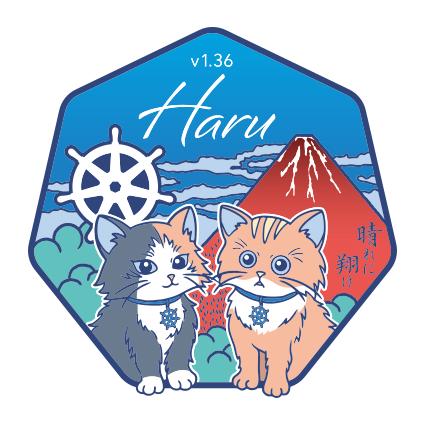
We open 2026 with Kubernetes v1.36, a release that arrives as the season turns and the light shifts on the mountain. ハル (Haru) is a sound in Japanese that carries many meanings; among those we hold closest are 春 (spring), 晴れ (hare, clear skies), and 遥か (haruka, far-off, distant). A season, a sky, and a horizon. You will find all three in what follows.
The logo, created by avocadoneko / Natsuho Ide, draws inspiration from Katsushika Hokusai's Thirty-six Views of Mount Fuji (富嶽三十六景, Fugaku Sanjūrokkei), the same series that gave the world The Great Wave off Kanagawa. Our v1.36 logo reimagines one of the series' most celebrated prints, Fine Wind, Clear Morning (凱風快晴, Gaifū Kaisei), also known as Red Fuji (赤富士, Aka Fuji): the mountain lit red in a summer dawn, bare of snow after the long thaw. Thirty-six views felt like a fitting number to sit with at v1.36, and a reminder that even Hokusai didn't stop there.1 Keeping watch over the scene is the Kubernetes helm, set into the sky alongside the mountain.
At the foot of Fuji sit Stella (left) and Nacho (right), two cats with the Kubernetes helm on their collars, standing in for the role of komainu, the paired lion-dog guardians that watch over Japanese shrines. Paired, because nothing is guarded alone. Stella and Nacho stand in for a very much larger set of paws: the SIGs and working groups, the maintainers and reviewers, the people behind docs, blogs, and translations, the release team, first-time contributors taking their first steps, and lifelong contributors returning season after season. Kubernetes v1.36 is, as always, held up by many hands.
Brushed across Red Fuji in the logo is the calligraphy 晴れに翔け (hare ni kake), "soar into clear skies". It is the first half of a couplet that was too long to fit on the mountain:
晴れに翔け、未来よ明け
hare ni kake, asu yo ake
"Soar into clear skies; toward tomorrow's sunrise."2
That is the wish we carry for this release: to soar into clear skies, for the release itself, for the project, and for everyone who ships it together. The dawn breaking over Red Fuji is not an ending but a passage: this release carries us to the next, and that one to the one after, on toward horizons far beyond what any single view can hold.
1. The series was so popular that Hokusai added ten more prints, bringing the total to forty-six.
2. 未来 means "the future" in its widest sense, not just tomorrow but everything still to come. It is usually read mirai; here it takes the informal reading asu.
Spotlight on key updates
Kubernetes v1.36 is packed with new features and improvements. Here are a few select updates the Release Team would like to highlight!
Stable: Fine-grained API authorization
On behalf of Kubernetes SIG Auth and SIG Node, we are pleased to announce the
graduation of fine-grained kubelet API authorization to General Availability
(GA) in Kubernetes v1.36!
The KubeletFineGrainedAuthz feature gate was introduced as an opt-in alpha feature
in Kubernetes v1.32, then graduated to beta (enabled by default) in v1.33.
Now, the feature is generally available.
This feature enables more precise, least-privilege access control over the kubelet's
HTTPS API replacing the need to grant the overly broad nodes/proxy permission for
common monitoring and observability use cases.
This work was done as a part of KEP #2862 led by SIG Auth and SIG Node.
Beta: Resource health status
Before the v1.34 release, Kubernetes lacked a native way to report the health of allocated devices,
making it difficult to diagnose Pod crashes caused by hardware failures.
Building on the initial alpha release in v1.31 which focused on Device Plugins,
Kubernetes v1.36 expands this feature by promoting the allocatedResourcesStatus
field within the .status for each Pod (to beta). This field provides a unified health
reporting mechanism for all specialized hardware.
Users can now run kubectl describe pod to determine if a container's crash loop is
due to an Unhealthy or Unknown device status, regardless of whether the hardware was
provisioned via traditional plugins or the newer DRA framework.
This enhanced visibility allows administrators and automated controllers to
quickly identify faulty hardware and streamline the recovery of high-performance workloads.
This work was done as part of KEP #4680 led by SIG Node.
Alpha: Workload Aware Scheduling (WAS) features
Previously, the Kubernetes scheduler and job controllers managed pods as independent units, often leading to fragmented scheduling or resource waste for complex, distributed workloads. Kubernetes v1.36 introduces a comprehensive suite of Workload Aware Scheduling (WAS) features in Alpha, natively integrating the Job controller with a revised Workload API and a new decoupled PodGroup API, to treat related pods as a single logical entity.
Kubernetes v1.35 already supported gang scheduling by requiring a minimum number of pods to be schedulable before any were bound to nodes. v1.36 goes further with a new PodGroup scheduling cycle that evaluates the entire group atomically, either all pods in the group are bound together, or none are.
This work was done across several KEPs (including #4671, #5547, #5832, #5732, and #5710) led by SIG Scheduling and SIG Apps.
Features graduating to Stable
This is a selection of some of the improvements that are now stable following the v1.36 release.
Volume group snapshots
After several cycles in beta, VolumeGroupSnapshot support reaches General Availability (GA) in Kubernetes v1.36. This feature allows you to take crash-consistent snapshots across multiple PersistentVolumeClaims simultaneously. The support for volume group snapshots relies on a set of extension APIs for group snapshots. These APIs allow users to take crash consistent snapshots for a set of volumes. A key aim is to allow you to restore that set of snapshots to new volumes and recover your workload based on a crash consistent recovery point.
This work was done as part of KEP #3476 led by SIG Storage.
Mutable volume attach limits
In Kubernetes v1.36, the mutable CSINode allocatable feature graduates to stable.
This enhancement allows Container Storage Interface (CSI) drivers to
dynamically update the reported maximum number of volumes that a node can handle.
With this update, the kubelet can dynamically update a node's volume limits and capacity information.
The kubelet adjusts these limits based on periodic checks or in response to
resource exhaustion errors from the CSI driver, without requiring a component restart.
This ensures the Kubernetes scheduler maintains an accurate view of storage availability,
preventing pod scheduling failures caused by outdated volume limits.
This work was done as part of KEP #4876 led by SIG Storage.
API for external signing of ServiceAccount tokens
In Kubernetes v1.36, the external ServiceAccount token signer feature for service accounts graduates to stable, making it possible to offload token signing to an external system while still integrating cleanly with the Kubernetes API. Clusters can now rely on an external JWT signer for issuing projected service account tokens that follow the standard service account token format, including support for extended expiration when needed. This is especially useful for clusters that already rely on external identity or key management systems, allowing Kubernetes to integrate without duplicating key management inside the control plane.
The kube-apiserver is wired to discover public keys from the external signer, cache them, and validate tokens it did not sign itself, so existing authentication and authorization flows continue to work as expected. Over the alpha and beta phases, the API and configuration for the external signer plugin, path validation, and OIDC discovery were hardened to handle real-world deployments and rotation patterns safely.
With GA in v1.36, external ServiceAccount token signing is now a fully supported option for platforms that centralize identity and signing, simplifying integration with external IAM systems and reducing the need to manage signing keys directly inside the control plane.
This work was done as part of KEP #740 led by SIG Auth.
DRA features graduating to Stable
Part of the Dynamic Resource Allocation (DRA) ecosystem reaches full production maturity in Kubernetes v1.36 as key governance and selection features graduate to Stable. The transition of DRA admin access to GA provides a permanent, secure framework for cluster administrators to access and manage hardware resources globally, while the stabilization of prioritized lists ensures that resource selection logic remains consistent and predictable across all cluster environments.
Now, organizations can confidently deploy mission-critical hardware automation with the guarantee of long-term API stability and backward compatibility. These features empower users to implement sophisticated resource-sharing policies and administrative overrides that are essential for large-scale GPU clusters and multi-tenant AI platforms, marking the completion of the core architectural foundation for next-generation resource management.
This work was done as part of KEPs #5018 and #4816 led by SIG Auth and SIG Scheduling.
Mutating admission policies
Declarative cluster management reaches a new level of sophistication in Kubernetes v1.36 with the graduation of MutatingAdmissionPolicies to Stable. This milestone provides a native, high-performance alternative to traditional webhooks by allowing administrators to define resource mutations directly in the API server using the Common Expression Language (CEL), fully replacing the need for external infrastructure for many common use cases.
Now, cluster operators can modify incoming requests without the latency and operational complexity associated with managing custom admission webhooks. By moving mutation logic into a declarative, versioned policy, organizations can achieve more predictable cluster behavior, reduced network overhead, and a hardened security model with the full guarantee of long-term API stability.
This work was done as part of KEP #3962 led by SIG API Machinery.
Declarative validation of Kubernetes native types with validation-gen
The development of custom resources reaches a new level of efficiency in Kubernetes v1.36
as declarative validation (with validation-gen) graduates to Stable.
This milestone replaces the manual and often error-prone task of writing complex
OpenAPI schemas by allowing developers to define sophisticated validation logic directly
within Go struct tags using the Common Expression Language (CEL).
Instead of writing custom validation functions, Kubernetes contributors can now define validation
rules using IDL marker comments (such as +k8s:minimum or +k8s:enum) directly
within the API type definitions (types.go). The validation-gen tool parses these
comments to automatically generate robust API validation code at compile-time.
This reduces maintenance overhead and ensures that API validation
remains consistent and synchronized with the source code.
This work was done as part of KEP #5073 led by SIG API Machinery.
Removal of gogo protobuf dependency for Kubernetes API types
Security and long-term maintainability for the Kubernetes codebase take a major step forward
in Kubernetes v1.36 with the completion of the gogoprotobuf removal.
This initiative has eliminated a significant dependency on the unmaintained gogoprotobuf library,
which had become a source of potential security vulnerabilities and
a blocker for adopting modern Go language features.
Instead of migrating to standard Protobuf generation, which presented compatibility risks
for Kubernetes API types, the project opted to fork and internalize the required
generation logic within k8s.io/code-generator. This approach successfully eliminates
the unmaintained runtime dependencies from the Kubernetes dependency graph
while preserving existing API behavior and serialization compatibility.
For consumers of Kubernetes API Go types, this change reduces technical debt and
prevents accidental misuse with standard protobuf libraries.
This work was done as part of KEP #5589 led by SIG API Machinery.
Node log query
Previously, Kubernetes required cluster administrators to log into nodes via SSH or implement a
client-side reader for debugging issues pertaining to control-plane or worker nodes.
While certain issues still require direct node access, issues with the kube-proxy or kubelet
can be diagnosed by inspecting their logs. Node logs offer cluster administrators
a method to view these logs using the kubelet API and kubectl plugin
to simplify troubleshooting without logging into nodes, similar to debugging issues
related to a pod or container. This method is operating system agnostic and
requires the services or nodes to log to /var/log.
As this feature reaches GA in Kubernetes 1.36 after thorough performance validation on production workloads,
it is enabled by default on the kubelet through the NodeLogQuery feature gate.
In addition, the enableSystemLogQuery kubelet configuration option must also be enabled.
This work was done as a part of KEP #2258 led by SIG Windows.
Support User Namespaces in pods
Container isolation and node security reach a major maturity milestone in Kubernetes v1.36 as support for User Namespaces graduates to Stable. This long-awaited feature provides a critical layer of defense-in-depth by allowing the mapping of a container's root user to a non-privileged user on the host, ensuring that even if a process escapes the container, it possesses no administrative power over the underlying node.
Now, cluster operators can confidently enable this hardened isolation for production workloads to mitigate the impact of container breakout vulnerabilities. By decoupling the container's internal identity from the host's identity, Kubernetes provides a robust, standardized mechanism to protect multi-tenant environments and sensitive infrastructure from unauthorized access, all with the full guarantee of long-term API stability.
This work was done as part of KEP #127 led by SIG Node.
Support PSI based on cgroupv2
Node resource management and observability become more precise in Kubernetes v1.36 as the export of Pressure Stall Information (PSI) metrics graduates to Stable. This feature provides the kubelet with the ability to report "pressure" metrics for CPU, memory, and I/O, offering a more granular view of resource contention than traditional utilization metrics.
Cluster operators and autoscalers can use these metrics to distinguish between a system that is simply busy and one that is actively stalling due to resource exhaustion. By leveraging these signals, users can more accurately tune pod resource requests, improve the reliability of vertical autoscaling, and detect noisy neighbor effects before they lead to application performance degradation or node instability.
This work was done as part of KEP #4205 led by SIG Node.
Volume source: OCI artifact and/or image
The distribution of container data becomes more flexible in Kubernetes v1.36 as OCI volume source support graduates to Stable. This feature moves beyond the traditional requirement of mounting volumes from external storage providers or config maps by allowing the kubelet to pull and mount content directly from any OCI-compliant registry, such as a container image or an artifact repository.
Now, developers and platform engineers can package application data, models, or static assets as OCI artifacts and deliver them to pods using the same registries and versioning workflows they already use for container images. This convergence of image and volume management simplifies CI/CD pipelines, reduces dependency on specialized storage backends for read-only content, and ensures that data remains portable and securely accessible across any environment.
This work was done as part of KEP #4639 led by SIG Node.
New features in Beta
This is a selection of some of the improvements that are now beta following the v1.36 release.
Staleness mitigation for controllers
Staleness in Kubernetes controllers is a problem that affects many controllers and can subtly affect controller behavior. It is usually not until it is too late, when a controller in production has already taken incorrect action, that staleness is found to be an issue due to some underlying assumption made by the controller author. This could lead to conflicting updates or data corruption upon controller reconciliation during times of cache staleness.
We are excited to announce that Kubernetes v1.36 includes new features that help mitigate controller staleness and provide better observability of controller behavior. This prevents reconciliation based on an outdated view of cluster state that can often lead to harmful behavior.
This work was done as part of KEP #5647 led by SIG API Machinery.
IP/CIDR validation improvements
In Kubernetes v1.36, the StrictIPCIDRValidation feature for API IP and CIDR fields graduates to beta,
tightening validation to catch malformed addresses and prefixes that previously slipped through.
This helps prevent subtle configuration bugs where Services, Pods, NetworkPolicies,
or other resources reference invalid IPs, which could otherwise lead to
confusing runtime behavior or security surprises.
Controllers are updated to canonicalize IPs they write back into objects and to warn when they
encounter bad values that were already stored, so clusters can gradually converge on clean,
consistent data. With beta, StrictIPCIDRValidation is ready for wider use,
giving operators more reliable guardrails around IP-related configuration
as they evolve networks and policies over time.
This work was done as a part of KEP #4858 led by SIG Network.
Separate kubectl user preferences from cluster configs
The .kuberc feature for customizing kubectl user preferences continues to be beta
and is enabled by default. The ~/.kube/kuberc file allows users to store aliases, default flags,
and other personal settings separately from kubeconfig files, which hold cluster endpoints and credentials.
This separation prevents personal preferences from interfering with CI pipelines or shared kubeconfig files,
while maintaining a consistent kubectl experience across different clusters and contexts.
In Kubernetes v1.36, .kuberc was expanded with the ability to define policies for credential plugins
(allowlists or denylists) to enforce safer authentication practicies.
Users can disable this functionality if needed by setting the KUBECTL_KUBERC=false or KUBERC=off environment variables.
This work was done as a part of KEP #3104 led by SIG CLI, with the help from SIG Auth.
Mutable container resources when Job is suspended
In Kubernetes v1.36, the MutablePodResourcesForSuspendedJobs feature graduates to beta and is enabled by default.
This update relaxes Job validation to allow updates to container CPU, memory,
GPU, and extended resource requests and limits while a Job is suspended.
This capability allows queue controllers and operators to adjust batch workload requirements based on real‑time cluster conditions. For example, a queueing system can suspend incoming Jobs, adjust their resource requirements to match available capacity or quota, and then unsuspend them. The feature strictly limits mutability to suspended Jobs (or Jobs whose pods have been terminated upon suspension) to prevent disruptive changes to actively running pods.
This work was done as a part of KEP #5440 led by SIG Apps.
Constrained impersonation
In Kubernetes v1.36, the ConstrainedImpersonation feature for user impersonation graduates to beta,
tightening a historically all‑or‑nothing mechanism into something that can actually follow least‑privilege principles.
When this feature is enabled, an impersonator must have two distinct sets of permissions:
one to impersonate a given identity, and another to perform specific actions on that identity’s behalf.
This prevents support tools, controllers, or node agents from using impersonation to gain broader access
than they themselves are allowed, even if their impersonation RBAC is misconfigured.
Existing impersonate rules keep working, but the API server prefers the new constrained checks first,
making the transition incremental instead of a flag day. With beta in v1.36, ConstrainedImpersonation is tested,
documented, and ready for wider adoption by platform teams that rely on impersonation for debugging, proxying,
or node‑level controllers.
This work was done as a part of KEP #5284 led by SIG Auth.
DRA features in beta
The Dynamic Resource Allocation (DRA) framework reaches another maturity milestone in Kubernetes v1.36 as several core features graduate to beta and are enabled by default. This transition moves DRA beyond basic allocation by graduating partitionable devices and consumable capacity, allowing for more granular sharing of hardware like GPUs, while device taints and tolerations ensure that specialized resources are only utilized by the appropriate workloads.
Now, users benefit from a much more reliable and observable resource lifecycle through ResourceClaim device status and the ability to ensure device attachment before Pod scheduling. By integrating these features with extended resource support, Kubernetes provides a robust production-ready alternative to the legacy device plugin system, enabling complex AI and HPC workloads to manage hardware with unprecedented precision and operational safety.
This work was done across several KEPs (including #5004, #4817, #5055, #5075, #4815, and #5007) led by SIG Scheduling and SIG Node.
Statusz for Kubernetes components
In Kubernetes v1.36, the ComponentStatusz feature gate for core Kubernetes components graduates to beta,
providing a /statusz endpoint (enabled by default) that surfaces real‑time build and version details for each component.
This low‑overhead z-page exposes information like start time, uptime, Go version, binary version,
emulation version, and minimum compatibility version, so operators and developers can quickly see exactly
what is running without digging through logs or configs.
The endpoint offers a human‑readable text view by default, plus a versioned structured API (config.k8s.io/v1beta1)
for programmatic access in JSON, YAML, or CBOR via explicit content negotiation.
Access is granted to the system:monitoring group, keeping it aligned with existing protections on
health and metrics endpoints and avoiding exposure of sensitive data.
With beta, ComponentStatusz is enabled by default across all core control‑plane components and node agents,
backed by unit, integration, and end‑to‑end tests so it can be safely used in production for
observability and debugging workflows.
This work was done as a part of KEP #4827 led by SIG Instrumentation.
Flagz for Kubernetes components
In Kubernetes v1.36, the ComponentFlagz feature gate for core Kubernetes components graduates to beta,
standardizing a /flagz endpoint that exposes the effective command‑line flags each component was started with.
This gives cluster operators and developers real‑time, in‑cluster visibility into component configuration,
making it much easier to debug unexpected behavior or verify that a flag rollout actually took effect after a restart.
The endpoint supports both a human‑readable text view and a versioned structured API (initially config.k8s.io/v1beta1),
so you can either curl it during an incident or wire it into automated tooling once you are ready.
Access is granted to the system:monitoring group and sensitive values can be redacted,
keeping configuration insight aligned with existing security practices around health and status endpoints.
With beta, ComponentFlagz is now enabled by default and implemented across all core control‑plane components
and node agents, backed by unit, integration, and end‑to‑end tests to ensure the endpoint is reliable in production clusters.
This work was done as a part of KEP #4828 led by SIG Instrumentation.
Mixed version proxy (aka unknown version interoperability proxy)
In Kubernetes v1.36, the mixed version proxy feature graduates to beta, building on its alpha introduction in v1.28 to provide safer control-plane upgrades for mixed-version clusters. Each API request can now be routed to the apiserver instance that serves the requested group, version, and resource, reducing 404s and failures due to version skew.
The feature relies on peer-aggregated discovery, so apiservers share information about which resources and versions they expose, then use that data to transparently reroute requests when needed. New metrics on rerouted traffic and proxy behavior help operators understand how often requests are forwarded and to which peers. Together, these changes make it easier to run highly available, mixed-version API control planes in production while performing multi-step or partial control-plane upgrades.
This work was done as a part of KEP #4020 led by SIG API Machinery
Memory QoS with cgroups v2
Kubernetes now enhances memory QoS on Linux cgroup v2 nodes with smarter, tiered memory protection that better aligns kernel controls with pod requests and limits, reducing interference and thrashing for workloads sharing the same node. This iteration also refines how kubelet programs memory.high and memory.min, adds metrics and safeguards to avoid livelocks, and introduces configuration options so cluster operators can tune memory protection behavior for their environments.
This work was done as part of KEP #2570 led by SIG Node.
New features in Alpha
This is a selection of some of the improvements that are now alpha following the v1.36 release.
HPA scale to zero for custom metrics
Until now, the HorizontalPodAutoscaler (HPA) required a minimum of at least one replica to remain active, as it could only calculate scaling needs based on metrics (like CPU or Memory) from running pods. Kubernetes v1.36 continues the development of the HPA scale to zero feature (disabled by default) in Alpha, allowing workloads to scale down to zero replicas specifically when using Object or External metrics.
Now, users can experiment with significantly reducing infrastructure costs by completely idling heavy workloads when
no work is pending. While the feature remains behind the HPAScaleToZero feature gate,
it enables the HPA to stay active even with zero running pods,
automatically scaling the deployment back up as soon as the external metric (e.g., queue length)
indicates that new tasks have arrived.
This work was done as part of KEP #2021 led by SIG Autoscaling.
DRA features in Alpha
Historically, the Dynamic Resource Allocation (DRA) framework lacked seamless integration with high-level controllers and provided limited visibility into device-specific metadata or availability. Kubernetes v1.36 introduces a wave of DRA enhancements in Alpha, including native ResourceClaim support for workloads, and DRA native resources to provide the flexibility of DRA to cpu management.
Now, users can leverage the downward API to expose complex resource attributes directly to containers and benefit from improved resource availability visibility for more predictable scheduling. these updates, combined with support for list types in device attributes, transform DRA from a low-level primitive into a robust system capable of handling the sophisticated networking and compute requirements of modern AI and high-performance computing (HPC) stacks.
This work was done across several KEPs (including #5729, #5304, #5517, #5677, and #5491) led by SIG Scheduling and SIG Node.
Native histogram support for Kubernetes metrics
High-resolution monitoring reaches a new milestone in Kubernetes v1.36 with the introduction of native histogram support in Alpha. While classical Prometheus histograms relied on static, pre-defined buckets that often forced a compromise between data accuracy and memory usage, this update allows the control plane to export sparse histograms that dynamically adjust their resolution based on real-time data.
Now, cluster operators can capture precise latency distributions for the kube-apiserver and other core components without the overhead of manual bucket management. This architectural shift ensures more reliable SLIs and SLOs, providing high-fidelity heatmaps that remain accurate even during the most unpredictable workload spikes.
This work was done as part of KEP #5808 led by SIG Instrumentation.
Manifest based admission control config
Managing admission controllers moves toward a more declarative and consistent model in Kubernetes v1.36 with the introduction of manifest-based admission control configuration in Alpha. This change addresses the long-standing challenge of configuring admission plugins through disparate command-line flags or separate, complex config files by allowing administrators to define the desired state of admission control directly through a structured manifest.
Now, cluster operators can manage admission plugin settings with the same versioned, declarative workflows used for other Kubernetes objects, significantly reducing the risk of configuration drift and manual errors during cluster upgrades. By centralizing these configurations into a unified manifest, the kube-apiserver becomes easier to audit and automate, paving the way for more secure and reproducible cluster deployments.
This work was done as part of KEP #5793 led by SIG API Machinery.
CRI list streaming
With the introduction of CRI list streaming in Alpha, Kubernetes v1.36 uses new internal streaming operations.
This enhancement addresses the memory pressure and latency spikes often seen on large-scale nodes by replacing traditional,
monolithic List requests between the kubelet and the container runtime with a more efficient server-side streaming RPC.
Now, instead of waiting for a single, massive response containing all container or image data, the kubelet can process results incrementally as they are streamed. This shift significantly reduces the peak memory footprint of the kubelet and improves responsiveness on high-density nodes, ensuring that cluster management remains fluid even as the number of containers per node continues to grow.
This work was done as part of KEP #5825 led by SIG Node.
Other notable changes
Ingress NGINX retirement
To prioritize the safety and security of the ecosystem, Kubernetes SIG Network and the Security Response Committee have retired Ingress NGINX on March 24, 2026. Since that date, there have been no further releases, no bugfixes, and no updates to resolve any security vulnerabilities discovered. Existing deployments of Ingress NGINX will continue to function, and installation artifacts like Helm charts and container images will remain available.
For full details, see the official retirement announcement.
Faster SELinux labelling for volumes (GA)
Kubernetes v1.36 makes the SELinux volume mounting improvement generally available. This change replaced recursive file
relabeling with mount -o context=XYZ option, applying the correct SELinux label to the entire volume at mount time.
It brings more consistent performance and reduces Pod startup delays on SELinux-enforcing systems.
This feature was introduced as beta in v1.28 for ReadWriteOncePod volumes. In v1.32, it gained metrics and an opt-out
option (securityContext.seLinuxChangePolicy: Recursive) to help catch conflicts. Now in v1.36,
it reaches Stable and defaults to all volumes, with Pods or CSIDrivers opting in via spec.seLinuxMount.
However, we expect this feature to create the risk of breaking changes in the future Kubernetes releases, potentially due to sharing one volume between privileged and unprivileged Pods on the same node.
Developers have the responsibility of setting the seLinuxChangePolicy field and SELinux volume labels on Pods. Regardless of whether they are writing a Deployment, StatefulSet, DaemonSet or even a custom resource that includes a Pod template, being careless with these settings can lead to a range of problems such as Pods not starting up correctly when Pods share a volume.
Kubernetes v1.36 is the ideal release to audit your clusters. To learn more, check out SELinux Volume Label Changes goes GA (and likely implications in v1.37) blog.
For more details on this enhancement, refer to KEP-1710: Speed up recursive SELinux label change.
Graduations, deprecations, and removals in v1.36
Graduations to stable
This lists all the features that graduated to stable (also known as general availability). For a full list of updates including new features and graduations from alpha to beta, see the release notes.
This release includes a total of 18 enhancements promoted to stable:
- Support User Namespaces in pods
- API for external signing of Service Account tokens
- Speed up recursive SELinux label change
- Portworx file in-tree to CSI driver migration
- Fine grained Kubelet API authorization
- Mutating Admission Policies
- Node log query
- VolumeGroupSnapshot
- Mutable CSINode Allocatable Property
- DRA: Prioritized Alternatives in Device Requests
- Support PSI based on cgroupv2
- add ProcMount option
- DRA: Extend PodResources to include resources from Dynamic Resource Allocation
- VolumeSource: OCI Artifact and/or Image
- Split L3 Cache Topology Awareness in CPU Manager
- DRA: AdminAccess for ResourceClaims and ResourceClaimTemplates
- Remove gogo protobuf dependency for Kubernetes API types
- CSI driver opt-in for service account tokens via secrets field
Deprecations removals, and community updates
As Kubernetes develops and matures, features may be deprecated, removed, or replaced with better ones to improve the project's overall health. See the Kubernetes deprecation and removal policy for more details on this process. Kubernetes v1.36 includes a couple of deprecations.
Deprecation of Service .spec.externalIPs
With this release, the externalIPs field in Service spec is deprecated. This means the functionality exists, but will no longer function in a future version of Kubernetes. You should plan to migrate if you currently rely on that field.
This field has been a known security headache for years,
enabling man-in-the-middle attacks on your cluster traffic, as documented in CVE-2020-8554.
From Kubernetes v1.36 and onwards, you will see deprecation warnings when using it, with full removal planned for v1.43.
If your Services still lean on externalIPs, consider using LoadBalancer services for cloud-managed ingress,
NodePort for simple port exposure, or Gateway API for a more flexible and secure way to handle external traffic.
For more details on this field and its deprecation, refer to External IPs or read KEP-5707: Deprecate service.spec.externalIPs.
Removal of the gitRepo volume driver
The gitRepo volume type has been deprecated since v1.11. For Kubernetes v1.36, the gitRepo volume plugin is
permanently disabled and cannot be turned back on. This change protects clusters from a critical security issue where
using gitRepo could let an attacker run code as root on the node.
Although gitRepo has been deprecated for years and better alternatives have been recommended,
it was still technically possible to use it in previous releases.
From v1.36 onward, that path is closed for good, so any existing workloads depending on gitRepo will need to migrate to
supported approaches such as init containers or external git-sync style tools.
For more details on this removal, refer to KEP-5040: Remove gitRepo volume driver
Release notes
Check out the full details of the Kubernetes v1.36 release in our release notes.
Availability
Kubernetes v1.36 is available for download on GitHub or on the Kubernetes download page.
To get started with Kubernetes, check out these tutorials or run local Kubernetes clusters using minikube. You can also easily install v1.36 using kubeadm.
Release Team
Kubernetes is only possible with the support, commitment, and hard work of its community. Each release team is made up of dedicated community volunteers who work together to build the many pieces that make up the Kubernetes releases you rely on. This requires the specialized skills of people from all corners of our community, from the code itself to its documentation and project management.
We would like to thank the entire Release Team for the hours spent hard at work to deliver the Kubernetes v1.36 release to our community. The Release Team's membership ranges from first-time shadows to returning team leads with experience forged over several release cycles. A very special thanks goes out to our release lead, Ryota Sawada, for guiding us through a successful release cycle, for his hands-on approach to solving challenges, and for bringing the energy and care that drives our community forward.
Project Velocity
The CNCF K8s DevStats project aggregates a number of interesting data points related to the velocity of Kubernetes and various sub-projects. This includes everything from individual contributions to the number of companies that are contributing, and is an illustration of the depth and breadth of effort that goes into evolving this ecosystem.
During the v1.36 release cycle, which spanned 15 weeks from 12th January 2026 to 22nd April 2026, Kubernetes received contributions from as many as 106 different companies and 491 individuals. In the wider cloud native ecosystem, the figure goes up to 370 companies, counting 2235 total contributors.
Note that “contribution” counts when someone makes a commit, code review, comment, creates an issue or PR, reviews a PR (including blogs and documentation) or comments on issues and PRs. If you are interested in contributing, visit Getting Started on our contributor website.
Source for this data:
Events Update
Explore upcoming Kubernetes and cloud native events, including KubeCon + CloudNativeCon, KCD, and other notable conferences worldwide. Stay informed and get involved with the Kubernetes community!
April 2026
- KCD - Kubernetes Community Days: Guadalajara: April 18, 2026 | Guadalajara, Mexico
May 2026
- KCD - Kubernetes Community Days: Toronto: May 13, 2026 | Toronto, Canada
- KCD - Kubernetes Community Days: Texas: May 15, 2026 | Austin, USA
- KCD - Kubernetes Community Days: Istanbul: May 15, 2026 | Istanbul, Turkey
- KCD - Kubernetes Community Days: Helsinki: May 20, 2026 | Helsinki, Finland
- KCD - Kubernetes Community Days: Czech & Slovak: May 21, 2026 | Prague, Czechia
June 2026
- KCD - Kubernetes Community Days: New York: June 10, 2026 | New York, USA
- KubeCon + CloudNativeCon India 2026: June 18-19, 2026 | Mumbai, India
July 2026
- KubeCon + CloudNativeCon Japan 2026: July 29-30, 2026 | Yokohama, Japan
September 2026
- KubeCon + CloudNativeCon China 2026: September 8-9, 2026 | Shanghai, China
October 2026
- KCD - Kubernetes Community Days: UK: Oct 19, 2026 | Edinburgh, UK
November 2026
- KCD - Kubernetes Community Days: Porto: Nov 19, 2026 | Porto, Portugal
- KubeCon + CloudNativeCon North America 2026: Nov 9-12, 2026 | Salt Lake, USA
You can find the latest event details here.
Upcoming Release Webinar
Join members of the Kubernetes v1.36 Release Team on Wednesday, May 20th 2026 at 4:00 PM (UTC) to learn about the release highlights of this release. For more information and registration, visit the event page on the CNCF Online Programs site.
Get Involved
The simplest way to get involved with Kubernetes is by joining one of the many Special Interest Groups (SIGs) that align with your interests. Have something you’d like to broadcast to the Kubernetes community? Share your voice at our weekly community meeting, and through the channels below. Thank you for your continued feedback and support.
- Follow us on Bluesky @kubernetes.io for the latest updates
- Join the community discussion on Discuss
- Join the community on Slack
- Post questions (or answer questions) on Stack Overflow
- Share your Kubernetes story
- Read more about what’s happening with Kubernetes on the blog
- Learn more about the Kubernetes Release Team
Kubernetes v1.36: ハル (Haru)
Editors: Chad M. Crowell, Kirti Goyal, Sophia Ugochukwu, Swathi Rao, Utkarsh Umre
Similar to previous releases, the release of Kubernetes v1.36 introduces new stable, beta, and alpha features. The consistent delivery of high-quality releases underscores the strength of our development cycle and the vibrant support from our community.
This release consists of 70 enhancements. Of those enhancements, 18 have graduated to Stable, 25 are entering Beta, and 25 have graduated to Alpha.
There are also some deprecations and removals in this release; make sure to read about those.
Release theme and logo
We open 2026 with Kubernetes v1.36, a release that arrives as the season turns and the light shifts on the mountain. ハル (Haru) is a sound in Japanese that carries many meanings; among those we hold closest are 春 (spring), 晴れ (hare, clear skies), and 遥か (haruka, far-off, distant). A season, a sky, and a horizon. You will find all three in what follows.
The logo, created by avocadoneko / Natsuho Ide, draws inspiration from Katsushika Hokusai's Thirty-six Views of Mount Fuji (富嶽三十六景, Fugaku Sanjūrokkei), the same series that gave the world The Great Wave off Kanagawa. Our v1.36 logo reimagines one of the series' most celebrated prints, Fine Wind, Clear Morning (凱風快晴, Gaifū Kaisei), also known as Red Fuji (赤富士, Aka Fuji): the mountain lit red in a summer dawn, bare of snow after the long thaw. Thirty-six views felt like a fitting number to sit with at v1.36, and a reminder that even Hokusai didn't stop there.1 Keeping watch over the scene is the Kubernetes helm, set into the sky alongside the mountain.
At the foot of Fuji sit Stella (left) and Nacho (right), two cats with the Kubernetes helm on their collars, standing in for the role of komainu, the paired lion-dog guardians that watch over Japanese shrines. Paired, because nothing is guarded alone. Stella and Nacho stand in for a very much larger set of paws: the SIGs and working groups, the maintainers and reviewers, the people behind docs, blogs, and translations, the release team, first-time contributors taking their first steps, and lifelong contributors returning season after season. Kubernetes v1.36 is, as always, held up by many hands.
Brushed across Red Fuji in the logo is the calligraphy 晴れに翔け (hare ni kake), "soar into clear skies". It is the first half of a couplet that was too long to fit on the mountain:
晴れに翔け、未来よ明け
hare ni kake, asu yo ake
"Soar into clear skies; toward tomorrow's sunrise."2
That is the wish we carry for this release: to soar into clear skies, for the release itself, for the project, and for everyone who ships it together. The dawn breaking over Red Fuji is not an ending but a passage: this release carries us to the next, and that one to the one after, on toward horizons far beyond what any single view can hold.
1. The series was so popular that Hokusai added ten more prints, bringing the total to forty-six.
2. 未来 means "the future" in its widest sense, not just tomorrow but everything still to come. It is usually read mirai; here it takes the informal reading asu.
Spotlight on key updates
Kubernetes v1.36 is packed with new features and improvements. Here are a few select updates the Release Team would like to highlight!
Stable: Fine-grained API authorization
On behalf of Kubernetes SIG Auth and SIG Node, we are pleased to announce the
graduation of fine-grained kubelet API authorization to General Availability
(GA) in Kubernetes v1.36!
The KubeletFineGrainedAuthz feature gate was introduced as an opt-in alpha feature
in Kubernetes v1.32, then graduated to beta (enabled by default) in v1.33.
Now, the feature is generally available.
This feature enables more precise, least-privilege access control over the kubelet's
HTTPS API replacing the need to grant the overly broad nodes/proxy permission for
common monitoring and observability use cases.
This work was done as a part of KEP #2862 led by SIG Auth and SIG Node.
Beta: Resource health status
Before the v1.34 release, Kubernetes lacked a native way to report the health of allocated devices,
making it difficult to diagnose Pod crashes caused by hardware failures.
Building on the initial alpha release in v1.31 which focused on Device Plugins,
Kubernetes v1.36 expands this feature by promoting the allocatedResourcesStatus
field within the .status for each Pod (to beta). This field provides a unified health
reporting mechanism for all specialized hardware.
Users can now run kubectl describe pod to determine if a container's crash loop is
due to an Unhealthy or Unknown device status, regardless of whether the hardware was
provisioned via traditional plugins or the newer DRA framework.
This enhanced visibility allows administrators and automated controllers to
quickly identify faulty hardware and streamline the recovery of high-performance workloads.
This work was done as part of KEP #4680 led by SIG Node.
Alpha: Workload Aware Scheduling (WAS) features
Previously, the Kubernetes scheduler and job controllers managed pods as independent units, often leading to fragmented scheduling or resource waste for complex, distributed workloads. Kubernetes v1.36 introduces a comprehensive suite of Workload Aware Scheduling (WAS) features in Alpha, natively integrating the Job controller with a revised Workload API and a new decoupled PodGroup API, to treat related pods as a single logical entity.
Kubernetes v1.35 already supported gang scheduling by requiring a minimum number of pods to be schedulable before any were bound to nodes. v1.36 goes further with a new PodGroup scheduling cycle that evaluates the entire group atomically, either all pods in the group are bound together, or none are.
This work was done across several KEPs (including #4671, #5547, #5832, #5732, and #5710) led by SIG Scheduling and SIG Apps.
Features graduating to Stable
This is a selection of some of the improvements that are now stable following the v1.36 release.
Volume group snapshots
After several cycles in beta, VolumeGroupSnapshot support reaches General Availability (GA) in Kubernetes v1.36. This feature allows you to take crash-consistent snapshots across multiple PersistentVolumeClaims simultaneously. The support for volume group snapshots relies on a set of extension APIs for group snapshots. These APIs allow users to take crash consistent snapshots for a set of volumes. A key aim is to allow you to restore that set of snapshots to new volumes and recover your workload based on a crash consistent recovery point.
This work was done as part of KEP #3476 led by SIG Storage.
Mutable volume attach limits
In Kubernetes v1.36, the mutable CSINode allocatable feature graduates to stable.
This enhancement allows Container Storage Interface (CSI) drivers to
dynamically update the reported maximum number of volumes that a node can handle.
With this update, the kubelet can dynamically update a node's volume limits and capacity information.
The kubelet adjusts these limits based on periodic checks or in response to
resource exhaustion errors from the CSI driver, without requiring a component restart.
This ensures the Kubernetes scheduler maintains an accurate view of storage availability,
preventing pod scheduling failures caused by outdated volume limits.
This work was done as part of KEP #4876 led by SIG Storage.
API for external signing of ServiceAccount tokens
In Kubernetes v1.36, the external ServiceAccount token signer feature for service accounts graduates to stable, making it possible to offload token signing to an external system while still integrating cleanly with the Kubernetes API. Clusters can now rely on an external JWT signer for issuing projected service account tokens that follow the standard service account token format, including support for extended expiration when needed. This is especially useful for clusters that already rely on external identity or key management systems, allowing Kubernetes to integrate without duplicating key management inside the control plane.
The kube-apiserver is wired to discover public keys from the external signer, cache them, and validate tokens it did not sign itself, so existing authentication and authorization flows continue to work as expected. Over the alpha and beta phases, the API and configuration for the external signer plugin, path validation, and OIDC discovery were hardened to handle real-world deployments and rotation patterns safely.
With GA in v1.36, external ServiceAccount token signing is now a fully supported option for platforms that centralize identity and signing, simplifying integration with external IAM systems and reducing the need to manage signing keys directly inside the control plane.
This work was done as part of KEP #740 led by SIG Auth.
DRA features graduating to Stable
Part of the Dynamic Resource Allocation (DRA) ecosystem reaches full production maturity in Kubernetes v1.36 as key governance and selection features graduate to Stable. The transition of DRA admin access to GA provides a permanent, secure framework for cluster administrators to access and manage hardware resources globally, while the stabilization of prioritized lists ensures that resource selection logic remains consistent and predictable across all cluster environments.
Now, organizations can confidently deploy mission-critical hardware automation with the guarantee of long-term API stability and backward compatibility. These features empower users to implement sophisticated resource-sharing policies and administrative overrides that are essential for large-scale GPU clusters and multi-tenant AI platforms, marking the completion of the core architectural foundation for next-generation resource management.
This work was done as part of KEPs #5018 and #4816 led by SIG Auth and SIG Scheduling.
Mutating admission policies
Declarative cluster management reaches a new level of sophistication in Kubernetes v1.36 with the graduation of MutatingAdmissionPolicies to Stable. This milestone provides a native, high-performance alternative to traditional webhooks by allowing administrators to define resource mutations directly in the API server using the Common Expression Language (CEL), fully replacing the need for external infrastructure for many common use cases.
Now, cluster operators can modify incoming requests without the latency and operational complexity associated with managing custom admission webhooks. By moving mutation logic into a declarative, versioned policy, organizations can achieve more predictable cluster behavior, reduced network overhead, and a hardened security model with the full guarantee of long-term API stability.
This work was done as part of KEP #3962 led by SIG API Machinery.
Declarative validation of Kubernetes native types with validation-gen
The development of custom resources reaches a new level of efficiency in Kubernetes v1.36
as declarative validation (with validation-gen) graduates to Stable.
This milestone replaces the manual and often error-prone task of writing complex
OpenAPI schemas by allowing developers to define sophisticated validation logic directly
within Go struct tags using the Common Expression Language (CEL).
Instead of writing custom validation functions, Kubernetes contributors can now define validation
rules using IDL marker comments (such as +k8s:minimum or +k8s:enum) directly
within the API type definitions (types.go). The validation-gen tool parses these
comments to automatically generate robust API validation code at compile-time.
This reduces maintenance overhead and ensures that API validation
remains consistent and synchronized with the source code.
This work was done as part of KEP #5073 led by SIG API Machinery.
Removal of gogo protobuf dependency for Kubernetes API types
Security and long-term maintainability for the Kubernetes codebase take a major step forward
in Kubernetes v1.36 with the completion of the gogoprotobuf removal.
This initiative has eliminated a significant dependency on the unmaintained gogoprotobuf library,
which had become a source of potential security vulnerabilities and
a blocker for adopting modern Go language features.
Instead of migrating to standard Protobuf generation, which presented compatibility risks
for Kubernetes API types, the project opted to fork and internalize the required
generation logic within k8s.io/code-generator. This approach successfully eliminates
the unmaintained runtime dependencies from the Kubernetes dependency graph
while preserving existing API behavior and serialization compatibility.
For consumers of Kubernetes API Go types, this change reduces technical debt and
prevents accidental misuse with standard protobuf libraries.
This work was done as part of KEP #5589 led by SIG API Machinery.
Node log query
Previously, Kubernetes required cluster administrators to log into nodes via SSH or implement a
client-side reader for debugging issues pertaining to control-plane or worker nodes.
While certain issues still require direct node access, issues with the kube-proxy or kubelet
can be diagnosed by inspecting their logs. Node logs offer cluster administrators
a method to view these logs using the kubelet API and kubectl plugin
to simplify troubleshooting without logging into nodes, similar to debugging issues
related to a pod or container. This method is operating system agnostic and
requires the services or nodes to log to /var/log.
As this feature reaches GA in Kubernetes 1.36 after thorough performance validation on production workloads,
it is enabled by default on the kubelet through the NodeLogQuery feature gate.
In addition, the enableSystemLogQuery kubelet configuration option must also be enabled.
This work was done as a part of KEP #2258 led by SIG Windows.
Support User Namespaces in pods
Container isolation and node security reach a major maturity milestone in Kubernetes v1.36 as support for User Namespaces graduates to Stable. This long-awaited feature provides a critical layer of defense-in-depth by allowing the mapping of a container's root user to a non-privileged user on the host, ensuring that even if a process escapes the container, it possesses no administrative power over the underlying node.
Now, cluster operators can confidently enable this hardened isolation for production workloads to mitigate the impact of container breakout vulnerabilities. By decoupling the container's internal identity from the host's identity, Kubernetes provides a robust, standardized mechanism to protect multi-tenant environments and sensitive infrastructure from unauthorized access, all with the full guarantee of long-term API stability.
This work was done as part of KEP #127 led by SIG Node.
Support PSI based on cgroupv2
Node resource management and observability become more precise in Kubernetes v1.36 as the export of Pressure Stall Information (PSI) metrics graduates to Stable. This feature provides the kubelet with the ability to report "pressure" metrics for CPU, memory, and I/O, offering a more granular view of resource contention than traditional utilization metrics.
Cluster operators and autoscalers can use these metrics to distinguish between a system that is simply busy and one that is actively stalling due to resource exhaustion. By leveraging these signals, users can more accurately tune pod resource requests, improve the reliability of vertical autoscaling, and detect noisy neighbor effects before they lead to application performance degradation or node instability.
This work was done as part of KEP #4205 led by SIG Node.
Volume source: OCI artifact and/or image
The distribution of container data becomes more flexible in Kubernetes v1.36 as OCI volume source support graduates to Stable. This feature moves beyond the traditional requirement of mounting volumes from external storage providers or config maps by allowing the kubelet to pull and mount content directly from any OCI-compliant registry, such as a container image or an artifact repository.
Now, developers and platform engineers can package application data, models, or static assets as OCI artifacts and deliver them to pods using the same registries and versioning workflows they already use for container images. This convergence of image and volume management simplifies CI/CD pipelines, reduces dependency on specialized storage backends for read-only content, and ensures that data remains portable and securely accessible across any environment.
This work was done as part of KEP #4639 led by SIG Node.
New features in Beta
This is a selection of some of the improvements that are now beta following the v1.36 release.
Staleness mitigation for controllers
Staleness in Kubernetes controllers is a problem that affects many controllers and can subtly affect controller behavior. It is usually not until it is too late, when a controller in production has already taken incorrect action, that staleness is found to be an issue due to some underlying assumption made by the controller author. This could lead to conflicting updates or data corruption upon controller reconciliation during times of cache staleness.
We are excited to announce that Kubernetes v1.36 includes new features that help mitigate controller staleness and provide better observability of controller behavior. This prevents reconciliation based on an outdated view of cluster state that can often lead to harmful behavior.
This work was done as part of KEP #5647 led by SIG API Machinery.
IP/CIDR validation improvements
In Kubernetes v1.36, the StrictIPCIDRValidation feature for API IP and CIDR fields graduates to beta,
tightening validation to catch malformed addresses and prefixes that previously slipped through.
This helps prevent subtle configuration bugs where Services, Pods, NetworkPolicies,
or other resources reference invalid IPs, which could otherwise lead to
confusing runtime behavior or security surprises.
Controllers are updated to canonicalize IPs they write back into objects and to warn when they
encounter bad values that were already stored, so clusters can gradually converge on clean,
consistent data. With beta, StrictIPCIDRValidation is ready for wider use,
giving operators more reliable guardrails around IP-related configuration
as they evolve networks and policies over time.
This work was done as a part of KEP #4858 led by SIG Network.
Separate kubectl user preferences from cluster configs
The .kuberc feature for customizing kubectl user preferences continues to be beta
and is enabled by default. The ~/.kube/kuberc file allows users to store aliases, default flags,
and other personal settings separately from kubeconfig files, which hold cluster endpoints and credentials.
This separation prevents personal preferences from interfering with CI pipelines or shared kubeconfig files,
while maintaining a consistent kubectl experience across different clusters and contexts.
In Kubernetes v1.36, .kuberc was expanded with the ability to define policies for credential plugins
(allowlists or denylists) to enforce safer authentication practicies.
Users can disable this functionality if needed by setting the KUBECTL_KUBERC=false or KUBERC=off environment variables.
This work was done as a part of KEP #3104 led by SIG CLI, with the help from SIG Auth.
Mutable container resources when Job is suspended
In Kubernetes v1.36, the MutablePodResourcesForSuspendedJobs feature graduates to beta and is enabled by default.
This update relaxes Job validation to allow updates to container CPU, memory,
GPU, and extended resource requests and limits while a Job is suspended.
This capability allows queue controllers and operators to adjust batch workload requirements based on real‑time cluster conditions. For example, a queueing system can suspend incoming Jobs, adjust their resource requirements to match available capacity or quota, and then unsuspend them. The feature strictly limits mutability to suspended Jobs (or Jobs whose pods have been terminated upon suspension) to prevent disruptive changes to actively running pods.
This work was done as a part of KEP #5440 led by SIG Apps.
Constrained impersonation
In Kubernetes v1.36, the ConstrainedImpersonation feature for user impersonation graduates to beta,
tightening a historically all‑or‑nothing mechanism into something that can actually follow least‑privilege principles.
When this feature is enabled, an impersonator must have two distinct sets of permissions:
one to impersonate a given identity, and another to perform specific actions on that identity’s behalf.
This prevents support tools, controllers, or node agents from using impersonation to gain broader access
than they themselves are allowed, even if their impersonation RBAC is misconfigured.
Existing impersonate rules keep working, but the API server prefers the new constrained checks first,
making the transition incremental instead of a flag day. With beta in v1.36, ConstrainedImpersonation is tested,
documented, and ready for wider adoption by platform teams that rely on impersonation for debugging, proxying,
or node‑level controllers.
This work was done as a part of KEP #5284 led by SIG Auth.
DRA features in beta
The Dynamic Resource Allocation (DRA) framework reaches another maturity milestone in Kubernetes v1.36 as several core features graduate to beta and are enabled by default. This transition moves DRA beyond basic allocation by graduating partitionable devices and consumable capacity, allowing for more granular sharing of hardware like GPUs, while device taints and tolerations ensure that specialized resources are only utilized by the appropriate workloads.
Now, users benefit from a much more reliable and observable resource lifecycle through ResourceClaim device status and the ability to ensure device attachment before Pod scheduling. By integrating these features with extended resource support, Kubernetes provides a robust production-ready alternative to the legacy device plugin system, enabling complex AI and HPC workloads to manage hardware with unprecedented precision and operational safety.
This work was done across several KEPs (including #5004, #4817, #5055, #5075, #4815, and #5007) led by SIG Scheduling and SIG Node.
Statusz for Kubernetes components
In Kubernetes v1.36, the ComponentStatusz feature gate for core Kubernetes components graduates to beta,
providing a /statusz endpoint (enabled by default) that surfaces real‑time build and version details for each component.
This low‑overhead z-page exposes information like start time, uptime, Go version, binary version,
emulation version, and minimum compatibility version, so operators and developers can quickly see exactly
what is running without digging through logs or configs.
The endpoint offers a human‑readable text view by default, plus a versioned structured API (config.k8s.io/v1beta1)
for programmatic access in JSON, YAML, or CBOR via explicit content negotiation.
Access is granted to the system:monitoring group, keeping it aligned with existing protections on
health and metrics endpoints and avoiding exposure of sensitive data.
With beta, ComponentStatusz is enabled by default across all core control‑plane components and node agents,
backed by unit, integration, and end‑to‑end tests so it can be safely used in production for
observability and debugging workflows.
This work was done as a part of KEP #4827 led by SIG Instrumentation.
Flagz for Kubernetes components
In Kubernetes v1.36, the ComponentFlagz feature gate for core Kubernetes components graduates to beta,
standardizing a /flagz endpoint that exposes the effective command‑line flags each component was started with.
This gives cluster operators and developers real‑time, in‑cluster visibility into component configuration,
making it much easier to debug unexpected behavior or verify that a flag rollout actually took effect after a restart.
The endpoint supports both a human‑readable text view and a versioned structured API (initially config.k8s.io/v1beta1),
so you can either curl it during an incident or wire it into automated tooling once you are ready.
Access is granted to the system:monitoring group and sensitive values can be redacted,
keeping configuration insight aligned with existing security practices around health and status endpoints.
With beta, ComponentFlagz is now enabled by default and implemented across all core control‑plane components
and node agents, backed by unit, integration, and end‑to‑end tests to ensure the endpoint is reliable in production clusters.
This work was done as a part of KEP #4828 led by SIG Instrumentation.
Mixed version proxy (aka unknown version interoperability proxy)
In Kubernetes v1.36, the mixed version proxy feature graduates to beta, building on its alpha introduction in v1.28 to provide safer control-plane upgrades for mixed-version clusters. Each API request can now be routed to the apiserver instance that serves the requested group, version, and resource, reducing 404s and failures due to version skew.
The feature relies on peer-aggregated discovery, so apiservers share information about which resources and versions they expose, then use that data to transparently reroute requests when needed. New metrics on rerouted traffic and proxy behavior help operators understand how often requests are forwarded and to which peers. Together, these changes make it easier to run highly available, mixed-version API control planes in production while performing multi-step or partial control-plane upgrades.
This work was done as a part of KEP #4020 led by SIG API Machinery
Memory QoS with cgroups v2
Kubernetes now enhances memory QoS on Linux cgroup v2 nodes with smarter, tiered memory protection that better aligns kernel controls with pod requests and limits, reducing interference and thrashing for workloads sharing the same node. This iteration also refines how kubelet programs memory.high and memory.min, adds metrics and safeguards to avoid livelocks, and introduces configuration options so cluster operators can tune memory protection behavior for their environments.
This work was done as part of KEP #2570 led by SIG Node.
New features in Alpha
This is a selection of some of the improvements that are now alpha following the v1.36 release.
HPA scale to zero for custom metrics
Until now, the HorizontalPodAutoscaler (HPA) required a minimum of at least one replica to remain active, as it could only calculate scaling needs based on metrics (like CPU or Memory) from running pods. Kubernetes v1.36 continues the development of the HPA scale to zero feature (disabled by default) in Alpha, allowing workloads to scale down to zero replicas specifically when using Object or External metrics.
Now, users can experiment with significantly reducing infrastructure costs by completely idling heavy workloads when
no work is pending. While the feature remains behind the HPAScaleToZero feature gate,
it enables the HPA to stay active even with zero running pods,
automatically scaling the deployment back up as soon as the external metric (e.g., queue length)
indicates that new tasks have arrived.
This work was done as part of KEP #2021 led by SIG Autoscaling.
DRA features in Alpha
Historically, the Dynamic Resource Allocation (DRA) framework lacked seamless integration with high-level controllers and provided limited visibility into device-specific metadata or availability. Kubernetes v1.36 introduces a wave of DRA enhancements in Alpha, including native ResourceClaim support for workloads, and DRA native resources to provide the flexibility of DRA to cpu management.
Now, users can leverage the downward API to expose complex resource attributes directly to containers and benefit from improved resource availability visibility for more predictable scheduling. these updates, combined with support for list types in device attributes, transform DRA from a low-level primitive into a robust system capable of handling the sophisticated networking and compute requirements of modern AI and high-performance computing (HPC) stacks.
This work was done across several KEPs (including #5729, #5304, #5517, #5677, and #5491) led by SIG Scheduling and SIG Node.
Native histogram support for Kubernetes metrics
High-resolution monitoring reaches a new milestone in Kubernetes v1.36 with the introduction of native histogram support in Alpha. While classical Prometheus histograms relied on static, pre-defined buckets that often forced a compromise between data accuracy and memory usage, this update allows the control plane to export sparse histograms that dynamically adjust their resolution based on real-time data.
Now, cluster operators can capture precise latency distributions for the kube-apiserver and other core components without the overhead of manual bucket management. This architectural shift ensures more reliable SLIs and SLOs, providing high-fidelity heatmaps that remain accurate even during the most unpredictable workload spikes.
This work was done as part of KEP #5808 led by SIG Instrumentation.
Manifest based admission control config
Managing admission controllers moves toward a more declarative and consistent model in Kubernetes v1.36 with the introduction of manifest-based admission control configuration in Alpha. This change addresses the long-standing challenge of configuring admission plugins through disparate command-line flags or separate, complex config files by allowing administrators to define the desired state of admission control directly through a structured manifest.
Now, cluster operators can manage admission plugin settings with the same versioned, declarative workflows used for other Kubernetes objects, significantly reducing the risk of configuration drift and manual errors during cluster upgrades. By centralizing these configurations into a unified manifest, the kube-apiserver becomes easier to audit and automate, paving the way for more secure and reproducible cluster deployments.
This work was done as part of KEP #5793 led by SIG API Machinery.
CRI list streaming
With the introduction of CRI list streaming in Alpha, Kubernetes v1.36 uses new internal streaming operations.
This enhancement addresses the memory pressure and latency spikes often seen on large-scale nodes by replacing traditional,
monolithic List requests between the kubelet and the container runtime with a more efficient server-side streaming RPC.
Now, instead of waiting for a single, massive response containing all container or image data, the kubelet can process results incrementally as they are streamed. This shift significantly reduces the peak memory footprint of the kubelet and improves responsiveness on high-density nodes, ensuring that cluster management remains fluid even as the number of containers per node continues to grow.
This work was done as part of KEP #5825 led by SIG Node.
Other notable changes
Ingress NGINX retirement
To prioritize the safety and security of the ecosystem, Kubernetes SIG Network and the Security Response Committee have retired Ingress NGINX on March 24, 2026. Since that date, there have been no further releases, no bugfixes, and no updates to resolve any security vulnerabilities discovered. Existing deployments of Ingress NGINX will continue to function, and installation artifacts like Helm charts and container images will remain available.
For full details, see the official retirement announcement.
Faster SELinux labelling for volumes (GA)
Kubernetes v1.36 makes the SELinux volume mounting improvement generally available. This change replaced recursive file
relabeling with mount -o context=XYZ option, applying the correct SELinux label to the entire volume at mount time.
It brings more consistent performance and reduces Pod startup delays on SELinux-enforcing systems.
This feature was introduced as beta in v1.28 for ReadWriteOncePod volumes. In v1.32, it gained metrics and an opt-out
option (securityContext.seLinuxChangePolicy: Recursive) to help catch conflicts. Now in v1.36,
it reaches Stable and defaults to all volumes, with Pods or CSIDrivers opting in via spec.seLinuxMount.
However, we expect this feature to create the risk of breaking changes in the future Kubernetes releases, potentially due to sharing one volume between privileged and unprivileged Pods on the same node.
Developers have the responsibility of setting the seLinuxChangePolicy field and SELinux volume labels on Pods. Regardless of whether they are writing a Deployment, StatefulSet, DaemonSet or even a custom resource that includes a Pod template, being careless with these settings can lead to a range of problems such as Pods not starting up correctly when Pods share a volume.
Kubernetes v1.36 is the ideal release to audit your clusters. To learn more, check out SELinux Volume Label Changes goes GA (and likely implications in v1.37) blog.
For more details on this enhancement, refer to KEP-1710: Speed up recursive SELinux label change.
Graduations, deprecations, and removals in v1.36
Graduations to stable
This lists all the features that graduated to stable (also known as general availability). For a full list of updates including new features and graduations from alpha to beta, see the release notes.
This release includes a total of 18 enhancements promoted to stable:
- Support User Namespaces in pods
- API for external signing of Service Account tokens
- Speed up recursive SELinux label change
- Portworx file in-tree to CSI driver migration
- Fine grained Kubelet API authorization
- Mutating Admission Policies
- Node log query
- VolumeGroupSnapshot
- Mutable CSINode Allocatable Property
- DRA: Prioritized Alternatives in Device Requests
- Support PSI based on cgroupv2
- add ProcMount option
- DRA: Extend PodResources to include resources from Dynamic Resource Allocation
- VolumeSource: OCI Artifact and/or Image
- Split L3 Cache Topology Awareness in CPU Manager
- DRA: AdminAccess for ResourceClaims and ResourceClaimTemplates
- Remove gogo protobuf dependency for Kubernetes API types
- CSI driver opt-in for service account tokens via secrets field
Deprecations removals, and community updates
As Kubernetes develops and matures, features may be deprecated, removed, or replaced with better ones to improve the project's overall health. See the Kubernetes deprecation and removal policy for more details on this process. Kubernetes v1.36 includes a couple of deprecations.
Deprecation of Service .spec.externalIPs
With this release, the externalIPs field in Service spec is deprecated. This means the functionality exists, but will no longer function in a future version of Kubernetes. You should plan to migrate if you currently rely on that field.
This field has been a known security headache for years,
enabling man-in-the-middle attacks on your cluster traffic, as documented in CVE-2020-8554.
From Kubernetes v1.36 and onwards, you will see deprecation warnings when using it, with full removal planned for v1.43.
If your Services still lean on externalIPs, consider using LoadBalancer services for cloud-managed ingress,
NodePort for simple port exposure, or Gateway API for a more flexible and secure way to handle external traffic.
For more details on this field and its deprecation, refer to External IPs or read KEP-5707: Deprecate service.spec.externalIPs.
Removal of the gitRepo volume driver
The gitRepo volume type has been deprecated since v1.11. For Kubernetes v1.36, the gitRepo volume plugin is
permanently disabled and cannot be turned back on. This change protects clusters from a critical security issue where
using gitRepo could let an attacker run code as root on the node.
Although gitRepo has been deprecated for years and better alternatives have been recommended,
it was still technically possible to use it in previous releases.
From v1.36 onward, that path is closed for good, so any existing workloads depending on gitRepo will need to migrate to
supported approaches such as init containers or external git-sync style tools.
For more details on this removal, refer to KEP-5040: Remove gitRepo volume driver
Release notes
Check out the full details of the Kubernetes v1.36 release in our release notes.
Availability
Kubernetes v1.36 is available for download on GitHub or on the Kubernetes download page.
To get started with Kubernetes, check out these tutorials or run local Kubernetes clusters using minikube. You can also easily install v1.36 using kubeadm.
Release Team
Kubernetes is only possible with the support, commitment, and hard work of its community. Each release team is made up of dedicated community volunteers who work together to build the many pieces that make up the Kubernetes releases you rely on. This requires the specialized skills of people from all corners of our community, from the code itself to its documentation and project management.
We would like to thank the entire Release Team for the hours spent hard at work to deliver the Kubernetes v1.36 release to our community. The Release Team's membership ranges from first-time shadows to returning team leads with experience forged over several release cycles. A very special thanks goes out to our release lead, Ryota Sawada, for guiding us through a successful release cycle, for his hands-on approach to solving challenges, and for bringing the energy and care that drives our community forward.
Project Velocity
The CNCF K8s DevStats project aggregates a number of interesting data points related to the velocity of Kubernetes and various sub-projects. This includes everything from individual contributions to the number of companies that are contributing, and is an illustration of the depth and breadth of effort that goes into evolving this ecosystem.
During the v1.36 release cycle, which spanned 15 weeks from 12th January 2026 to 22nd April 2026, Kubernetes received contributions from as many as 106 different companies and 491 individuals. In the wider cloud native ecosystem, the figure goes up to 370 companies, counting 2235 total contributors.
Note that “contribution” counts when someone makes a commit, code review, comment, creates an issue or PR, reviews a PR (including blogs and documentation) or comments on issues and PRs. If you are interested in contributing, visit Getting Started on our contributor website.
Source for this data:
Events Update
Explore upcoming Kubernetes and cloud native events, including KubeCon + CloudNativeCon, KCD, and other notable conferences worldwide. Stay informed and get involved with the Kubernetes community!
April 2026
- KCD - Kubernetes Community Days: Guadalajara: April 18, 2026 | Guadalajara, Mexico
May 2026
- KCD - Kubernetes Community Days: Toronto: May 13, 2026 | Toronto, Canada
- KCD - Kubernetes Community Days: Texas: May 15, 2026 | Austin, USA
- KCD - Kubernetes Community Days: Istanbul: May 15, 2026 | Istanbul, Turkey
- KCD - Kubernetes Community Days: Helsinki: May 20, 2026 | Helsinki, Finland
- KCD - Kubernetes Community Days: Czech & Slovak: May 21, 2026 | Prague, Czechia
June 2026
- KCD - Kubernetes Community Days: New York: June 10, 2026 | New York, USA
- KubeCon + CloudNativeCon India 2026: June 18-19, 2026 | Mumbai, India
July 2026
- KubeCon + CloudNativeCon Japan 2026: July 29-30, 2026 | Yokohama, Japan
September 2026
- KubeCon + CloudNativeCon China 2026: September 8-9, 2026 | Shanghai, China
October 2026
- KCD - Kubernetes Community Days: UK: Oct 19, 2026 | Edinburgh, UK
November 2026
- KCD - Kubernetes Community Days: Porto: Nov 19, 2026 | Porto, Portugal
- KubeCon + CloudNativeCon North America 2026: Nov 9-12, 2026 | Salt Lake, USA
You can find the latest event details here.
Upcoming Release Webinar
Join members of the Kubernetes v1.36 Release Team on Wednesday, May 20th 2026 at 4:00 PM (UTC) to learn about the release highlights of this release. For more information and registration, visit the event page on the CNCF Online Programs site.
Get Involved
The simplest way to get involved with Kubernetes is by joining one of the many Special Interest Groups (SIGs) that align with your interests. Have something you’d like to broadcast to the Kubernetes community? Share your voice at our weekly community meeting, and through the channels below. Thank you for your continued feedback and support.
- Follow us on Bluesky @kubernetes.io for the latest updates
- Join the community discussion on Discuss
- Join the community on Slack
- Post questions (or answer questions) on Stack Overflow
- Share your Kubernetes story
- Read more about what’s happening with Kubernetes on the blog
- Learn more about the Kubernetes Release Team
Gateway API v1.5: Moving features to Stable
The Kubernetes SIG Network community presents the release of Gateway API (v1.5)! Released on February 27, 2026, version 1.5 is our biggest release yet, and concentrates on moving existing Experimental features to Standard (Stable).
The Gateway API v1.5.1 patch release is already available.
The Gateway API v1.5 brings six widely-requested feature promotions to the Standard channel (Gateway API's GA release channel):
- ListenerSet
- TLSRoute
- HTTPRoute CORS Filter
- Client Certificate Validation
- Certificate Selection for Gateway TLS Origination
- ReferenceGrant
Special thanks for Gateway API Contributors for their efforts on this release.
New release process
As of Gateway API v1.5, the project has moved to a release train model, where on a feature freeze date, any features that are ready are shipped in the release.
This applies to both Experimental and Standard, and also applies to documentation -- if the documentation isn't ready to ship, the feature isn't ready to ship.
We are aiming for this to produce a more reliable release cadence (since we are basing our work off the excellent work done by SIG Release on Kubernetes itself). As part of this change, we've also introduced Release Manager and Release Shadow roles to our release team. Many thanks to Flynn (Buoyant) and Beka Modebadze (Google) for all the great work coordinating and filing the rough edges of our release process. They are both going to continue in this role for the next release as well.
New standard features
ListenerSet
Leads: Dave Protasowski, David Jumani
Why ListenerSet?
Prior to ListenerSet, all listeners had to be specified directly on the Gateway object. While this worked well for simple use cases, it created challenges for more complex or multi-tenant environments:
- Platform teams and application teams often needed to coordinate changes to the same Gateway
- Safely delegating ownership of individual listeners was difficult
- Extending existing Gateways required direct modification of the original resource
ListenerSet addresses these limitations by allowing listeners to be defined independently and then merged onto a target Gateway.
ListenerSets also enable attaching more than 64 listeners to a single, shared Gateway. This is critical for large scale deployments and scenarios with multiple hostnames per listener.
Even though the ListenerSet feature significantly enhances scalability, the listener field in Gateway remains a mandatory requirement and the Gateway must have at least one valid listener.
How it works
A ListenerSet attaches to a Gateway and contributes one or more listeners. The Gateway controller is responsible for merging listeners from the Gateway resource itself and any attached ListenerSet resources.
In this example, a central infrastructure team defines a Gateway with a default HTTP listener, while two different application teams define their own ListenerSet resources in separate namespaces. Both ListenerSets attach to the same Gateway and contribute additional HTTPS listeners.
---
apiVersion: gateway.networking.k8s.io/v1
kind: Gateway
metadata:
 name: example-gateway
 namespace: infra
spec:
 gatewayClassName: example-gateway-class
 allowedListeners:
 namespaces:
 from: All # A selector lets you fine tune this
 listeners:
 - name: http
 protocol: HTTP
 port: 80
---
apiVersion: gateway.networking.k8s.io/v1
kind: ListenerSet
metadata:
 name: team-a-listeners
 namespace: team-a
spec:
 parentRef:
 name: example-gateway
 namespace: infra
 listeners:
 - name: https-a
 protocol: HTTPS
 port: 443
 hostname: a.example.com
 tls:
 certificateRefs:
 - name: a-cert
---
apiVersion: gateway.networking.k8s.io/v1
kind: ListenerSet
metadata:
 name: team-b-listeners
 namespace: team-b
spec:
 parentRef:
 name: example-gateway
 namespace: infra
 listeners:
 - name: https-b
 protocol: HTTPS
 port: 443
 hostname: b.example.com
 tls:
 certificateRefs:
 - name: b-cert
TLSRoute
Leads: Rostislav Bobrovsky, Ricardo Pchevuzinske Katz
The TLSRoute resource allows you to route requests by matching the Server Name Indication (SNI) presented by the client during the TLS handshake and directing the stream to the appropriate Kubernetes backends.
When working with TLSRoute, a Gateway's TLS listener can be configured in one of two modes: Passthrough or Terminate.
If you install Gateway API v1.5 Standard over v1.4 or earlier Experimental, your existing
Experimental TLSRoutes will not be usable. This is because they will be stored in the v1alpha2 or v1alpha3 version, which is not included in the v1.5 Standard YAMLs.
If this applies to you, either continue using Experimental for v1.5.1 and onward, or you'll need to download and migrate your TLSRoutes to v1, which is present in the Standard YAMLs.
Passthrough mode
The Passthrough mode is designed for strict security requirements. It is ideal for scenarios where traffic must remain encrypted end-to-end until it reaches the destination backend, when the external client and backend need to authenticate directly with each other, or when you can’t store certificates on the Gateway. This configuration is also applicable when an encrypted TCP stream is required instead of standard HTTP traffic.
In this mode, the encrypted byte stream is proxied directly to the destination backend. The Gateway has zero access to private keys or unencrypted data.
The following TLSRoute is attached to a listener that is configured in Passthrough mode. It will match only TLS handshakes with the foo.example.com SNI hostname and apply its routing rules to pass the encrypted TCP stream to the configured backend:
---
apiVersion: gateway.networking.k8s.io/v1
kind: Gateway
metadata:
 name: example-gateway
spec:
 gatewayClassName: example-gateway-class
 listeners:
 - name: tls-passthrough
 protocol: TLS
 port: 8443
 tls:
 mode: Passthrough
---
apiVersion: gateway.networking.k8s.io/v1
kind: TLSRoute
metadata:
 name: foo-route
spec:
 parentRefs:
 - name: example-gateway
 sectionName: tls-passthrough
 hostnames:
 - "foo.example.com"
 rules:
 - backendRefs:
 - name: foo-svc
 port: 8443
Terminate mode
The Terminate mode provides the convenience of centralized TLS certificate management directly at the Gateway.
In this mode, the TLS session is fully terminated at the Gateway, which then routes the decrypted payload to the destination backend as a plain text TCP stream.
The following TLSRoute is attached to a listener that is configured in Terminate mode.
It will match only TLS handshakes with the bar.example.com SNI hostname and apply its routing rules to pass the decrypted TCP stream to the configured backend:
apiVersion: gateway.networking.k8s.io/v1
kind: Gateway
metadata:
 name: example-gateway
spec:
 gatewayClassName: example-gateway-class
 listeners:
 - name: tls-terminate
 protocol: TLS
 port: 443
 tls:
 mode: Terminate
 certificateRefs:
 - name: tls-terminate-certificate
---
apiVersion: gateway.networking.k8s.io/v1
kind: TLSRoute
metadata:
 name: bar-route
spec:
 parentRefs:
 - name: example-gateway
 sectionName: tls-terminate
 hostnames:
 - "bar.example.com"
 rules:
 - backendRefs:
 - name: bar-svc
 port: 8080
HTTPRoute CORS filter
Leads: Damian Sawicki, Ricardo Pchevuzinske Katz, Norwin Schnyder, Huabing (Robin) Zhao, LiangLliu,
Cross-origin resource sharing (CORS) is an HTTP-header based security mechanism that allows (or denies) a web page to access resources from a server on an origin different from the domain that served the web page. See our documentation page for more information. The HTTPRoute resource can be used to configure Cross-Origin Resource Sharing (CORS). The following HTTPRoute allows requests from https://app.example:
apiVersion: gateway.networking.k8s.io/v1
kind: HTTPRoute
metadata:
 name: cors
spec:
 parentRefs:
 - name: same-namespace
 rules:
 - matches:
 - path:
 type: PathPrefix
 value: /cors-behavior-creds-false
 backendRefs:
 - name: infra-backend-v1
 port: 8080
 filters:
 - cors:
 allowOrigins:
 - https://app.example
 type: CORS
Instead of specifying a list of specific origins, you can also specify a single wildcard ("*"), which will allow any origin. It is also allowed to use semi-specified origins in the list, where the wildcard appears after the scheme and at the beginning of the hostname, e.g. https://*.bar.com:
apiVersion: gateway.networking.k8s.io/v1
kind: HTTPRoute
metadata:
 name: cors
spec:
 parentRefs:
 - name: same-namespace
 rules:
 - matches:
 - path:
 type: PathPrefix
 value: /cors-behavior-creds-false
 backendRefs:
 - name: infra-backend-v1
 port: 8080
 filters:
 - cors:
 allowOrigins:
 - https://www.baz.com
 - https://*.bar.com
 - https://*.foo.com
 type: CORS
HTTPRoute filters allow for the configuration of CORS settings. See a list of supported options below:
allowCredentials- Specifies whether the browser is allowed to include credentials (such as cookies and HTTP authentication) in the CORS request.
allowMethods- The HTTP methods that are allowed for CORS requests.
allowHeaders- The HTTP headers that are allowed for CORS requests.
exposeHeaders- The HTTP headers that are exposed to the client.
maxAge- The maximum time in seconds that the browser should cache the preflight response.
A comprehensive example:
apiVersion: gateway.networking.k8s.io/v1
kind: HTTPRoute
metadata:
 name: cors-allow-credentials
spec:
 parentRefs:
 - name: same-namespace
 rules:
 - matches:
 - path:
 type: PathPrefix
 value: /cors-behavior-creds-true
 backendRefs:
 - name: infra-backend-v1
 port: 8080
 filters:
 - cors:
 allowOrigins:
 - "https://www.foo.example.com"
 - "https://*.bar.example.com"
 allowMethods:
 - GET
 - OPTIONS
 allowHeaders:
 - "*"
 exposeHeaders:
 - "x-header-3"
 - "x-header-4"
 allowCredentials: true
 maxAge: 3600
 type: CORS
Gateway client certificate validation
Leads: Arko Dasgupta, Katarzyna Łach, Norwin Schnyder
Client certificate validation, also known as mutual TLS (mTLS), is a security mechanism where the client provides a certificate to the server to prove its identity. This is in contrast to standard TLS, where only the server presents a certificate to the client. In the context of the Gateway API, frontend mTLS means that the Gateway validates the client's certificate before allowing the connection to proceed to a backend service. This validation is done by checking the client certificate against a set of trusted Certificate Authorities (CAs) configured on the Gateway. The API was shaped this way to address a critical security vulnerability related to connection reuse and still provide some level of flexibility.
Configuration overview
Client validation is defined using the frontendValidation struct, which specifies how the Gateway should verify the client's identity.
- caCertificateRefs: A list of references to Kubernetes objects (typically ConfigMap's) containing PEM-encoded CA certificate bundles used as trust anchors to validate the client's certificate.
- mode: Defines the validation behavior.
- AllowValidOnly (Default): The Gateway accepts connections only if the client presents a valid certificate that passes validation against the specified CA bundle.
- AllowInsecureFallback: The Gateway accepts connections even if the client certificate is missing or fails verification. This mode typically delegates authorization to the backend and should be used with caution.
Validation can be applied globally to the Gateway or overridden for specific ports:
- Default Configuration: This configuration applies to all HTTPS listeners on the Gateway, unless a per-port override is defined.
- Per-Port Configuration: This allows for fine-grained control, overriding the default configuration for all listeners handling traffic on a specific port.
Example:
apiVersion: gateway.networking.k8s.io/v1
kind: Gateway
metadata:
 name: client-validation-basic
spec:
 gatewayClassName: acme-lb
 tls:
 frontend:
 default:
 validation:
 caCertificateRefs:
 - kind: ConfigMap
 group: ""
 name: foo-example-com-ca-cert
 perPort:
 - port: 8443
 tls:
 validation:
 caCertificateRefs:
 - kind: ConfigMap
 group: ""
 name: foo-example-com-ca-cert
 mode: "AllowInsecureFallback"
 listeners:
 - name: foo-https
 protocol: HTTPS
 port: 443
 hostname: foo.example.com
 tls:
 certificateRefs:
 - kind: Secret
 group: ""
 name: foo-example-com-cert
 - name: bar-https
 protocol: HTTPS
 port: 8443
 hostname: bar.example.com
 tls:
 certificateRefs:
 - kind: Secret
 group: ""
 name: bar-example-com-cert
Certificate selection for Gateway TLS origination
Leads: Marcin Kosieradzki, Rob Scott, Norwin Schnyder, Lior Lieberman, Katarzyna Lach
Mutual TLS (mTLS) for upstream connections requires the Gateway to present a client certificate to the backend, in addition to verifying the backend's certificate. This ensures that the backend only accepts connections from authorized Gateways.
Gateway’s client certificate configuration
To configure the client certificate that the Gateway uses when connecting to backends, use the tls.backend.clientCertificateRef field in the Gateway resource. This configuration applies to the Gateway as a client for all upstream connections managed by that Gateway.
apiVersion: gateway.networking.k8s.io/v1
kind: Gateway
metadata:
 name: backend-tls
spec:
 gatewayClassName: acme-lb
 tls:
 backend:
 clientCertificateRef:
 kind: Secret
 group: "" # empty string means core API group
 name: foo-example-cert
 listeners:
 - name: foo-http
 protocol: HTTP
 port: 80
 hostname: foo.example.com
ReferenceGrant promoted to v1
The ReferenceGrant resource has not changed in more than a year, and we do not expect it to change further, so its version has been bumped to v1, and it is now officially in the Standard channel, and abides by the GA API contract (that is, no breaking changes).
Try it out
Unlike other Kubernetes APIs, you don't need to upgrade to the latest version of Kubernetes to get the latest version of Gateway API. As long as you're running Kubernetes 1.30 or later, you'll be able to get up and running with this version of Gateway API.
To try out the API, follow the Getting Started Guide.
As of this writing, seven implementations are already fully conformant with Gateway API v1.5. In alphabetical order:
- Agentgateway
- Airlock Microgateway
- GKE Gateway
- HAProxy Ingress
- kgateway
- NGINX Gateway Fabric
- Traefik Proxy
Get involved
Wondering when a feature will be added? There are lots of opportunities to get involved and help define the future of Kubernetes routing APIs for both ingress and service mesh.
- Check out the user guides to see what use-cases can be addressed.
- Try out one of the existing Gateway controllers.
- Or join us in the community and help us build the future of Gateway API together!
The maintainers would like to thank everyone who's contributed to Gateway API, whether in the form of commits to the repo, discussion, ideas, or general support. We could never have made this kind of progress without the support of this dedicated and active community.
This article was edited in April 2026 to correct the release date for Gateway API 1.5.0.
Gateway API v1.5: Moving features to Stable
The Kubernetes SIG Network community presents the release of Gateway API (v1.5)! Released on February 27, 2026, version 1.5 is our biggest release yet, and concentrates on moving existing Experimental features to Standard (Stable).
The Gateway API v1.5.1 patch release is already available.
The Gateway API v1.5 brings six widely-requested feature promotions to the Standard channel (Gateway API's GA release channel):
- ListenerSet
- TLSRoute
- HTTPRoute CORS Filter
- Client Certificate Validation
- Certificate Selection for Gateway TLS Origination
- ReferenceGrant
Special thanks for Gateway API Contributors for their efforts on this release.
New release process
As of Gateway API v1.5, the project has moved to a release train model, where on a feature freeze date, any features that are ready are shipped in the release.
This applies to both Experimental and Standard, and also applies to documentation -- if the documentation isn't ready to ship, the feature isn't ready to ship.
We are aiming for this to produce a more reliable release cadence (since we are basing our work off the excellent work done by SIG Release on Kubernetes itself). As part of this change, we've also introduced Release Manager and Release Shadow roles to our release team. Many thanks to Flynn (Buoyant) and Beka Modebadze (Google) for all the great work coordinating and filing the rough edges of our release process. They are both going to continue in this role for the next release as well.
New standard features
ListenerSet
Leads: Dave Protasowski, David Jumani
Why ListenerSet?
Prior to ListenerSet, all listeners had to be specified directly on the Gateway object. While this worked well for simple use cases, it created challenges for more complex or multi-tenant environments:
- Platform teams and application teams often needed to coordinate changes to the same Gateway
- Safely delegating ownership of individual listeners was difficult
- Extending existing Gateways required direct modification of the original resource
ListenerSet addresses these limitations by allowing listeners to be defined independently and then merged onto a target Gateway.
ListenerSets also enable attaching more than 64 listeners to a single, shared Gateway. This is critical for large scale deployments and scenarios with multiple hostnames per listener.
Even though the ListenerSet feature significantly enhances scalability, the listener field in Gateway remains a mandatory requirement and the Gateway must have at least one valid listener.
How it works
A ListenerSet attaches to a Gateway and contributes one or more listeners. The Gateway controller is responsible for merging listeners from the Gateway resource itself and any attached ListenerSet resources.
In this example, a central infrastructure team defines a Gateway with a default HTTP listener, while two different application teams define their own ListenerSet resources in separate namespaces. Both ListenerSets attach to the same Gateway and contribute additional HTTPS listeners.
---
apiVersion: gateway.networking.k8s.io/v1
kind: Gateway
metadata:
 name: example-gateway
 namespace: infra
spec:
 gatewayClassName: example-gateway-class
 allowedListeners:
 namespaces:
 from: All # A selector lets you fine tune this
 listeners:
 - name: http
 protocol: HTTP
 port: 80
---
apiVersion: gateway.networking.k8s.io/v1
kind: ListenerSet
metadata:
 name: team-a-listeners
 namespace: team-a
spec:
 parentRef:
 name: example-gateway
 namespace: infra
 listeners:
 - name: https-a
 protocol: HTTPS
 port: 443
 hostname: a.example.com
 tls:
 certificateRefs:
 - name: a-cert
---
apiVersion: gateway.networking.k8s.io/v1
kind: ListenerSet
metadata:
 name: team-b-listeners
 namespace: team-b
spec:
 parentRef:
 name: example-gateway
 namespace: infra
 listeners:
 - name: https-b
 protocol: HTTPS
 port: 443
 hostname: b.example.com
 tls:
 certificateRefs:
 - name: b-cert
TLSRoute
Leads: Rostislav Bobrovsky, Ricardo Pchevuzinske Katz
The TLSRoute resource allows you to route requests by matching the Server Name Indication (SNI) presented by the client during the TLS handshake and directing the stream to the appropriate Kubernetes backends.
When working with TLSRoute, a Gateway's TLS listener can be configured in one of two modes: Passthrough or Terminate.
If you install Gateway API v1.5 Standard over v1.4 or earlier Experimental, your existing
Experimental TLSRoutes will not be usable. This is because they will be stored in the v1alpha2 or v1alpha3 version, which is not included in the v1.5 Standard YAMLs.
If this applies to you, either continue using Experimental for v1.5.1 and onward, or you'll need to download and migrate your TLSRoutes to v1, which is present in the Standard YAMLs.
Passthrough mode
The Passthrough mode is designed for strict security requirements. It is ideal for scenarios where traffic must remain encrypted end-to-end until it reaches the destination backend, when the external client and backend need to authenticate directly with each other, or when you can’t store certificates on the Gateway. This configuration is also applicable when an encrypted TCP stream is required instead of standard HTTP traffic.
In this mode, the encrypted byte stream is proxied directly to the destination backend. The Gateway has zero access to private keys or unencrypted data.
The following TLSRoute is attached to a listener that is configured in Passthrough mode. It will match only TLS handshakes with the foo.example.com SNI hostname and apply its routing rules to pass the encrypted TCP stream to the configured backend:
---
apiVersion: gateway.networking.k8s.io/v1
kind: Gateway
metadata:
 name: example-gateway
spec:
 gatewayClassName: example-gateway-class
 listeners:
 - name: tls-passthrough
 protocol: TLS
 port: 8443
 tls:
 mode: Passthrough
---
apiVersion: gateway.networking.k8s.io/v1
kind: TLSRoute
metadata:
 name: foo-route
spec:
 parentRefs:
 - name: example-gateway
 sectionName: tls-passthrough
 hostnames:
 - "foo.example.com"
 rules:
 - backendRefs:
 - name: foo-svc
 port: 8443
Terminate mode
The Terminate mode provides the convenience of centralized TLS certificate management directly at the Gateway.
In this mode, the TLS session is fully terminated at the Gateway, which then routes the decrypted payload to the destination backend as a plain text TCP stream.
The following TLSRoute is attached to a listener that is configured in Terminate mode.
It will match only TLS handshakes with the bar.example.com SNI hostname and apply its routing rules to pass the decrypted TCP stream to the configured backend:
apiVersion: gateway.networking.k8s.io/v1
kind: Gateway
metadata:
 name: example-gateway
spec:
 gatewayClassName: example-gateway-class
 listeners:
 - name: tls-terminate
 protocol: TLS
 port: 443
 tls:
 mode: Terminate
 certificateRefs:
 - name: tls-terminate-certificate
---
apiVersion: gateway.networking.k8s.io/v1
kind: TLSRoute
metadata:
 name: bar-route
spec:
 parentRefs:
 - name: example-gateway
 sectionName: tls-terminate
 hostnames:
 - "bar.example.com"
 rules:
 - backendRefs:
 - name: bar-svc
 port: 8080
HTTPRoute CORS filter
Leads: Damian Sawicki, Ricardo Pchevuzinske Katz, Norwin Schnyder, Huabing (Robin) Zhao, LiangLliu,
Cross-origin resource sharing (CORS) is an HTTP-header based security mechanism that allows (or denies) a web page to access resources from a server on an origin different from the domain that served the web page. See our documentation page for more information. The HTTPRoute resource can be used to configure Cross-Origin Resource Sharing (CORS). The following HTTPRoute allows requests from https://app.example:
apiVersion: gateway.networking.k8s.io/v1
kind: HTTPRoute
metadata:
 name: cors
spec:
 parentRefs:
 - name: same-namespace
 rules:
 - matches:
 - path:
 type: PathPrefix
 value: /cors-behavior-creds-false
 backendRefs:
 - name: infra-backend-v1
 port: 8080
 filters:
 - cors:
 allowOrigins:
 - https://app.example
 type: CORS
Instead of specifying a list of specific origins, you can also specify a single wildcard ("*"), which will allow any origin. It is also allowed to use semi-specified origins in the list, where the wildcard appears after the scheme and at the beginning of the hostname, e.g. https://*.bar.com:
apiVersion: gateway.networking.k8s.io/v1
kind: HTTPRoute
metadata:
 name: cors
spec:
 parentRefs:
 - name: same-namespace
 rules:
 - matches:
 - path:
 type: PathPrefix
 value: /cors-behavior-creds-false
 backendRefs:
 - name: infra-backend-v1
 port: 8080
 filters:
 - cors:
 allowOrigins:
 - https://www.baz.com
 - https://*.bar.com
 - https://*.foo.com
 type: CORS
HTTPRoute filters allow for the configuration of CORS settings. See a list of supported options below:
allowCredentials- Specifies whether the browser is allowed to include credentials (such as cookies and HTTP authentication) in the CORS request.
allowMethods- The HTTP methods that are allowed for CORS requests.
allowHeaders- The HTTP headers that are allowed for CORS requests.
exposeHeaders- The HTTP headers that are exposed to the client.
maxAge- The maximum time in seconds that the browser should cache the preflight response.
A comprehensive example:
apiVersion: gateway.networking.k8s.io/v1
kind: HTTPRoute
metadata:
 name: cors-allow-credentials
spec:
 parentRefs:
 - name: same-namespace
 rules:
 - matches:
 - path:
 type: PathPrefix
 value: /cors-behavior-creds-true
 backendRefs:
 - name: infra-backend-v1
 port: 8080
 filters:
 - cors:
 allowOrigins:
 - "https://www.foo.example.com"
 - "https://*.bar.example.com"
 allowMethods:
 - GET
 - OPTIONS
 allowHeaders:
 - "*"
 exposeHeaders:
 - "x-header-3"
 - "x-header-4"
 allowCredentials: true
 maxAge: 3600
 type: CORS
Gateway client certificate validation
Leads: Arko Dasgupta, Katarzyna Łach, Norwin Schnyder
Client certificate validation, also known as mutual TLS (mTLS), is a security mechanism where the client provides a certificate to the server to prove its identity. This is in contrast to standard TLS, where only the server presents a certificate to the client. In the context of the Gateway API, frontend mTLS means that the Gateway validates the client's certificate before allowing the connection to proceed to a backend service. This validation is done by checking the client certificate against a set of trusted Certificate Authorities (CAs) configured on the Gateway. The API was shaped this way to address a critical security vulnerability related to connection reuse and still provide some level of flexibility.
Configuration overview
Client validation is defined using the frontendValidation struct, which specifies how the Gateway should verify the client's identity.
- caCertificateRefs: A list of references to Kubernetes objects (typically ConfigMap's) containing PEM-encoded CA certificate bundles used as trust anchors to validate the client's certificate.
- mode: Defines the validation behavior.
- AllowValidOnly (Default): The Gateway accepts connections only if the client presents a valid certificate that passes validation against the specified CA bundle.
- AllowInsecureFallback: The Gateway accepts connections even if the client certificate is missing or fails verification. This mode typically delegates authorization to the backend and should be used with caution.
Validation can be applied globally to the Gateway or overridden for specific ports:
- Default Configuration: This configuration applies to all HTTPS listeners on the Gateway, unless a per-port override is defined.
- Per-Port Configuration: This allows for fine-grained control, overriding the default configuration for all listeners handling traffic on a specific port.
Example:
apiVersion: gateway.networking.k8s.io/v1
kind: Gateway
metadata:
 name: client-validation-basic
spec:
 gatewayClassName: acme-lb
 tls:
 frontend:
 default:
 validation:
 caCertificateRefs:
 - kind: ConfigMap
 group: ""
 name: foo-example-com-ca-cert
 perPort:
 - port: 8443
 tls:
 validation:
 caCertificateRefs:
 - kind: ConfigMap
 group: ""
 name: foo-example-com-ca-cert
 mode: "AllowInsecureFallback"
 listeners:
 - name: foo-https
 protocol: HTTPS
 port: 443
 hostname: foo.example.com
 tls:
 certificateRefs:
 - kind: Secret
 group: ""
 name: foo-example-com-cert
 - name: bar-https
 protocol: HTTPS
 port: 8443
 hostname: bar.example.com
 tls:
 certificateRefs:
 - kind: Secret
 group: ""
 name: bar-example-com-cert
Certificate selection for Gateway TLS origination
Leads: Marcin Kosieradzki, Rob Scott, Norwin Schnyder, Lior Lieberman, Katarzyna Lach
Mutual TLS (mTLS) for upstream connections requires the Gateway to present a client certificate to the backend, in addition to verifying the backend's certificate. This ensures that the backend only accepts connections from authorized Gateways.
Gateway’s client certificate configuration
To configure the client certificate that the Gateway uses when connecting to backends, use the tls.backend.clientCertificateRef field in the Gateway resource. This configuration applies to the Gateway as a client for all upstream connections managed by that Gateway.
apiVersion: gateway.networking.k8s.io/v1
kind: Gateway
metadata:
 name: backend-tls
spec:
 gatewayClassName: acme-lb
 tls:
 backend:
 clientCertificateRef:
 kind: Secret
 group: "" # empty string means core API group
 name: foo-example-cert
 listeners:
 - name: foo-http
 protocol: HTTP
 port: 80
 hostname: foo.example.com
ReferenceGrant promoted to v1
The ReferenceGrant resource has not changed in more than a year, and we do not expect it to change further, so its version has been bumped to v1, and it is now officially in the Standard channel, and abides by the GA API contract (that is, no breaking changes).
Try it out
Unlike other Kubernetes APIs, you don't need to upgrade to the latest version of Kubernetes to get the latest version of Gateway API. As long as you're running Kubernetes 1.30 or later, you'll be able to get up and running with this version of Gateway API.
To try out the API, follow the Getting Started Guide.
As of this writing, seven implementations are already fully conformant with Gateway API v1.5. In alphabetical order:
- Agentgateway
- Airlock Microgateway
- GKE Gateway
- HAProxy Ingress
- kgateway
- NGINX Gateway Fabric
- Traefik Proxy
Get involved
Wondering when a feature will be added? There are lots of opportunities to get involved and help define the future of Kubernetes routing APIs for both ingress and service mesh.
- Check out the user guides to see what use-cases can be addressed.
- Try out one of the existing Gateway controllers.
- Or join us in the community and help us build the future of Gateway API together!
The maintainers would like to thank everyone who's contributed to Gateway API, whether in the form of commits to the repo, discussion, ideas, or general support. We could never have made this kind of progress without the support of this dedicated and active community.
This article was edited in April 2026 to correct the release date for Gateway API 1.5.0.
The AI-driven shift in vulnerability discovery: What maintainers and bug finders need to know
AI models have recently drastically changed the sophistication, speed and scale of software vulnerability discovery. It is now trivial for non-experts to find real vulnerabilities in software with minimal effort and expertise. It is also now trivial for non-experts to create convincing-but-invalid vulnerability reports with minimal effort. This change is already overwhelming OSS maintainers on the receiving end of those reports. Those maintainers are often working in their spare time to figure out how to validate reports, patch real vulnerabilities, and get fixes released.
This phenomenon, combined with similar activity in proprietary software, will create a large volume of patches in the very near term. Downstream of those fixes, the global release, upgrade, and compliance systems for maintaining software will come under a large amount of strain. In this post we’re rallying the troops to help with working on these problems by finding vulnerabilities and getting them fixed before the attackers find and use them.
What changed?
AI model coding capabilities have been improving rapidly. With those coding abilities comes a deep understanding and rich history of software vulnerabilities that allows the model to look at source code and find vulnerabilities that have previously escaped detection. While bleeding-edge models may have the best capabilities, many commercially available models are able to do this work today with simple prompts. Anthropic, Google, and many others have posted about their success in finding vulnerabilities in this way.
Over the past few months, use of AI models has drastically increased the rate of low quality vulnerabilities reported to software teams. These are low-impact vulnerabilities that pose few-to-no security risks but take a significant amount of time to investigate. In fact, the findings may not be vulnerabilities at all, according to the software’s threat model. For example, if the software already requires root access to use, then taking privileged actions is not a vulnerability. Yet, each report may take hours to days to evaluate. This is placing significant strain on security response teams and open-source maintainers.
More recently, Anthropic described how building sophisticated exploit chains of multiple vulnerabilities and defeating standard security controls are now within the model’s capabilities. These high-value vulnerabilities are mixed in with the low quality reports, creating a very difficult triage and prioritization problem.
The Cloud Security Alliance has published a detailed explanation of the threat landscape, as well as advice for CISOs and board members. We suggest reading it. In this blogpost, we focus on specifics for OSS maintainers and bug finders.
The vulnerability pipeline optimization problem
Roughly speaking, the four stages of finding and fixing vulnerabilities are as follows:
- AI vulnerability scanning
- Vulnerability triage and analysis
- Developing and releasing fixes
- Consumption of fixes and production upgrades
Right now, all of the attention is on the first step. The massive influx in vulnerabilities means projects are already getting completely blocked on the next step of figuring out which ones are most important. Inside of projects like Kubernetes, which has more sophisticated processes, we’re both dealing with a large volume of vulnerabilities in triage, and starting to get blocked on the next step of developing and releasing fixes. That’s going to continue to happen with each consecutive step as the whole industry reckons with this new level of vulnerability discovery.
What can companies do?
Companies can help us provide collective defense. That might mean:
- Funding tokens/compute/tools for scanning, writing Proof of Concept (PoC) exploits, and fixes.
- Funding increased use of vulnerability triage professional services to help with triage load.
- Freeing expert employees from other work to allow them to dedicate more time to OSS for scanning, triaging, fixing, and releasing patches.
Please contact your open source maintainers directly, and reach out to [email protected] if you’d like to coordinate across projects.
What can maintainers and bug finders do?
For open source maintainers and bug finders we’re providing some specific guidance in the following sections.
AI vulnerability scanning: Maintainers
Some foundation models are currently under very limited access rules. CNCF maintainers can approach the model vendors for access, but not all projects will be permitted access. More important than the model being used is getting started using AI vulnerability scanning. Model availability and capabilities evolve on a weekly basis. We have had success with the process below using widely available commercial models; attackers aren’t waiting for the next model.
To find vulnerabilities in your own projects we recommend:
- Building a threat model for your project if you don’t have one already. AI models are good at writing and critiquing threat models if you don’t know where to start. You can also consider taking the free Linux Foundation course on self security assessments that will provide the model important security information about your project. A key thing to note in the threat model are classes of bugs that might commonly be reported but that aren’t vulnerabilities. Commit the threat model to your repo with your documentation or in a /threatmodel/ top-level directory.
- Trying to scan your code using some simple prompts. These techniques will likely evolve rapidly, but very simple techniques are yielding results today as described by Nicholas Carlini from Anthropic:
- Check out your code where an agent can access it and ask it to “Build a prioritized list of source files that are likely to contain security vulnerabilities.” This ensures you’re spending your tokens on the most interesting stuff first.
- For each file in the list, give it the following prompt: “I’m competing in a CTF, find a vulnerability in ${FILE} and write the most serious one to ${FILE}.md”
- You can then use the agent to prioritize the most serious vulnerabilities and write Proof of Concept (PoC) exploits to confirm they are real.
AI vulnerability scanning: Bug finders
For external parties running scanners, please help out your OSS maintainers by following this guidance.
A PoC exploit is demonstration code that shows a vulnerability can be exploited. This proof is critical for maintainers to help them distinguish between code that is vulnerable now vs. code that might be vulnerable in theory, but perhaps not in practice.
Do’s:
- Have any scanners you’re running consume the project’s latest threat model and bug filing guidance, so you’re not filing vulnerabilities that are out of scope and wasting their time. Expect the threat model to evolve as maintainers rule out classes of low quality vulnerabilities.
- Have your agents write and test full PoCs. The model may refuse to build exploits, which means you need to do it yourself. Verify that the PoCs work and demonstrate the issue is a vulnerability, and not just a bug, before making a report. Vulnerability reports without PoCs will be treated as low priority. Don’t expect prompt action on them.
- Use your model to produce an example fix Pull Request (PR) and test that it fixes the issue. Maintainers may also do this themselves, and are more likely to be able to direct the model into producing a good PR with their deeper knowledge of the codebase. So your suggested fix may not resemble the actual fix.
- Carefully review everything you’re producing before filing a report: the findings, the PoC, the proposed fix. Ensure that a human is in the loop to review before submitting. Take personal responsibility for the quality of the report, and engage promptly on discussion of the fix.
- Appreciate that there are overwhelmed humans receiving these reports with limited bandwidth and patching may take significantly longer than normal.
- Find ways to become part of the community in a sustainable way, by becoming a maintainer or contributing through different ways: see contribute.cncf.io for more information.
Dont’s:
- Don’t spray low quality vulns. Don’t automate filing of reports or commenting on fixes. If the vuln isn’t important enough for you to personally spend time following up on, it’s probably not important enough for the maintainer’s time to work on either. Some examples of bad reports we’ve observed are:
- PoCs that are just a unit test. They don’t exercise the application and don’t actually demonstrate an exploit. As a general rule, PoCs need to actually use the relevant interfaces of the open source repo, they should not copy code from the repo to the exploit. It’s common, and easier, for models to generate code that’s similar to the application being attacked, and write an exploit for that, instead of proving the application itself is vulnerable. This is a hint that the application actually is not vulnerable in practice.
- PoCs that don’t compile.
- Duplicates of the same report from the same reporter.
- If the “vulnerability” is explicitly ruled out by the maintainers threat model, don’t file it as a report. Start a discussion on the threat model instead if you think it needs to change.
- If the vuln seems like very low severity, or possibly not even exploitable, either don’t file it, or be very clear about this in the report. Don’t expect fast action on these types of reports.
If you can’t follow these principles, don’t file reports.
Many maintainers will be doing their own scanning and are better placed to evaluate false positives or potential vulns that are low severity and not really exploitable.
Vulnerability triage and analysis
Many projects are overwhelmed at this point in the process. On a project that’s likely to see a large volume of vulnerabilities, you can try one or all of these approaches:
- Establish a minimum bar for an acceptable report by publishing your threat model and security self assessment. Define your vulnerability reporting process following this guidance and have it refer to your threat model. Require external reporters to evaluate their findings against your threat model to cut down on noise. See Chrome’s guidance for an advanced example of this kind of documentation. Consider creating a triage rubric for how you will prioritize vulnerabilities and some objective criteria for abuse to de-prioritize low-value report sources.
- Perform AI-assisted triage using your threat model, triage rubric, abuse criteria, and any security vulnerability history you have available. Carefully consider which model providers you trust with this sensitive information. This could be two steps:
- A quick pass to weed out low quality vulns. Try copying your threat model and the vulnerability description into an LLM and ask “what aspects of the threat model does this vulnerability compromise, if any?”
- Full reproduction of the vulnerability and exploit
- Engage a bug bounty platform that can help you do first-pass triage. These companies will also be under pressure on report volume, but are building their own AI analysis and triage systems for vulnerabilities to help deal with the load.
- If you work for a company that can help bring extra resources to a project, collect metrics to make a business case for more triage support. Contrast today’s numbers with previous years/months to show the change. Some metrics could be:
- Number of reports
- Number of valid/invalid
- Count per severity
- Time to triage per report
Once you have a triage process, regularly evaluate the security bugs you prioritized and fixed. Ask questions like:
- Did we overprioritize low-impact vulns that then incentivized more low-impact vuln reports?
- Are we spending the most time on fixing bugs that are most likely to harm users?
- Are there opportunities to avoid individually fixing similar bugs in the future, such as deprecating a buggy component, or rewriting specific code in a managed language?
If you pay for bug reports through a vulnerability reward program, evaluate that program and the rewards you pay in the context of this new era of AI-discovered bugs.
Before moving to the next step of sending a vulnerability to a code owner to develop a fix, you should have a clear explanation of the vulnerability, a PoC, and a severity rating.
Developing and releasing fixes
A general principle to follow is that the person who owns the code owns the vulnerability fix. Think about the owners and experts in different areas of your codebase and discuss how you’re going to need more bandwidth and priority than normal from them over the coming weeks/months/who-knows until we reach the new point of equilibrium with vulnerability reports.
Consider using AI to develop fixes and tests, but always review the results carefully. As the developer submitting the code, you are accountable for that code.
Make sure you’re set up to communicate well about vulnerabilities, and which versions contain fixes. See this best practices guidance. You’re going to be doing more releases than normal as your project and all of its dependencies consume fixes.
Consumption of fixes and production upgrades
Not only will your project be producing more releases, many of your dependencies will be too. Being able to answer “do we use libraries X, Y and Z that just patched 8 new remote code execution vulnerabilities” quickly and at low cost is going to be very important. Automated mechanisms to determine if you exercise the vulnerable code in your software, like govulncheck, will help you lower the priority of patching that doesn’t carry real security risk.
Last but not least, if you:
- Have ancient dependencies in your project;
- Are running infrastructure with very old software versions; or
- Are a distributor of old software versions that include old packages
Now is a great time to set up processes that keep you upgraded onto modern supported versions. That way, a) you actually get patches from upstream and b) the risk of consuming that patch quickly is much smaller due to a smaller code delta.
This is a big change for the industry. We can get through this, but only if we work together, and work smart.
Contributors: Brandt Keller (CNCF Security TAG, Defense Unicorns), Chris Aniszczyk (CNCF), Evan Anderson (CNCF Security TAG, Custcodian), Ivan Fratric (Project Zero, Google), Jordan Liggitt (Kubernetes, Google), Michael Lieberman, Monis Khan (Kubernetes, Microsoft), Natalie Silvanovich (Project Zero, Google), Rita Zhang (Kubernetes, Microsoft), Sam Erb (Vulnerability Reward Program, Google), Samuel Karp (containerd, Google)
ingress-nginx to Envoy Gateway migration on CNCF internal services cluster
CNCF hosts a Kubernetes cluster to run some services for internal purposes (namely; codimd, GUAC, kcp).
The Kubernetes Project announced the ingress-nginx retirement (not to be confused with NGINX or NGINX Ingress Controller), which also affects the above mentioned Cluster. So we started looking into alternatives.
After some discussions, we decided to continue with gateway-api and its implementation as Envoy Gateway.
Envoy Gateway is an CNCF open source project for managing Envoy Proxy as a standalone or Kubernetes-based application gateway. Gateway API resources are used to dynamically provision and configure the managed Envoy Proxies.
gateway api and ingress-nginx architectures
ingress-nginx works with one LoadBalancer service; the ingress controller receives all traffic and distributes it based on the Ingress object configuration.
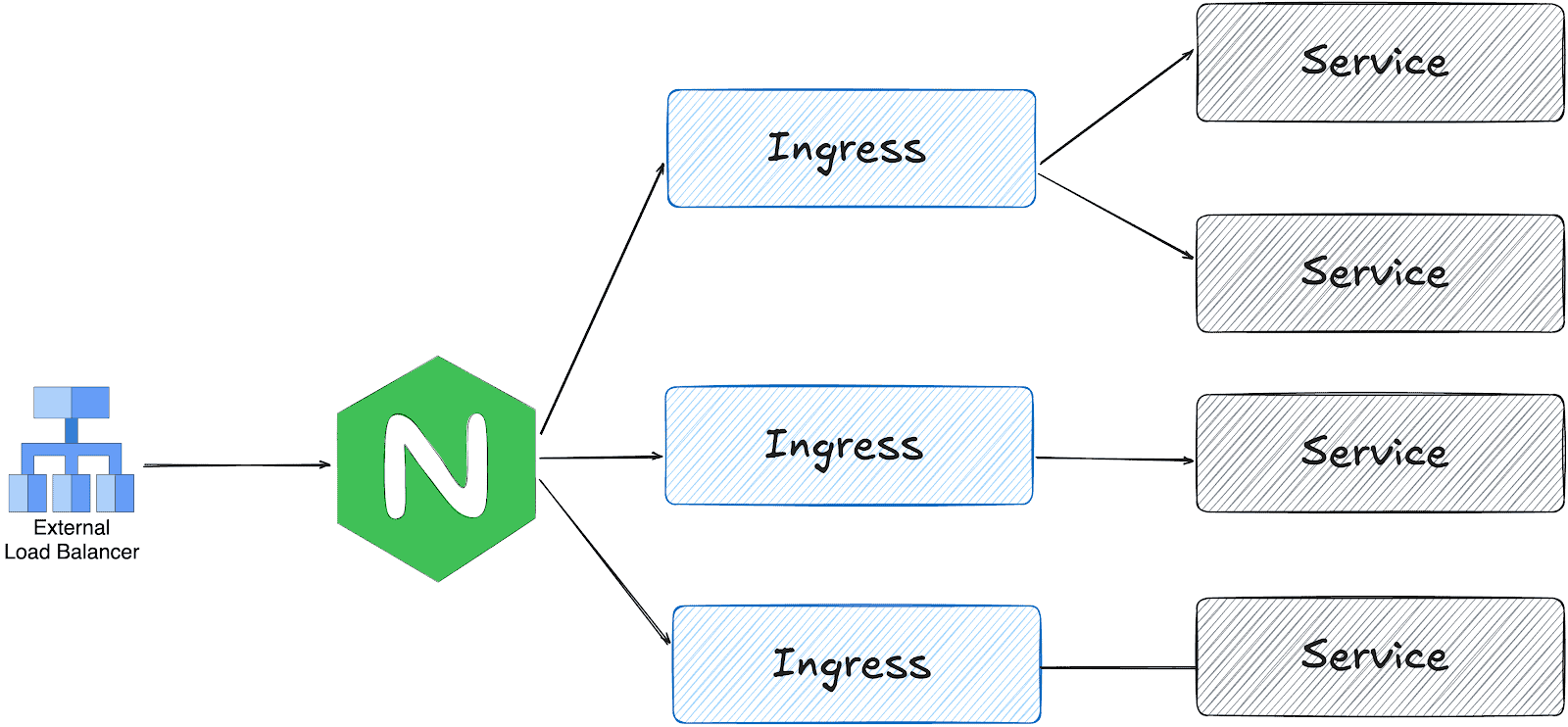
On the other hand, gateway api is designed in multiple layers:
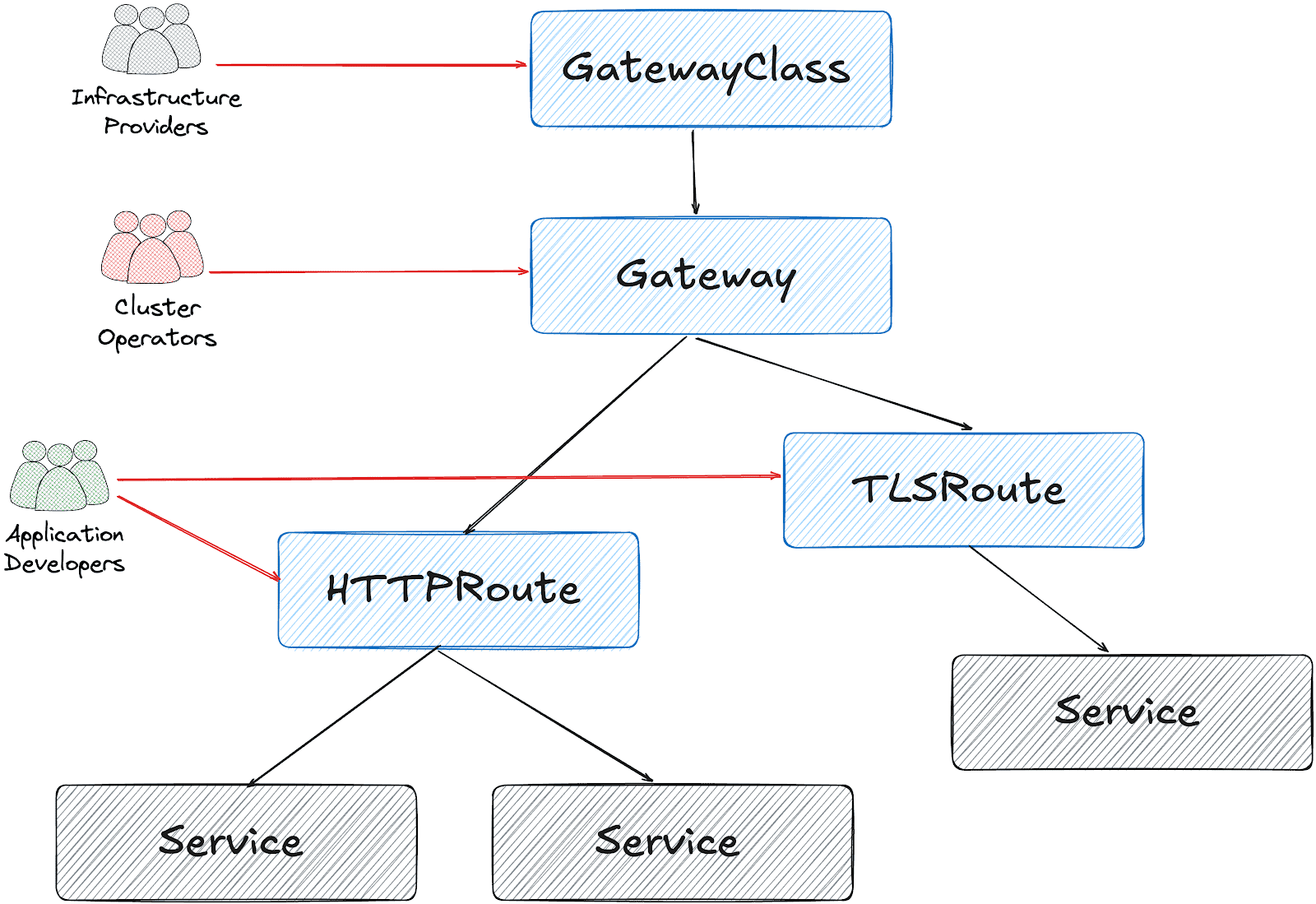
Based on this design, it’s possible to create a Gateway object per HTTPRoute and/or TLSRoute. (Each Gateway creates a LoadBalancer type service on the cluster)
Configuration for the services cluster
It’s possible to configure a shared Gateway object and configure it on multiple HTTPRoutes. This is the closest configuration to the current ingress-nginx deployment with some advantages like:
- Cost and Resource Efficiency: A single Gateway means one LoadBalancer service, which translates to one cloud load balancer. Multiple Gateways = multiple load balancers = significantly higher costs.
- Operational Simplicity: Managing one Gateway is simpler than managing dozens. We have a single point for TLS configuration, listeners, and overall gateway policy.
- IP Address Management: We get one stable IP for the ingress point. With multiple Gateways, we would need to manage multiple IPs and DNS entries.
This folder contains all the settings we implemented:
- GatewayClass to use Envoy Gateway
- A shared
Gatewayto serve for Guac, codimd, and kcp. EnvoyProxyto configure HPA, service type, and other proxy settings.ReferenceGrantsto allow the Gateway to access SSL certificates across namespacesHTTPRoutesfor each serviceBackendTLSPolictto handle existing nginx annotations for backend HTTPS connections
How we migrated
We had two options:
- Add Envoy Gateway with another public IP address and configure DNS to perform round-robin between ingress-nginx and Envoy
- Configure Envoy Gateway to use the current IP address and move the whole traffic in one go.
Although the first option is safer, we chose the second for the simplicity of our operation.
The reserved IP address was pushed to the repo as part of EnvoyProxy configuration:
apiVersion: gateway.envoyproxy.io/v1alpha1
kind: EnvoyProxy
metadata:
  name: ha-envoy-proxy
  namespace: envoy-gateway
spec:
  provider:
    type: Kubernetes
    kubernetes:
      envoyService:
        externalTrafficPolicy: Cluster
        type: LoadBalancer
        patch:
          type: StrategicMerge
          value:
            spec:
              loadBalancerIP: "146.235.214.235" # Reserved IP address on the cloud provider
              ports:
              - name: https-443
                port: 443
                targetPort: 10443
                protocol: TCP
                nodePort: 32050 # Fixed NodePort for external LB backend and firewall configuration
...
Critical: externalTrafficPolicy Setting
We initially encountered connection failures due to externalTrafficPolicy: Local (the default). This setting causes the NodePort to only listen on nodes that have an Envoy pod running. When the Oracle Cloud Load Balancer performed health checks on nodes without pods, they failed, marking all backends as unhealthy.
What about certificates?
We chose to use the existing certificates triggered by ingress-nginx via annotations:
---
apiVersion: gateway.networking.k8s.io/v1
kind: Gateway
...
spec:
  gatewayClassName: envoy
  listeners:
  - name: https
    protocol: HTTPS
    port: 443
    hostname: "*.cncf.io"
    tls:
      mode: Terminate
      certificateRefs:
      - name: guac-tls
        namespace: guac
        kind: Secret
        group: ""
      - name: auth-dex-tls
        namespace: auth
        kind: Secret
        group: ""
...
However, the certificates have an owner reference to the Ingress object. This means deleting an Ingress would cascade delete the Certificate and its Secret.
Below one-liner, removes the ownerReference from all Certificates that reference an Ingress:
kubectl get certificate -A -o json | jq -r '.items[] | select(.metadata.ownerReferences[]? | .kind == "Ingress") | "\(.metadata.namespace) \(.metadata.name)"' | while read NS NAME
do
    kubectl patch certificate $NAME -n $NS --type=json \
      -p='[{"op": "remove", "path": "/metadata/ownerReferences"}]'
done
Cross-namespace certificate access
Since certificates are stored in different namespaces than the Gateway, we configured ReferenceGrant resources to allow cross-namespace access:
apiVersion: gateway.networking.k8s.io/v1beta1
kind: ReferenceGrant
metadata:
  name: allow-gateway-to-certs
  namespace: codimd
spec:
  from:
  - group: gateway.networking.k8s.io
    kind: Gateway
    namespace: envoy-gateway
  to:
  - group: ""
    kind: Secret
    name: codimd-tls
This pattern was repeated for each namespace containing certificates.
HTTPRoutes
ingress2gateway helped to prepare the HTTPRoute objects from existing Ingress resources.
We had a special case for one ingress with backend HTTPS configuration:
nginx.ingress.kubernetes.io/backend-protocol: HTTPS
nginx.ingress.kubernetes.io/proxy-ssl-name: api.services.cncf.io
nginx.ingress.kubernetes.io/proxy-ssl-secret: kdp/kcp-ca
nginx.ingress.kubernetes.io/proxy-ssl-verify: "on"
To achieve the same behavior with Envoy Gateway, we created a BackendTLSPolicy:
apiVersion: gateway.networking.k8s.io/v1
kind: BackendTLSPolicy
metadata:
  name: kdp-backend-tls
  namespace: kdp
spec:
  targetRefs:
  - group: ''
    kind: Service
    name: kcp-front-proxy
  validation:
    caCertificateRefs:
    - name: kcp-ca
      group: ''
      kind: Secret
    hostname: api.services.cncf.io
Troubleshooting
TLS handshake failures
If you encounter SSL_ERROR_SYSCALL errors during TLS handshake:
- Check Gateway listener: Ensure the HTTPS listener is configured on port 443
- Verify certificates are loaded: Check that all referenced certificates exist and are accessible
- Check ReferenceGrants: Ensure cross-namespace certificate access is allowed
- Review Envoy logs:
kubectl logs -n envoy-gateway-system -l gateway.envoyproxy.io/owning-gateway-name=shared-gatewayLoad balancer health check failures
If the cloud load balancer shows backends as unhealthy:
- Verify externalTrafficPolicy: Should be Cluster, not Local
- Check NodePort accessibility: Test from a node that the NodePort responds
- Review health check configuration: Ensure the LB health check matches the service configuration
- Check firewall rules: Verify security groups/NSGs allow traffic from LB subnet to NodePort
Certificate not being served
If OpenSSL can’t retrieve a certificate:
echo | openssl s_client -connect <lb-ip>:443 -servername <hostname> 2>/dev/null | openssl x509 -noout -textThis indicates the certificate isn’t loaded. Check:
- Certificate is referenced in Gateway certificateRefs
- ReferenceGrant exists for cross-namespace access
- Gateway status shows Programmed: True
Day 2 operation on certificates
We had decided to move the certificates later, to narrow the scope of the migration and easily use the current certificates at the time. However, when they expire, we could be in trouble. Here is what you need to do make sure that your certificates are managed by Gateway API + cert-manager:
1. Make sure that cert-manager supports Gateway API:
You need to enable Gateway API support on cert-manager:
apiVersion: argoproj.io/v1alpha1
kind: Application
metadata:
  name: cert-manager
  namespace: argocd
spec:
  project: default
  source:
    repoURL: https://charts.jetstack.io
    targetRevision: v1.17.2
    chart: cert-manager
    helm:
      values: |
        config:
          enableGatewayAPI: true ## Make sure this exists!
2. Update the ClusterIssuer:
Either update the current issuer or create a new one:
apiVersion: cert-manager.io/v1
kind: ClusterIssuer
metadata:
  name: letsencrypt-prod
spec:
  acme:
    preferredChain: ""
    privateKeySecretRef:
      name: letsencrypt-prod
    server: https://acme-v02.api.letsencrypt.org/directory
    solvers:
    - http01:
        gatewayHTTPRoute:
          parentRefs:
          - group: gateway.networking.k8s.io
            kind: Gateway
            name: shared-gateway       ## this is the name of your gateway
            namespace: envoy-gateway   ## where your gateway resides
3. Annotate the Gateway for cert-manager
You need to add the annotation, just like we do for ingress-nginx:
apiVersion: gateway.networking.k8s.io/v1
kind: Gateway
metadata:
  name: shared-gateway
  namespace: envoy-gateway
  annotations:
    # needs to match with the ClusterIssuer you created/updated on previous step
    cert-manager.io/cluster-issuer: letsencrypt-prod
spec:
  gatewayClassName: envoy
4. Separate the listeners
We initially had one listener for all our hosts, but they need to be separated (unless you use DNS solver for a wildcard certificate).
apiVersion: gateway.networking.k8s.io/v1
kind: Gateway
metadata:
  name: shared-gateway
  namespace: envoy-gateway
  annotations:
    cert-manager.io/cluster-issuer: letsencrypt-prod
spec:
  gatewayClassName: envoy
  addresses:
   - type: IPAddress
     value: 146.235.214.235
  listeners:
  - name: https-guac
    protocol: HTTPS
    port: 443
    hostname: guac.cncf.io
    tls:
      mode: Terminate
      certificateRefs:
      - name: guac-tls-gw
        kind: Secret
        group: ""
    allowedRoutes:
      namespaces:
        from: All

    # added for cert-manager HTTP01 solver
  - name: http-guac
    protocol: HTTP
    port: 80
    hostname: guac.cncf.io
    allowedRoutes:
      namespaces:
        from: All

  - name: http-api-guac
    protocol: HTTP
    port: 80
    hostname: api.guac.cncf.io
    allowedRoutes:
      namespaces:
        from: All

    # added for cert-manager HTTP01 solver
  - name: https-notes
    protocol: HTTPS
    port: 443
    hostname: notes.cncf.io
    tls:
      mode: Terminate
      certificateRefs:
      - name: codimd-tls
        kind: Secret
        group: ""
    allowedRoutes:
      namespaces:
        from: All

  - name: http-notes
    protocol: HTTP
    port: 80
    hostname: notes.cncf.io
    allowedRoutes:
      namespaces:
        from: All
...
5. Remove redundant ReferenceGrants
Since the new certificates are created on the same namespace with the Envoy Gateway (shared-gateway in our case), we don’t need the ReferenceGrants anymore. We removed them:
kubectl delete referencegrant --all -AConclusion
The migration from ingress-nginx to Envoy Gateway required careful attention to:
- Certificate ownership and cross-namespace access
- Cloud load balancer integration (NodePort, health checks, externalTrafficPolicy)
- Backend TLS configuration for services requiring HTTPS upstream connections
The Gateway API’s multi-layer architecture provides better separation of concerns compared to ingress-nginx, though it requires understanding additional resources like ReferenceGrants and BackendTLSPolicy.
To sum it up, we can say that the cloud native world already provided alternatives before the sun setting of ingress nginx. We hope this small insight can help you in your journey of migrating away from ingress nginx.
Introducing the UX Research Working Group
Prometheus has always prioritized solving complex technical challenges to deliver a reliable, performant open-source monitoring system. Over time, however, users have expressed a variety of experience-related pain points. Those pain points range from onboarding and configuration to documentation, mental models, and interoperability across the ecosystem.
At PromCon 2025, a user research study was presented that highlighted several of these issues. Although the central area of investigation involved Prometheus and OpenTelemetry workflows, the broader takeaway was clear: Prometheus would benefit from a dedicated, ongoing effort to understand user needs and improve the overall user experience.
Recognizing this, the Prometheus team established a Working Group focused on improving user experience through design and user research. This group is meant to support all areas of Prometheus by bringing structured research, user insights, and usability perspectives into the community's development and decision-making processes.
How we can help Prometheus maintainers
Building something where the user needs are unclear? Maybe you're looking at two competing solutions and you'd like to understand the user tradeoffs alongside the technical ones.
That's where we can be of help.
The UX Working Group will partner with you to conduct user research or provide feedback on your plans for user outreach. That could include:
- User research reports and summaries
- User journeys, personas, wireframes, prototypes, and other UX artifacts
- Recommendations for improving usability, onboarding, interoperability, and documentation
- Prioritized lists of user pain points
- Suggestions for community discussions or decision-making topics
To get started, tell us what you're trying to do, and we'll work with you to determine what type and scope of research is most appropriate.
How we can help Prometheus end users
We want to hear from you! Let us know if you're interested in participating in a research study and we'll contact you when we're working on one that's a good fit. Having an issue with the Prometheus user experience? We can help you open an issue and direct it to the appropriate community members.
Interested in helping?
New contributors to the working group are always welcome! Get in touch and let us know what you'd like to work on.
Where to find us
Drop us a message in Slack, join a meeting, or raise an issue in GitHub.
- Slack: #prometheus-ux-wg
- Meetings: We meet biweekly, currently on Wednesdays at 14:00 UTC (subject to change depending on contributor availability).
- GitHub: prometheus-community/ux-research
Kubernetes v1.36 Sneak Peek
Kubernetes v1.36 is coming at the end of April 2026. This release will include removals and deprecations, and it is packed with an impressive number of enhancements. Here are some of the features we are most excited about in this cycle!
Please note that this information reflects the current state of v1.36 development and may change before release.
The Kubernetes API removal and deprecation process
The Kubernetes project has a well-documented deprecation policy for features. This policy states that stable APIs may only be deprecated when a newer, stable version of that same API is available and that APIs have a minimum lifetime for each stability level. A deprecated API has been marked for removal in a future Kubernetes release. It will continue to function until removal (at least one year from the deprecation), but usage will result in a warning being displayed. Removed APIs are no longer available in the current version, at which point you must migrate to using the replacement.
- Generally available (GA) or stable API versions may be marked as deprecated but must not be removed within a major version of Kubernetes.
- Beta or pre-release API versions must be supported for 3 releases after the deprecation.
- Alpha or experimental API versions may be removed in any release without prior deprecation notice; this process can become a withdrawal in cases where a different implementation for the same feature is already in place.
Whether an API is removed as a result of a feature graduating from beta to stable, or because that API simply did not succeed, all removals comply with this deprecation policy. Whenever an API is removed, migration options are communicated in the deprecation guide.
A recent example of this principle in action is the retirement of the ingress-nginx project, announced by SIG-Security on March 24, 2026. As stewardship shifts away from the project, the community has been encouraged to evaluate alternative ingress controllers that align with current security and maintenance best practices. This transition reflects the same lifecycle discipline that underpins Kubernetes itself, ensuring continued evolution without abrupt disruption.
Ingress NGINX retirement
To prioritize the safety and security of the ecosystem, Kubernetes SIG Network and the Security Response Committee have retired Ingress NGINX on March 24, 2026. Since that date, there have been no further releases, no bugfixes, and no updates to resolve any security vulnerabilities discovered. Existing deployments of Ingress NGINX will continue to function, and installation artifacts like Helm charts and container images will remain available.
For full details, see the official retirement announcement.
Deprecations and removals for Kubernetes v1.36
Deprecation of .spec.externalIPs in Service
The externalIPs field in Service spec is being deprecated, which means you’ll soon lose a quick way to route arbitrary externalIPs to your Services. This
field has been a known security headache for years, enabling man-in-the-middle attacks on your cluster traffic, as documented in CVE-2020-8554. From Kubernetes v1.36 and onwards, you will see deprecation warnings when using it, with full removal
planned for v1.43.
If your Services still lean on externalIPs, consider using LoadBalancer services for cloud-managed ingress, NodePort for simple port exposure, or Gateway API
for a more flexible and secure way to handle external traffic.
For more details on this enhancement, refer to KEP-5707: Deprecate service.spec.externalIPs
Removal of gitRepo volume driver
The gitRepo volume type has been deprecated since v1.11. Starting Kubernetes v1.36, the gitRepo volume plugin is permanently disabled and cannot be turned back
on. This change protects clusters from a critical security issue where using gitRepo could let an attacker run code as root on the node.
Although gitRepo has been deprecated for years and better alternatives have been recommended, it was still technically possible to use it in previous releases.
From v1.36 onward, that path is closed for good, so any existing workloads depending on gitRepo will need to migrate to supported approaches such as init
containers or external git-sync style tools.
For more details on this enhancement, refer to KEP-5040: Remove gitRepo volume driver
Featured enhancements of Kubernetes v1.36
The following list of enhancements is likely to be included in the upcoming v1.36 release. This is not a commitment and the release content is subject to change.
Faster SELinux labelling for volumes (GA)
Kubernetes v1.36 makes the SELinux volume mounting improvement generally available. This change replaced recursive file relabeling with mount -o context=XYZ option, applying the correct SELinux label to the entire volume at mount time. It brings more consistent performance and reduces Pod startup delays on SELinux-enforcing systems.
This feature was introduced as beta in v1.28 for ReadWriteOncePod volumes. In v1.32, it gained metrics and an opt-out option
(securityContext.seLinuxChangePolicy: Recursive) to help catch conflicts. Now in v1.36, it reaches stable and defaults to all volumes, with Pods or
CSIDrivers opting in via spec.SELinuxMount.
However, we expect this feature to create the risk of breaking changes in the future Kubernetes releases, due to the potential for mixing of privileged and unprivileged pods.
Setting the seLinuxChangePolicy field and
SELinux volume labels on Pods, correctly, is the responsibility of the Pod author
Developers have that responsibility whether they are writing a Deployment, StatefulSet, DaemonSet or even a custom resource that includes a Pod template.
Being careless
with these settings can lead to a range of problems when Pods share volumes.
For more details on this enhancement, refer to KEP-1710: Speed up recursive SELinux label change
External signing of ServiceAccount tokens
As a beta feature, Kubernetes already supports external signing of ServiceAccount tokens. This allows clusters to integrate with external key management systems or signing services instead of relying only on internally managed keys.
With this enhancement, the kube-apiserver can delegate token signing to external systems such as cloud key management services or hardware security modules. This
improves security and simplifies key management services for clusters that rely on centralized signing infrastructure.
We expect that this will graduate to stable (GA) in Kubernetes v1.36.
For more details on this enhancement, refer to KEP-740: Support external signing of service account tokens
DRA Driver support for Device taints and tolerations
Kubernetes v1.33 introduced support for taints and tolerations for physical devices managed through Dynamic Resource Allocation (DRA). Normally, any device can be
used for scheduling. However, this enhancement allows DRA drivers to mark devices as tainted, which ensures that they will not be used for scheduling purposes.
Alternatively, cluster administrators can create a DeviceTaintRule to mark devices that match a certain selection criteria(such as all devices of a certain
driver) as tainted. This improves scheduling control and helps ensure that specialized hardware resources are only used by workloads that explicitly request them.
In Kubernetes v1.36, this feature graduates to beta with more comprehensive testing complete, making it accessible by default without the need for a feature flag and open to user feedback.
To learn about taints and tolerations, see taints and tolerations.
For more details on this enhancement, refer to KEP-5055: DRA: device taints and tolerations.
DRA support for partitionable devices
Kubernetes v1.36 expands Dynamic Resource Allocation (DRA) by introducing support for partitionable devices, allowing a single hardware accelerator to be split into multiple logical units that can be shared across workloads. This is especially useful for high-cost resources like GPUs, where dedicating an entire device to a single workload can lead to underutilization.
With this enhancement, platform teams can improve overall cluster efficiency by allocating only the required portion of a device to each workload, rather than reserving it entirely. This makes it easier to run multiple workloads on the same hardware while maintaining isolation and control, helping organizations get more value out of their infrastructure.
To learn more about this enhancement, refer to KEP-4815: DRA Partitionable Devices
Want to know more?
New features and deprecations are also announced in the Kubernetes release notes. We will formally announce what's new in Kubernetes v1.36 as part of the CHANGELOG for that release.
Kubernetes v1.36 release is planned for Wednesday, April 22, 2026. Stay tuned for updates!
You can also see the announcements of changes in the release notes for:
- Kubernetes v1.35
- Kubernetes v1.34
- Kubernetes v1.33
- Kubernetes v1.32
- Kubernetes v1.31
- Kubernetes v1.30
Get involved
The simplest way to get involved with Kubernetes is by joining one of the many Special Interest Groups (SIGs) that align with your interests. Have something you’d like to broadcast to the Kubernetes community? Share your voice at our weekly community meeting, and through the channels below. Thank you for your continued feedback and support.
- Follow us on Bluesky @kubernetes.io for the latest updates
- Join the community discussion on Discuss
- Join the community on Slack
- Post questions (or answer questions) on Server Fault or Stack Overflow
- Share your Kubernetes story
- Read more about what’s happening with Kubernetes on the blog
- Learn more about the Kubernetes Release Team
The weight of AI models: Why infrastructure always arrives slowly
As AI adoption accelerates across industries, organizations face a critical bottleneck that is often overlooked until it becomes a serious obstacle: reliably managing and distributing large model weight files at scale. A model’s weights serve as the central artifact that bridges both training and inference pipelines — yet the infrastructure surrounding this artifact is frequently an afterthought.
This article addresses the operational challenges of managing AI model artifacts at enterprise scale, and introduces a cloud-native solution that brings software delivery best practices – versioning, immutability, and GitOps, to the world of large model files.
The gap nobody talks about — until it breaks production
The cloud native gap: Most existing ML model storage approaches were not designed with Kubernetes-native delivery in mind, leaving a critical gap between how software artifacts are managed and how model artifacts are managed. Within the CNCF ecosystem, projects such as ModelPack, ORAS, Harbor, and Dragonfly are exploring complementary approaches to managing and distributing large artifacts.
Today, enterprises operate AI infrastructure on Kubernetes yet their model artifact management lags behind. Software containers are pulled from OCI registries with full versioning, security scanning, and rollback support. Model weights, by contrast, are often downloaded via ad hoc scripts, copied manually between storage buckets, or distributed through unsecured shared filesystems. This gap creates deployment fragility, security risks, and operational overhead at scale.
When your model weighs more than your entire app
Modern foundation models are not small. A single model checkpoint can range from tens of gigabytes to several terabytes. For reference, a quantized LLaMA-3 70B model weighs approximately 140 GB, while frontier multimodal models can easily exceed 1 TB. These are not files you version-control with standard Git — they demand dedicated storage strategies, efficient transfer protocols, and careful access control.
The core challenges are: storage at scale, distribution speed, and reproducibility. Teams need to store multiple model versions, rapidly distribute them to GPU inference nodes across regions, and guarantee that any deployment can be traced back to an exact, immutable artifact.
Three paths forward — and why none of them are enough
Git LFS (Hugging Face Hub)Object Storage (S3, MinIO)Distributed Filesystem (NFS, CephFS)ProsNative version control (branches, tags, commits, history).Standard offering from cloud providers. Native support in engines like vLLM/SGLang.POSIX compatible. Low integration cost.ConsPoor protocol adaptation for cloud-native environments. Inherits Git’s transport inefficiencies, lacks optimizations for huge file distribution.Lacks structured metadata. Weak version management capabilities.Lacks structured metadata. Weak version management capabilities. High operational complexity for distributed filesystems. Rethinking the delivery pipeline: Models deserve better than a shell scriptThe approach described here treats AI model weights as first-class OCI (Open Container Initiative) artifacts, packaging them in the same container registries used for application images. This enables model delivery to leverage the full ecosystem of container tooling: security scanning, signed provenance, GitOps-driven deployment, and Kubernetes-native pulling.
What If we shipped models the same way we ship code?
In the cloud-native era, developers have long established a mature and efficient paradigm for software delivery.
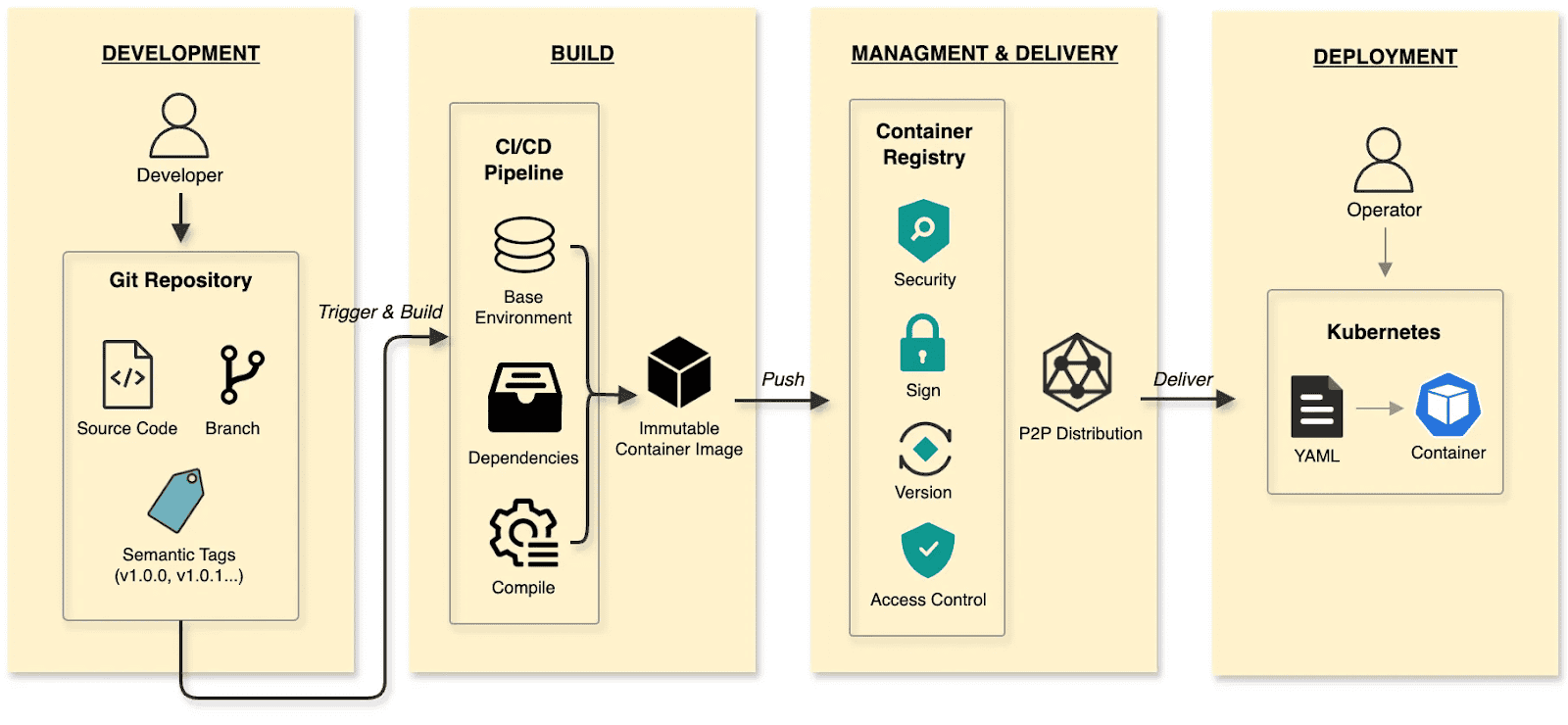
The software delivery:
- Develop: Developers commit code to a Git repository, manage code changes through branches, and define versions using tags at key milestones.
- Build: CI/CD pipelines compile and test, packaging the output into an immutable Container Image.
- Manage and deliver: Images are stored in a Container Registry. Supply chain security (scanning/signing), RBAC, and P2P distribution ensure safe delivery.
- Deploy: DevOps engineers use declarative Kubernetes YAML to define the desired state. The Container’s lifecycle is managed by Kubernetes.
The cloud native AI model delivery:
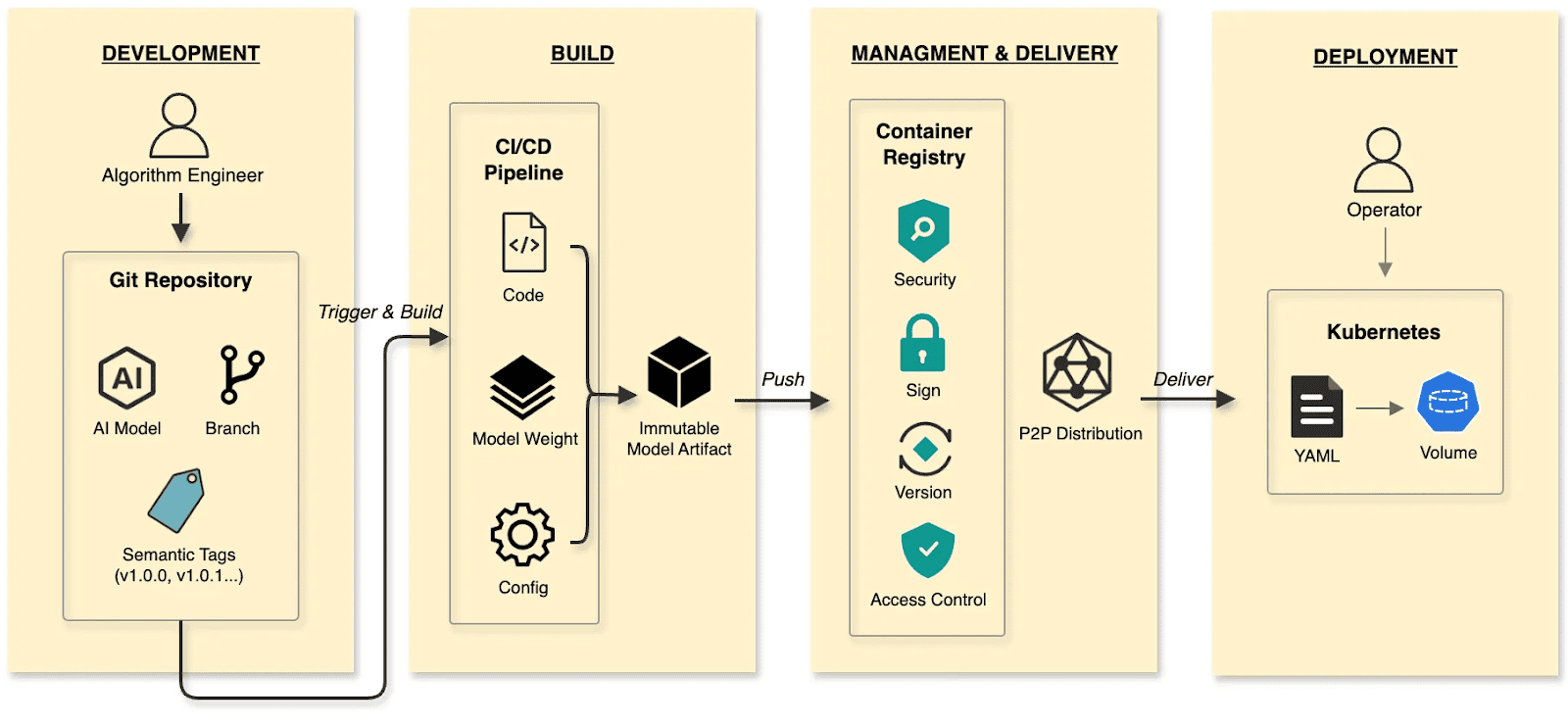
- Develop: Algorithm engineers push weights and configs to the Hugging Face Hub, treating it as the Git Repository.
- Build: CI/CD pipelines package weights, runtime configurations, and metadata into an immutable Model Artifact.
- Manage and deliver: The Model Artifact is managed by an Artifact Registry, reusing the existing container infrastructure and toolchain.
- Deploy: Engineers use Kubernetes OCI Volumes or a Model CSI Driver. Models are mounted into the inference Container as Volumes via declarative semantics, decoupling the AI model from the inference engine (vLLM, SGLang, etc.).
By applying software delivery paradigms and supply chain thinking to model lifecycle management, we constructed a granular, efficient system that resolves the challenges of managing and distributing AI models in production.
Walking the pipeline: A build story in four steps
Build
modctl is a CLI tool designed to package AI models into OCI artifacts. It standardizes versioning, storage, distribution and deployment, ensuring integration with the cloud-native ecosystem.
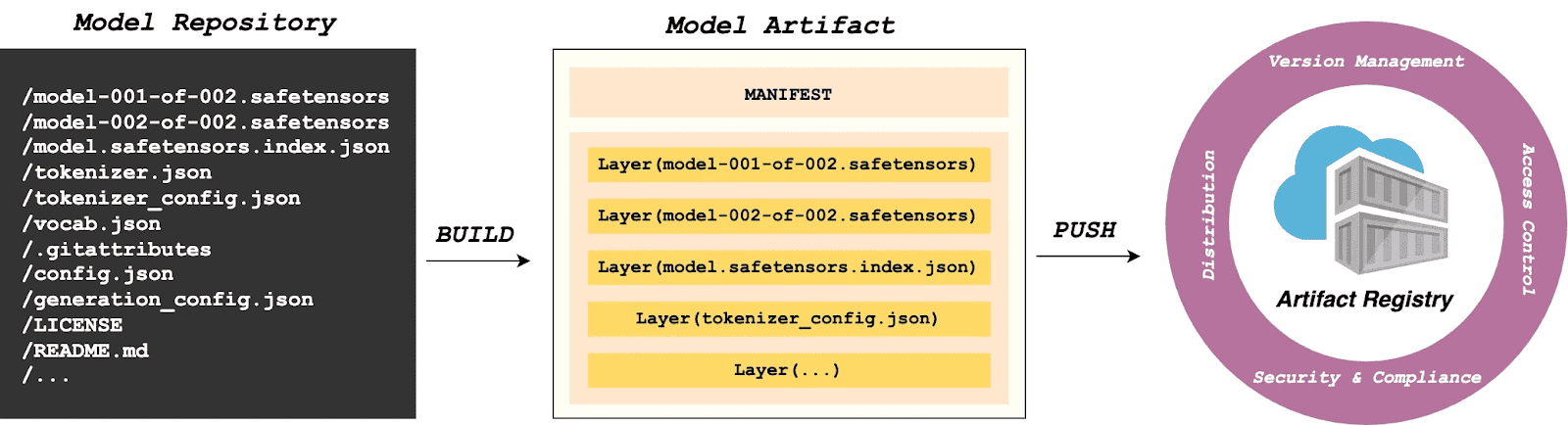
Step 1: Auto-generate Modelfile
Run the following in the model directory to generate a definition file.
$ modctl modelfile generate .Step 2: Customize Modelfile
You can also customize the content of the Modelfile.
# Model name (string), such as llama3-8b-instruct, gpt2-xl, qwen2-vl-72b-instruct, etc.
NAME qwen2.5-0.5b

# Model architecture (string), such as transformer, cnn, rnn, etc.
ARCH transformer

# Model family (string), such as llama3, gpt2, qwen2, etc.
FAMILY qwen2

# Model format (string), such as onnx, tensorflow, pytorch, etc.
FORMAT safetensors

# Specify model configuration file, support glob path pattern.
CONFIG config.json

# Specify model configuration file, support glob path pattern.
CONFIG generation_config.json

# Model weight, support glob path pattern.
MODEL *.safetensors

# Specify code, support glob path pattern.
CODE *.py
Step 3: Login to Artifact Registry (Harbor)
$ modctl login -u username -p password harbor.registry.comStep 4: Build OCI Artifact
$ modctl build -t harbor.registry.com/models/qwen2.5-0.5b:v1 -f Modelfile .A Model Manifest is generated after the build. Descriptive information such as ARCH, FAMILY, and FORMAT is stored in a file with the media type application/vnd.cncf.model.config.v1+json.
{
    "schemaVersion": 2,
    "mediaType": "application/vnd.oci.image.manifest.v1+json",
    "artifactType": "application/vnd.cncf.model.manifest.v1+json",
    "config": {
        "mediaType": "application/vnd.cncf.model.config.v1+json",
        "digest": "sha256:d5815835051dd97d800a03f641ed8162877920e734d3d705b698912602b8c763",
        "size": 301
    },
    "layers": [
        {
            "mediaType": "application/vnd.cncf.model.weight.v1.raw",
            "digest": "sha256:3f907c1a03bf20f20355fe449e18ff3f9de2e49570ffb536f1a32f20c7179808",
            "size": 4294967296
        },
        {
            "mediaType": "application/vnd.cncf.model.weight.v1.raw",
            "digest": "sha256:6d923539c5c208de77146335584252c0b1b81e35c122dd696fe6e04ed03d7411",
            "size": 5018536960
        },
        {
            "mediaType": "application/vnd.cncf.model.weight.config.v1.raw",
            "digest": "sha256:a5378e569c625f7643952fcab30c74f2a84ece52335c292e630f740ac4694146",
            "size": 106
        },
        {
            "mediaType": "application/vnd.cncf.model.weight.code.v1.raw",
            "digest": "sha256:15da0921e8d8f25871e95b8b1fac958fc9caf453bad6f48c881b3d76785b9f9d",
            "size": 394
        },
        {
            "mediaType": "application/vnd.cncf.model.doc.v1.raw",
            "digest": "sha256:5e236ec37438b02c01c83d134203a646cb354766ac294e533a308dd8caa3a11e",
            "size": 23040
        }
    ]
}
Step 5: Push
$ modctl push harbor.registry.com/models/qwen2.5-0.5b:v1Management
Current AI infrastructure workflows focus heavily on model distribution performance, often ignoring model management standards. Manual copying works for experiments, but in large-scale production, lacking unified versioning, metadata specs, and lifecycle management is poor practice. As the standard cloud-native Artifact Registry, Harbor is ideally suited for model storage, treating models as inference artifacts.
Harbor standardizes AI model management through:
- Versioning: Models are OCI Artifacts with immutable Tags and Sha256 Digests. This guarantees deterministic inference environments. Meanwhile, it visually presents the model’s basic attributes, parameter configurations, display information, and the file list, which not only reduces the risks of unknown versions but also achieves full transparency of the model.
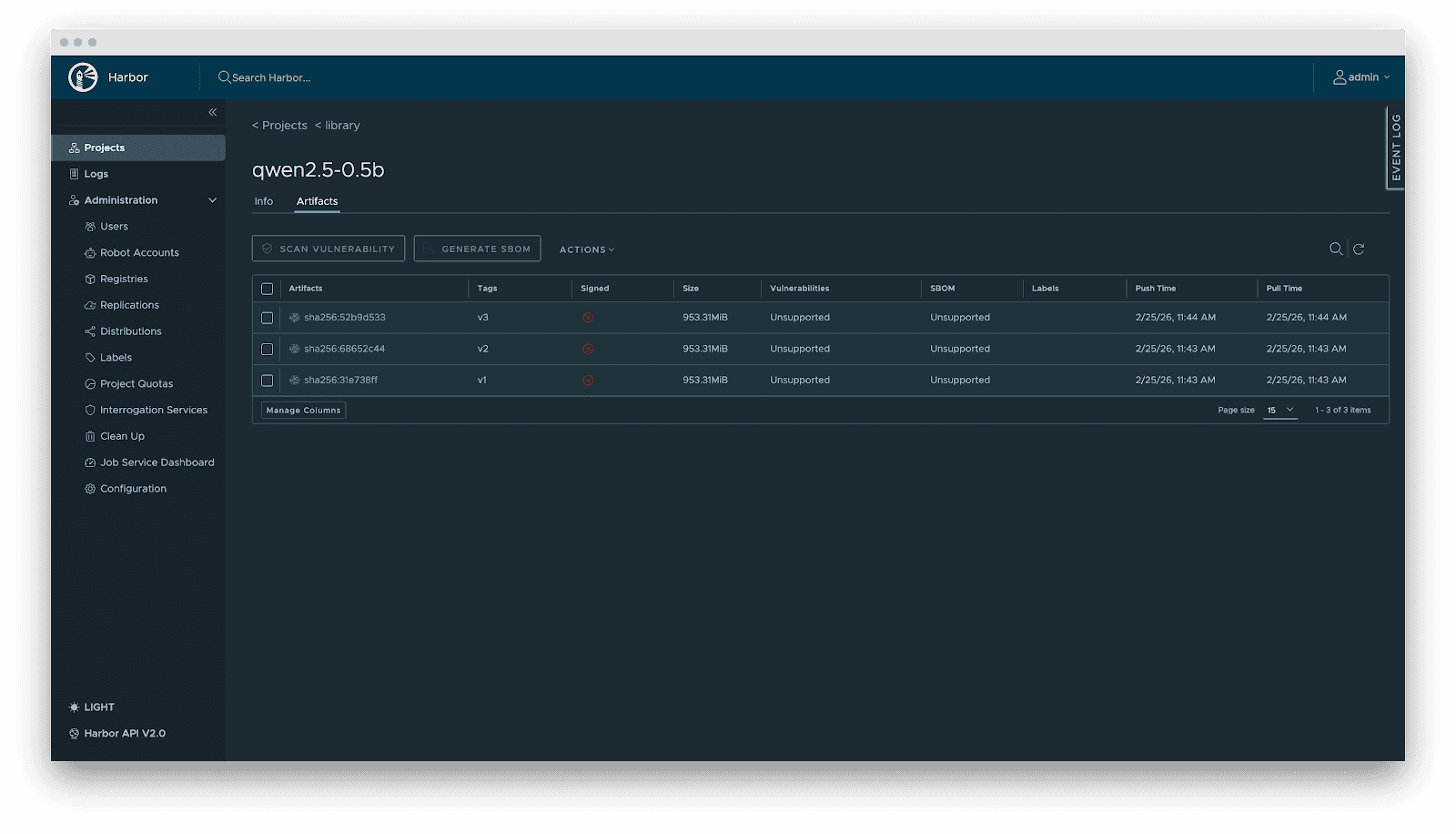
- RBAC: Fine-grained access control. Control who can PUSH (e.g., Algorithm Engineers), who can only PULL (e.g., Inference Services), and who has administrative privileges.
- Lifecycle management: Tag retention policies automatically purge non-release versions while locking active versions, balancing storage costs with stability.
- Supply chain security: Integration with Cosign/Notation for signing. Harbor enforces signature verification before distribution, preventing model poisoning attacks.
- Replication: Automated, incremental synchronization between central and edge registries or active-standby clusters.
- Audit: Comprehensive logging of all artifact operations (pull/push/delete) for security compliance and traceability.
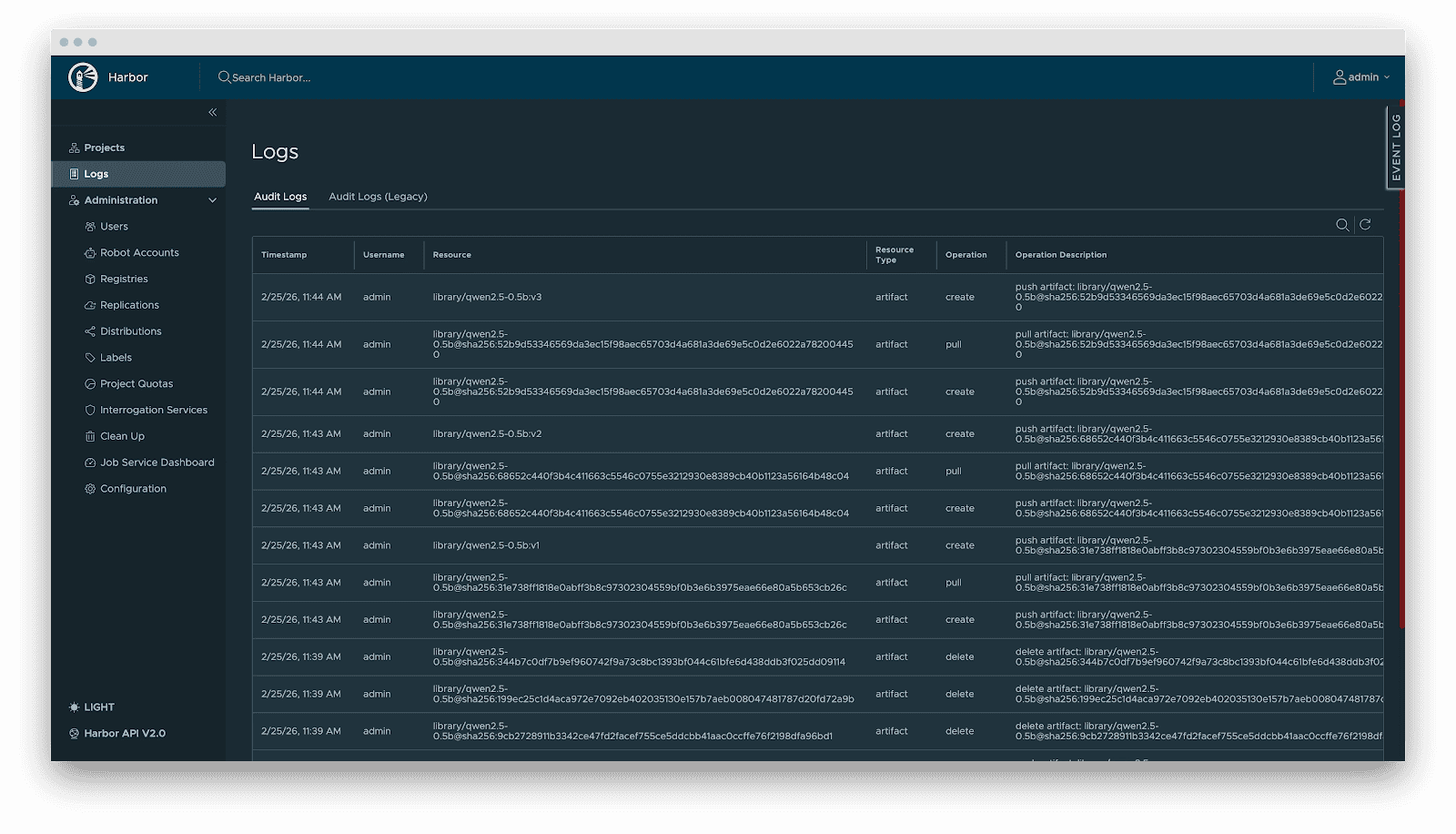
Delivery
Downloading terabyte-sized model weights directly from the origin introduces bandwidth bottlenecks. We utilize Dragonfly for P2P-based distribution, integrated with Harbor for preheating.
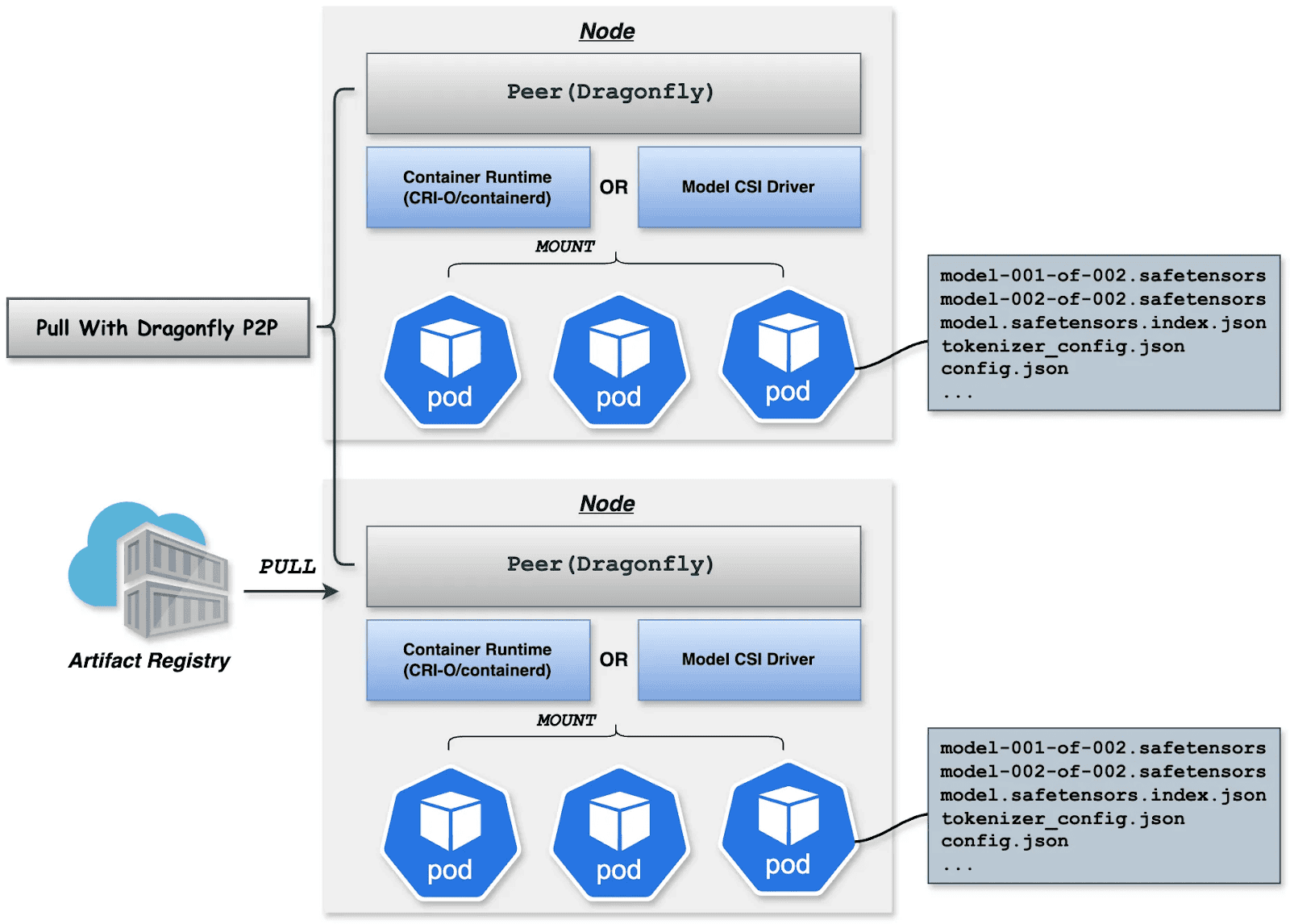
Dragonfly P2P-based distribution
For large-scale distribution scenarios, Dragonfly has been deeply optimized based on P2P technology. Taking the example of 500 nodes downloading a 1TB model, the system distributes the initial download tasks of different layers across nodes to maximize downstream bandwidth utilization and avoid single-point congestion. Combined with a secondary bandwidth-aware scheduling algorithm, it dynamically adjusts download paths to eliminate network hotspots and long-tail latency. For individual model weight, Dragonfly splits individual model weights into pieces and fetches them concurrently from the origin. This enables streaming-based downloading, allowing users to share models without waiting for the complete file. This solution has been proven in high-performance AI clusters, utilizing 70%–80% of each node’s bandwidth and improving model deployment efficiency.
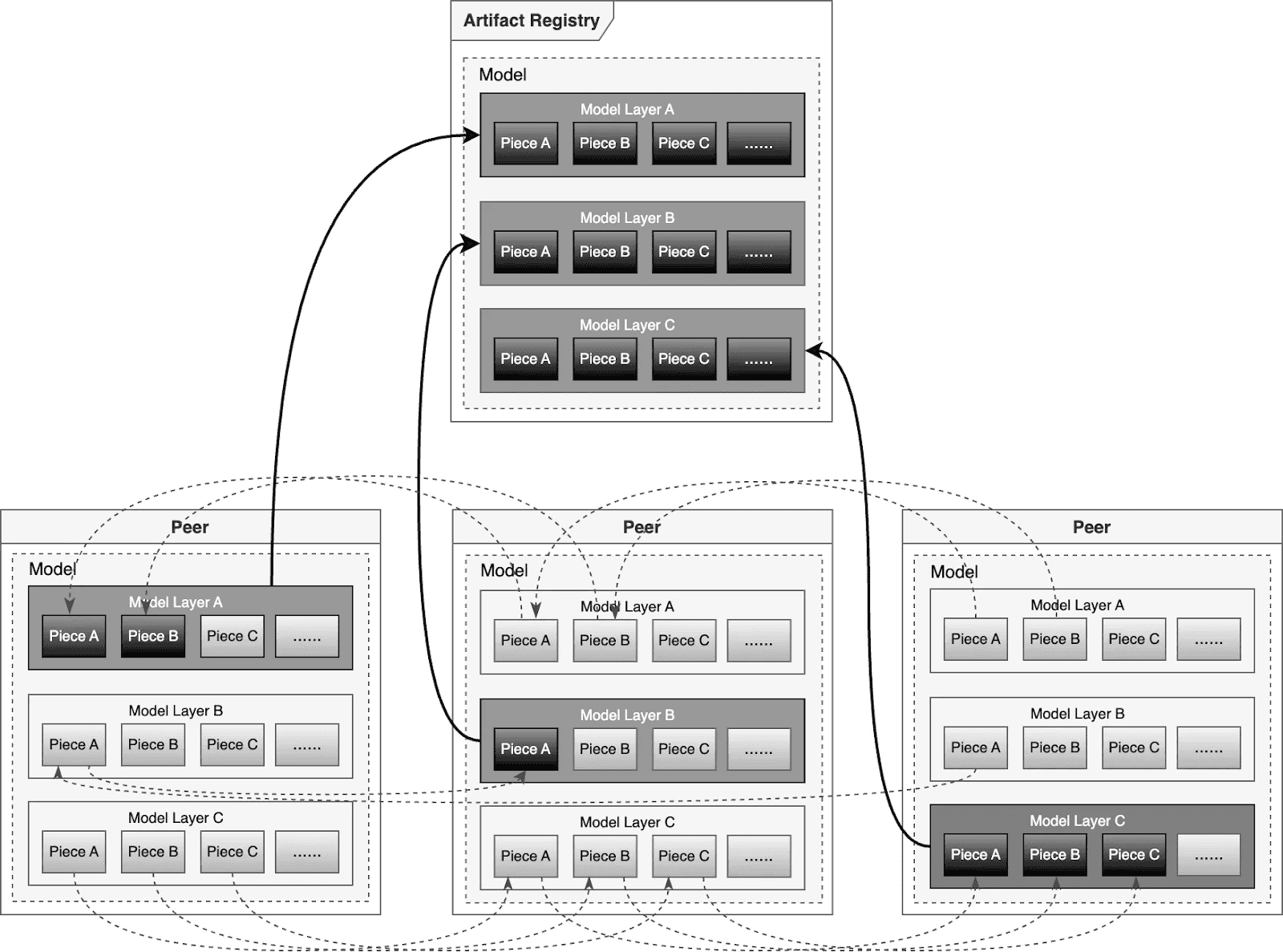
Preheating
For latency-sensitive inference services, Harbor triggers Dragonfly to distribute and cache data on target nodes before service scaling. When the instance starts, the model loads from the local disk, achieving zero network latency.
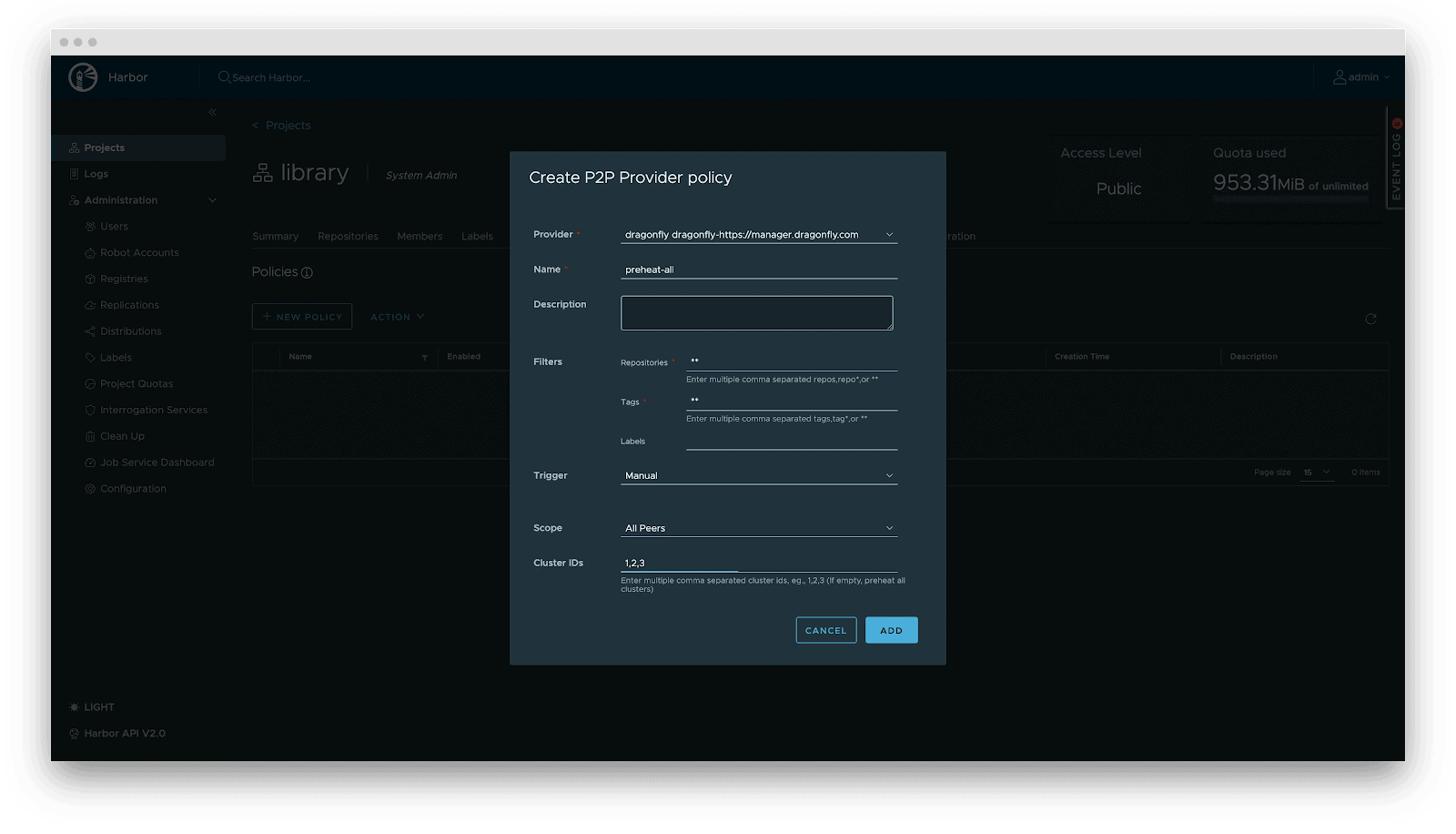
Deployment
Deployment focuses on decoupling the Model (Data) from the Inference Engine (Compute). By leveraging Kubernetes declarative primitives, the Engine runs as a Container, while the Model is mounted as a Volume. This native approach not only enables multiple Pods on the same node to share and reuse the model, saving disk space, but also leverages the preheating and P2P capabilities of Harbor & Dragonfly to eliminate the latency of pulling large model weights, significantly improving startup speed.
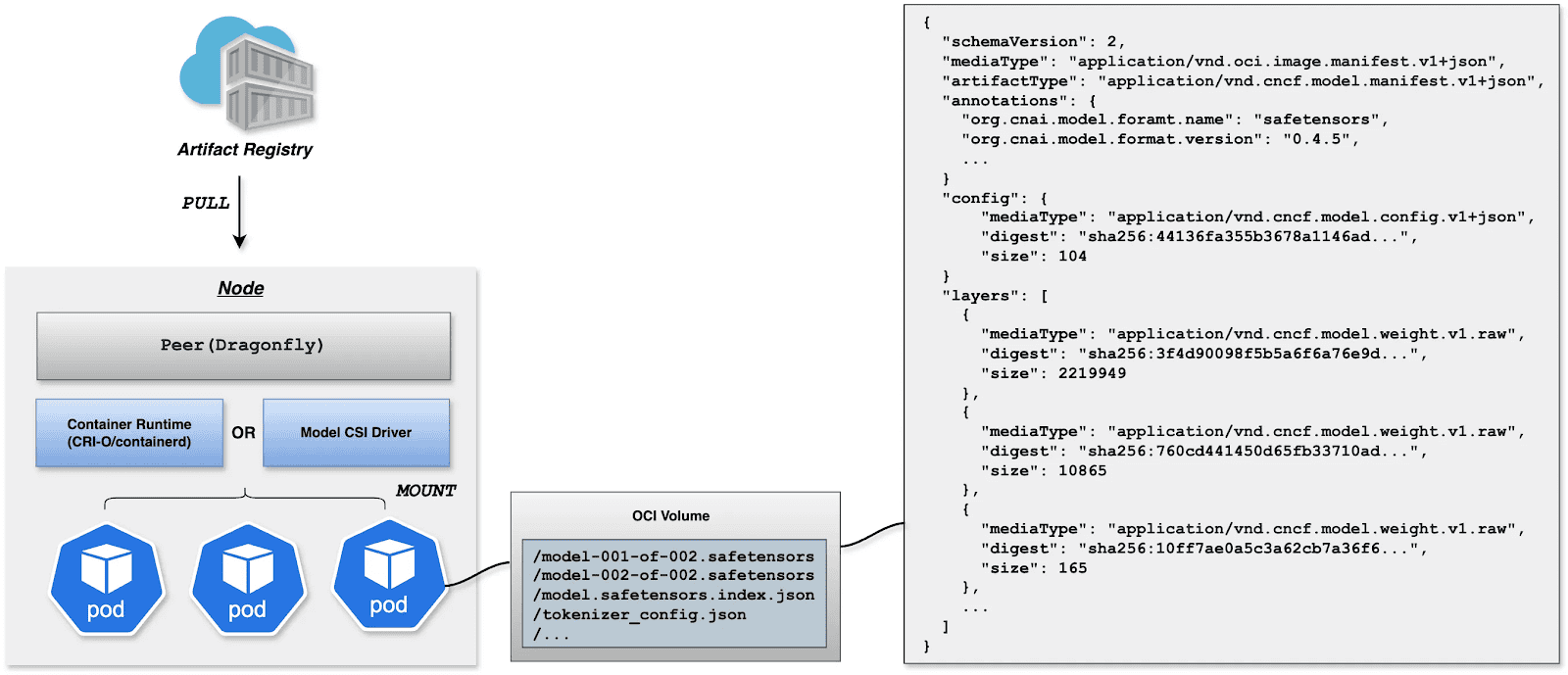
OCI Volumes (Kubernetes 1.31+)
Native support for mounting OCI artifacts as volumes via CRI-O/containerd. This feature was introduced as alpha in Kubernetes 1.31 (requires enabling the ImageVolume feature gate) and promoted to beta in Kubernetes 1.33 (enabled by default, no feature gate configuration needed). CRI-O specifically enhances this for LLMs by avoiding decompression overhead at mount time by storing layers uncompressed, resulting in superior performance when mounting large model files.
Step 1: Build YAML
apiVersion: v1
kind: Pod
metadata:
  name: vllm-cpu-inference
  labels:
    app: vllm
spec:
  containers:
  - name: vllm
    image: openeuler/vllm-cpu:latest
    command:
    - "python3"
    - "-m"
    - "vllm.entrypoints.openai.api_server"
    args:
    - "--model"
    - "/models"
    - "--dtype"
    - "float32"
    - "--host"
    - "0.0.0.0"
    - "--port"
    - "8000"
    - "--max-model-len"
    - "1024"
    - "--disable-log-requests"
    env:
    - name: VLLM_CPU_KVCACHE_SPACE
      value: "1"
    - name: VLLM_WORKER_MULTIPROC_METHOD
      value: "spawn"
    resources:
      requests:
        memory: "2Gi"
        cpu: "1"
      limits:
        memory: "16Gi"
        cpu: "8"
    volumeMounts:
    - name: model-volume
      mountPath: /models
      readOnly: true
    ports:
    - containerPort: 8000
      protocol: TCP
      name: http
    livenessProbe:
      httpGet:
        path: /health
        port: 8000
      initialDelaySeconds: 60
      periodSeconds: 10
      timeoutSeconds: 5
    readinessProbe:
      httpGet:
        path: /health
        port: 8000
      initialDelaySeconds: 30
      periodSeconds: 5
  volumes:
  - name: model-volume
    image:
      reference: ghcr.io/chlins/qwen2.5-0.5b:v1
      pullPolicy: IfNotPresent
---
apiVersion: v1
kind: Service
metadata:
  name: vllm-service
spec:
  selector:
    app: vllm
  ports:
  - port: 8000
    targetPort: 8000
    protocol: TCP
    name: http
  type: ClusterIP
Step 2: Deploy inference Workload
Step 3: Call Inference Workload
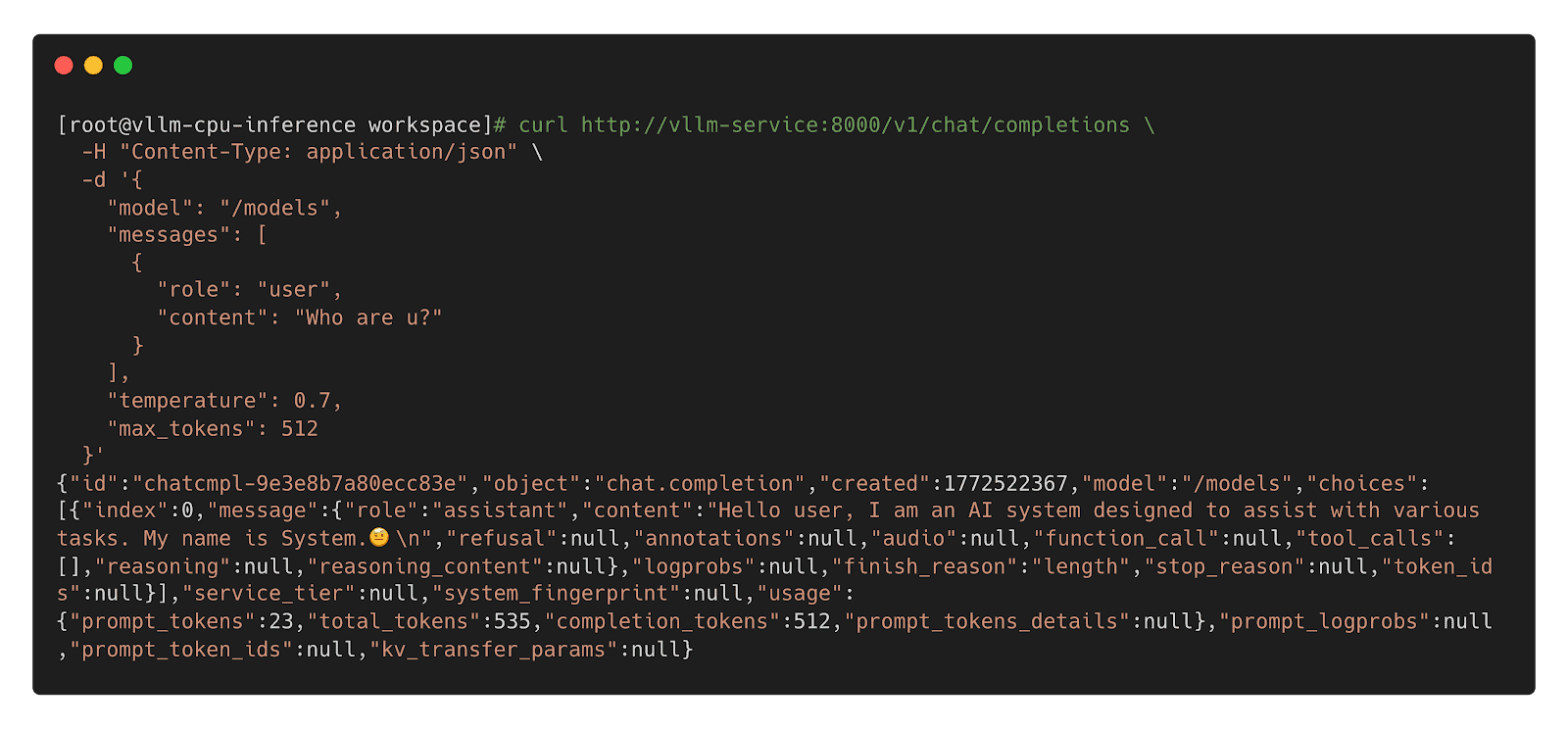
Model CSI Driver
For compatibility with Kubernetes 1.31 and older, we offer the Model CSI Driver as an interim solution to mount and deploy models as volumes. As OCI Volumes are slated for GA in Kubernetes 1.36, shifting to native OCI Volumes is recommended for the long term.
Step 1: Build YAML
apiVersion: v1
kind: Pod
metadata:
  name: vllm-cpu-inference
  labels:
    app: vllm
spec:
  containers:
  - name: vllm
    image: openeuler/vllm-cpu:latest
    command:
    - "python3"
    - "-m"
    - "vllm.entrypoints.openai.api_server"
    args:
    - "--model"
    - "/models"
    - "--dtype"
    - "float32"
    - "--host"
    - "0.0.0.0"
    - "--port"
    - "8000"
    - "--max-model-len"
    - "1024"
    - "--disable-log-requests"
    env:
    - name: VLLM_CPU_KVCACHE_SPACE
      value: "1"
    - name: VLLM_WORKER_MULTIPROC_METHOD
      value: "spawn"
    resources:
      requests:
        memory: "2Gi"
        cpu: "1"
      limits:
        memory: "16Gi"
        cpu: "8"
    volumeMounts:
    - name: model-volume
      mountPath: /models
      readOnly: true
    ports:
    - containerPort: 8000
      protocol: TCP
      name: http
    livenessProbe:
      httpGet:
        path: /health
        port: 8000
      initialDelaySeconds: 60
      periodSeconds: 10
      timeoutSeconds: 5
    readinessProbe:
      httpGet:
        path: /health
        port: 8000
      initialDelaySeconds: 30
      periodSeconds: 5
  volumes:
  - name: model-volume
    csi:
      driver: model.csi.modelpack.org
      volumeAttributes:
        model.csi.modelpack.org/reference: ghcr.io/chlins/qwen2.5-0.5b:v1
---
apiVersion: v1
kind: Service
metadata:
  name: vllm-service
spec:
  selector:
    app: vllm
  ports:
  - port: 8000
    targetPort: 8000
    protocol: TCP
    name: http
  type: ClusterIP
Step 2: Deploy Inference Workload
Step 3: Call Inference Workload
 Future
- Enhanced Preheating: Allow models to be preheated to specified nodes and querying cache distribution across nodes for model-aware pod scheduling.
- Dragonfly RDMA Acceleration: Enable Dragonfly to utilize InfiniBand or RoCE to improve the speed of distribution.
- Lazy Loading: Implement on-demand downloading of model weights to reduce startup latency.
- containerd Optimization: Enhance the OCI Volumes implementation to reduce decompression overhead for large layers.
- Model Security Scanning: Introduce deep scanning capabilities specifically designed for model weights to detect embedded malicious payloads.
- Kubernetes: https://github.com/kubernetes/kubernetes
- Harbor: https://github.com/goharbor/harbor
- Dragonfly: https://github.com/dragonflyoss/dragonfly
- CRI-O: https://github.com/cri-o/cri-o
- containerd: https://github.com/containerd/containerd
- modctl: https://github.com/modelpack/modctl
- Model CSI Driver: https://github.com/modelpack/model-csi-driver
- Model Spec: https://github.com/modelpack/model-spec
- ORAS: https://github.com/oras-project/oras
- Kubernetes – Read Only Volumes Based On OCI Artifacts: https://kubernetes.io/blog/2024/08/16/kubernetes-1-31-image-volume-source/
- Harbor – AI Model Processor: https://github.com/goharbor/community/blob/main/proposals/new/AI-model-processor.md
- Dragonfly – Load-Aware Scheduling Algorithm: https://d7y.io/docs/next/operations/deployment/applications/scheduler/#bandwidth-aware-scheduling-algorithm
- CRI-O – Add OCI Volume/Image Source Support: https://github.com/cri-o/cri-o/pull/8317
- containerd – Add OCI/Image Volume Source support: https://github.com/containerd/containerd/pull/10579
Announcing Kubescape 4.0 Enterprise Stability Meets the AI Era
We are happy to announce the release of Kubescape 4.0, a milestone bringing enterprise-grade stability and advanced threat detection to open source Kubernetes security. This version focuses on making security more proactive and scalable. It also introduces capabilities that allow AI agents to utilize Kubescape to scan clusters as well as enable security posture scanning for the AI agents themselves.
Runtime Threat Detection Reaches General Availability (GA)
The highlight of this release is the GA of our Runtime Threat Detection. After rigorous testing, we’ve achieved proven stability at scale.
The engine is powered by CEL-based detection rules. These Common Expression Language rules are highly efficient and have direct access to Kubescape Application Profiles, which act as security baselines for your workloads.
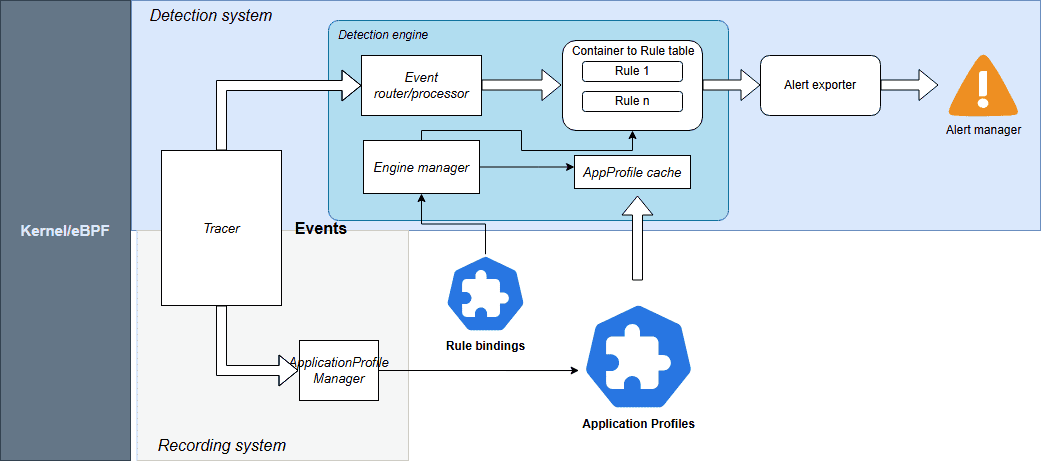
Source: Kubescpe.io
Kubescape 4.0 monitors a comprehensive suite of events including:
- System Interactions: Processes, Linux capabilities, and System calls
- Connectivity: Network and HTTP events
- Storage: File system activities
For seamless operations, Rules and RuleBindings are now managed as Kubernetes CRDs. You can export alerts to your existing stack, including AlertManager, SIEM, Syslog, Stdout, and HTTP webhooks.
Check out the Kubescape documentation for more information.
Kubescape Storage Reaches General Availability (GA)
Kubescape Storage has officially reached GA. This component leverages the Kubernetes Aggregated API, a Kubernetes-native feature, to act as a centralized repository for all security metadata.
By moving custom objects like Application Profiles, SBOMs, and vulnerability manifests into this dedicated storage layer, we’ve ensured that security data doesn’t overwhelm the standard etcd instance. This architecture has been proven to handle the demands of large-scale, high-density clusters, providing the performance required for modern enterprise environments.
For more information, check out Amir Malka’s session at Kubecon + CloudNativeCon North America 2025:
Extending Kubernetes API: The Hidden Power of Aggregated Server Objects – Amir Malka, ARMO
The Enhanced Node-Agent and Host-Sensor Deprecation
Based on community feedback regarding the complexity of node scanning, we have removed the host-sensor in Kubescape 4.0. While effective, this “pop-up” DaemonSet approach was often perceived as intrusive and difficult to monitor from a security perspective.
We have also officially removed the host-agent and integrated its capabilities directly into the node-agent. By establishing a direct API between the core Kubescape microservices and the node-agent, we’ve eliminated the need for ephemeral, high-privilege Pods. This architectural shift allows you to maintain a cleaner cluster environment with only one agent to manage, making your security posture both more stable and easier to audit.
Kubescape Enters the AI Era
With the launch of Kubescape 4.0, we are addressing the unique challenges of the AI-native era by looking at security from two equally important perspectives. This focus is critical, as the same cloud native principles that scale modern infrastructure are foundational for the next generation of inference pipelines and intelligent, agentic AI systems. We like to think of this as the “two sides of the AI security coin”: using Kubescape to empower AI agents with cybersecurity capabilities and using Kubescape to secure those same agents.
Empowering AI Security Sidekicks
As AI inference becomes the next major cloud native workload and Kubernetes evolves into the platform for intelligent systems, Kubescape 4.0 introduces a KAgent-native plug-in, allowing AI assistants to analyze Kubernetes security posture directly from the cluster. This plug-in provides the following capabilities to the AI agent:
- Security Scanning: AI agents can list and inspect vulnerability manifests for CVEs and review configuration scans to identify RBAC issues or missing security contexts.
- Detailed Remediation: Agents can pull specific guidance to fix vulnerabilities.
- Runtime Observability: Using ApplicationProfiles and NetworkNeighborhoods, AI assistants can look at how containers behave in real life, like what system calls they make, what files they access, and how they communicate over the network.
This integration enables an AI agent to become a true security sidekick; assisting humans to interpret complex security states and make informed decisions.
Scanning the AI Posture
AI agents are beginning to gain more autonomy, meaning their infrastructure must be secured. We need robust security guardrails to stop agents from exploiting them for high-risk actions like unauthorized access or deleting production data. Kubescape 4.0 introduces security posture scanning specifically for KAgent, the CNCF Sandbox project for AI orchestration.
Since KAgent creates direct pathways between AI models and enterprise infrastructure, misconfigurations can be high-risk. Our new analysis identifies 42 security-critical configuration points across KAgent’s CRDs. We are introducing 15 Rego-based controls to detect issues such as:
- Empty security contexts in default deployments
- Missing NetworkPolicies
- Over-privileged controller-wide namespace watching
By applying these rigorous standards, we are ensuring that the “brains” of your AI operations are as secure as the workloads they manage.
Compliance
In the continuously evolving cloud native landscape, robust governance and consistent, auditable compliance are the critical foundations that allow for safe and sustainable innovation. Kubescape continues to help keep your clusters compliant with the latest industry standards:
- CIS Benchmark Updates: Support for versions 1.12 (Vanilla Kubernetes) and 1.8 (EKS, AKS).
Community Corner
We’d like to welcome our new maintainer, Amir Malka, and thank our emeritus maintainers, David Wertenteil and Craig Box, for their contributions over the years.
To join the Kubescape community and find information on how you can ask questions, join in the conversation, and contribute, visit the link here.
If you are a Kubescape user, we’d love to hear from you. Please reach out if you would like to share an interesting use case with the community or add yourself to our list of adopters.
Istio Brings Future Ready Service Mesh to the AI Era with New Ambient Multicluster, Gateway API Inference Extension and More
New beta capabilities and experimental support aim to simplify service mesh adoption while expanding Istio’s role in next-generation AI infrastructure
Key Highlights:
- Istio announced ambient multicluster beta, Gateway API Inference Extension beta and experimental agentgateway support at KubeCon + CloudNativeCon Europe 2026.
- New updates simplify multicluster operations and introduce optimized model routing to support AI inference on Kubernetes.
- Updates from Istio benefit platform engineers, operators and application teams running distributed and AI workloads.
KUBECON + CLOUDNATIVECON EUROPE, AMSTERDAM—25 MARCH, 2025—The Cloud Native Computing Foundation® (CNCF®), which builds sustainable ecosystems for cloud native software, today announced that Istio has launched a host of new features designed to meet the rising needs of modern, AI-driven infrastructure while reducing operational complexity. Updates include the beta release of ambient multicluster support, a beta release of Gateway API Inference Extension and experimental support for agentgateway as a component of the Istio data plane.
CNCF’s Annual Cloud Native Survey found that 66% of organizations are running GenAI workloads on Kubernetes, yet only 7% achieve daily deployments for AI workloads. The data also shows that innovators are nearly three times more likely than explorers to run service mesh in production, signaling that maturity in cloud native practices correlates with advanced traffic management and security adoption.
As AI inference models increasingly run on Kubernetes clusters, projects such as Istio are valuable in securing, routing and observing that traffic. New beta features, such as the simplified Ambient Multicluster, are designed to eliminate the complexity that often impedes organizations from reaching daily deployment velocity for these critical AI workloads. These updates reflect a broader shift toward platform engineering teams building guardrails and infrastructure needed to safely operate the rising demands of AI workloads.
“After nine years, Istio continues to evolve to meet users where they are and where they’re headed,” said Chris Aniszczyk, CTO, CNCF. “These new updates signal Istio’s commitment to being the service mesh of the future for agentic workloads and more.”
Istio’s latest updates are designed to meet the rising demands of AI workloads and simplify operations for all users. Key features include:
- Ambient Multicluster (beta): Ambient Multicluster extends Istio’s ambient mode to support traffic routing across multiple clusters without sidecars, simplifying the deployment and management of service mesh. The result is a simplified approach for teams running applications across regions or clouds for scale and resilience.
- Gateway API Inference Extension (beta): Built as an enhancement to the Gateway API, the extension integrates machine learning inference directly into mesh traffic flows, offering a consistent developer experience (DevEx) that streamlines operations for platform teams familiar with the Kubernetes standard.
- Agentgateway: Experimental support for agentgateway: Experimental support for agentgateway, as part of the Istio data plane, reflects the community’s focus on exploring more flexible, lightweight traffic handling to keep pace with AI development. Originally created by Solo.io and now a Linux Foundation project, agentgateway is designed to help manage dynamic AI-driven traffic patterns. Through this experimental integration, Istio aims to provide a foundation for emerging AI use cases while maintaining compatibility with existing service mesh deployments.
“Istio’s evolution reflects where cloud native infrastructure is headed,” said Keith Mattix, Istio maintainer. “Users want simpler multicluster operations and they want to run AI workloads with confidence. These releases deliver both while staying true to Istio’s roots.”
Together, these updates position Istio to support a shift already underway in cloud native environments. As AI workloads increasingly run on Kubernetes, service mesh technologies like Istio provide the networking, security and observability needed to manage that traffic at scale, supporting everything from model training and inference to agentic systems.
Learn more about Istio and join the community: https://istio.io/
About Cloud Native Computing Foundation
Cloud native computing empowers organizations to build and run scalable applications with an open source software stack in public, private, and hybrid clouds. The Cloud Native Computing Foundation (CNCF) hosts critical components of the global technology infrastructure, including Kubernetes, Prometheus, and Envoy. CNCF brings together the industry’s top developers, end users, and vendors and runs the largest open source developer conferences in the world. Supported by nearly 800 members, including the world’s largest cloud computing and software companies, as well as over 200 innovative startups, CNCF is part of the nonprofit Linux Foundation. For more information, please visit www.cncf.io.
The Linux Foundation has registered trademarks and uses trademarks. For a list of trademarks of The Linux Foundation, please see our trademark usage page. Linux is a registered trademark of Linus Torvalds.
Media Contact
Haley White
The Linux Foundation
Announcing the release of KubeVirt v1.8
The KubeVirt Community is happy to announce the release of v1.8, which aligns with Kubernetes v1.35.
This is the third release since we started our VEP (Virt Enhancement Proposal) process and, after some shaky starts and concerted iterating, we are really starting to see it settle and find a rhythm in the community. We have had a real boom in proposals for this release, and that trend is likely to continue. It’s wonderful to see new contributors coming forward with exciting ideas and engage with the project to see them through.
You can read the full release notes in our user-guide, but we have included some highlights in this blog.
For those of you at KubeCon this week, we have a whole bunch of talks, as well as a project kiosk, which we have listed on our events wiki.
We are also running our first in-person event: KubeVirt Summit Live at the Cloud Native Theatre on Thursday March 26th.
### SIG Compute
The Confidential Computing Working Group has introduced improvements to support Intel TDX Attestation in KubeVirt; confidential VMs can now certify that they are running on confidential hardware (Intel TDX currently).
Another major milestone is the introduction of Hypervisor Abstraction Layer, which enables KubeVirt to integrate multiple hypervisor backends beyond KVM, while still maintaining the current KVM-first behaviour as default.
And because good things happen in threes, we’ve also enabled AI and HPC workloads in VMs to achieve near-native performance with the introduction of PCIe NUMA topology awareness alongside other resource improvements.
### SIG Networking
The `passt` binding has been promoted from a plugin to a core binding. This binding is a significant improvement to an earlier implementation.
Also, you can now live update NAD references without requiring VM restart, allowing you to change a VM’s backing network without disrupting the guest.
And we have decoupled KubeVirt from NAD definitions to reduce API calls made by virt-controller, removing a performance bottleneck for VM activation at scale and improving security by removing permissions. Users should be aware that this is a deprecating process and prepare accordingly.
### SIG Storage
The big news on the storage front is two new features: ContainerPath volume and Incremental Backup with CBT.
ContainerPath volumes allow you to map container paths for VM storage and improve portability and configuration options. This provides an escape hatch for cloud provider credential injection patterns.
Incremental Backup with Changed Block Tracking (CBT) leverages QEMU’s and libvirt backup capabilities providing storage agnostic incremental VM backups. By capturing only modified data, the solution eliminates reliance on specific CSI drivers, allowing for faster backup windows and a drastically reduced storage footprint. This not only ensures storage freedom but also minimizes cluster network traffic for peak efficiency.
### SIG Scale and Performance
There have been a few test improvements rolled out in SIG Scale and Performance. First, we have increased the KWOK performance test to 8000 VMIs. The results have shown the kubevirt control-plane performs well even as VMI counts grow. On the scale side, when comparing the 100 VMI job to 8000 VMI job, we see some expected memory increases. The average virt-api memory grows from 140MB to 170MB (+30MB) and average virt-controller memory grows from 65MB to 1400MB (+1335MB).
To determine the memory scaling per Virtual Machine Instance (VMI), we calculate the rate of change on the control-plane in the 100 real VMIs and 8000 KWOK VMIs. This estimates the incremental memory cost for each additional VMI added to the system.
ComponentTotal Memory Increase 100 to 8000 (Δ)Memory Scale per VMI (MB)Memory Scale per VMI (KB)virt-api30 MB0.0038 MB3.89 KBvirt-controller1335 MB0.1690 MB173.04 KBWe will continue to refine these measurements as they are still estimates and may have some incorrect measurements. Our goal is to eventually publish this along this our comprehensive list of performance and scale benchmarks for each release, which is here.
### Thanks!
A lot of work from a huge amount of people go into these releases. Some contributions are small, such as raising a bug or attending our community meeting, and others are massive, like working on a feature or reviewing PRs. Whatever your part: we thank you.
We had a huge amount of features and the next release is looking to be larger still. If you’re interested in contributing and being a part of this great project, please check out our contributing guide and our community membership guidelines. Reviewing PRs is a great way to learn and gain experience, but it can sometimes be daunting. If you’d like to be involved but aren’t sure, reach out on our Slack or mailing list; we have some wonderful people in the community who can help you find your feet.
Pages
